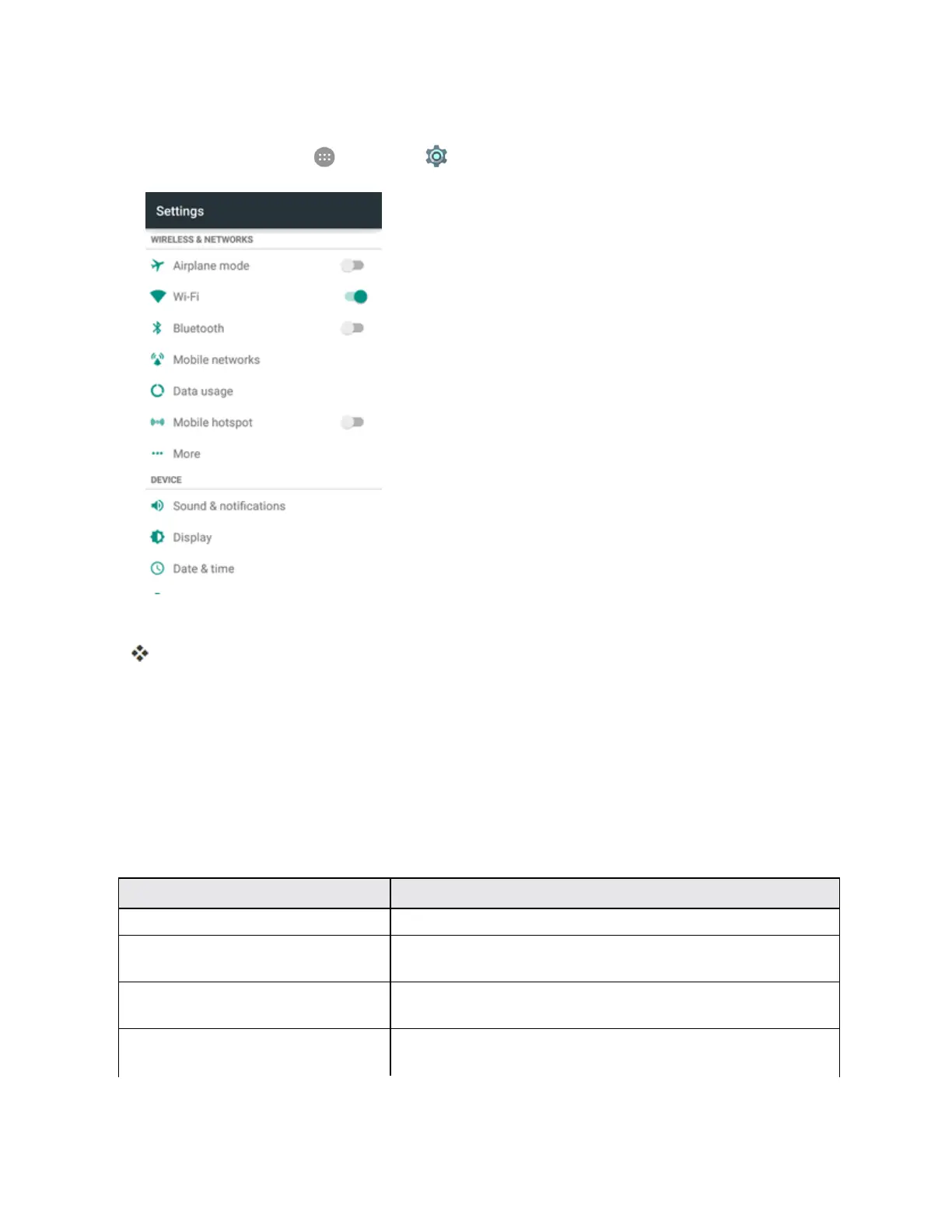
Settings 284
Access Date and Time Options
1.
Fromhome,tapApps >Settings > Date & time.
2. Setavailabledateandtimeoptions.
Yourdateandtimesettingsareappliedandsaved.
Language & Input Settings
Yourphone’slanguage&inputsettingsletyouselectalanguageforthephone’smenusand
keyboards,selectandconfigurekeyboardsettings,configurespeechinputsettings,andsetyour
phone’smouse/trackpadoptions.
Language and Input Settings Overview
Youcansetthefollowingoptionsinthelanguageandinputsettingsmenu:
Language and Input Setting Description
Language Setthelanguageforyourdisplayandmenus.
Spell checker TurnonoroffthefeatureandconfigureGoogleSpellChecker
optionstocheckforspellingerrorswhenenteringtext.
Personal dictionary Addwordstoapersonalphonedictionarytoimproveword
suggestionandspellcheckwhenenteringtext.
Currentkeyboard Setthedefaultmethodforenteringtextandenable/disable
installedinputmethods.



 To Next Page