Connectivity 259
2. TapFORGET.
Thedeviceisunpairedfromyourphone.Tomakeanotherconnectionwiththedevice,youwill
needtopairagain.
Connect to a Paired Bluetooth Device
YoucanlistentomusicoveraBluetoothstereoheadset,orhavehands-freeconversationsusinga
compatibleBluetoothheadsetorcarkit.It’sthesameproceduretosetupstereoaudioandhands-
freedevices.
1.
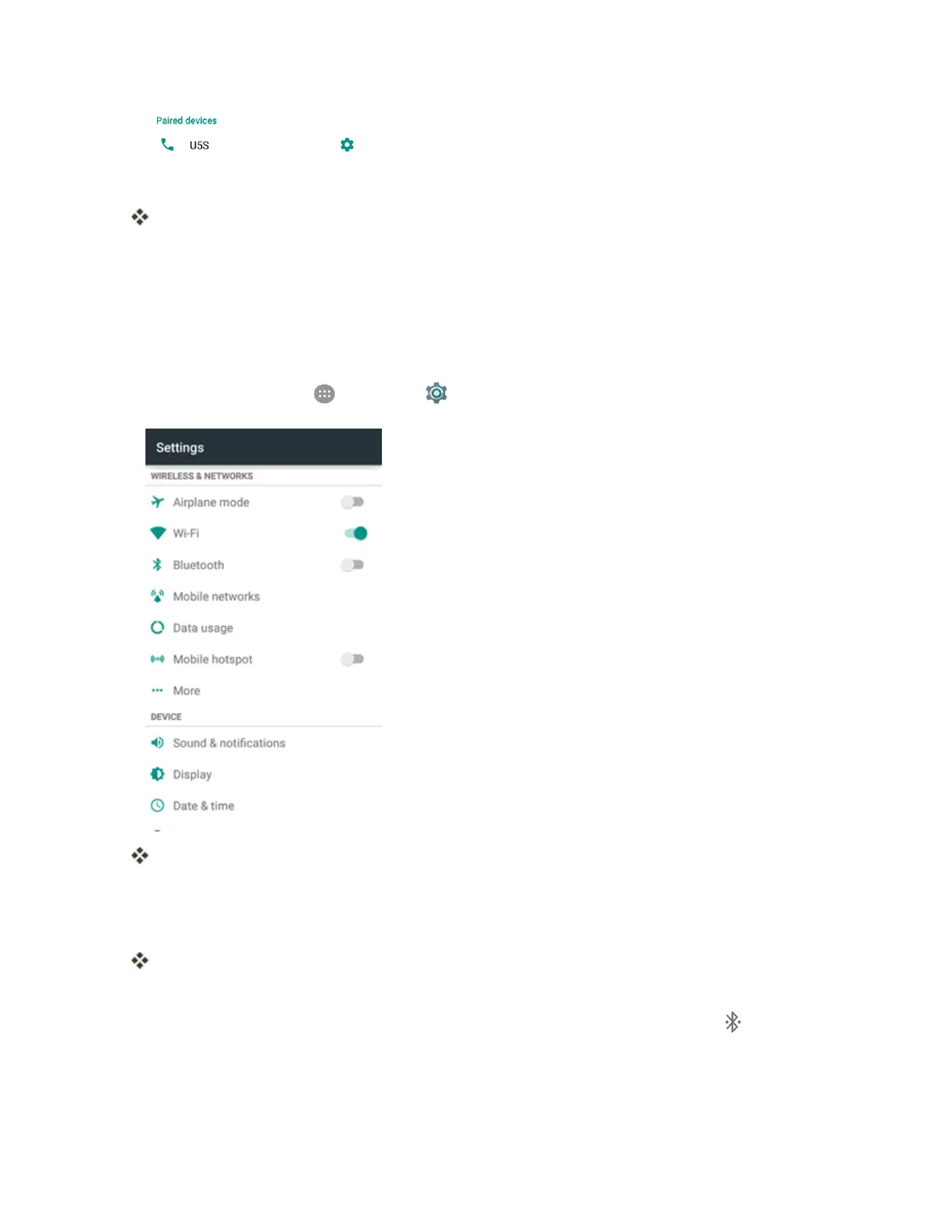
Fromhome,tapApps >Settings >Bluetooth.
TheBluetoothsettingsopen.
l PairedBluetoothdevicesappearinthe“Paireddevices”list.
2. Tapadevicefromthe“Paireddevices”list.
Yourphoneconnectstothepaireddevice.
Thepairingandconnectionstatusisdisplayedbelowthedevice’snameinthe"Paireddevices"
section.Whenthedeviceisconnectedtoyourphone,theBluetoothconnectedicon isdisplayed
inthestatusbar.Dependingonthetypeofdeviceyouhaveconnected,youcanthenstartusingthe
headsetorcarkittolistentomusicormakeandreceivephonecalls.



 To Next Page