Useful Apps and Features 223
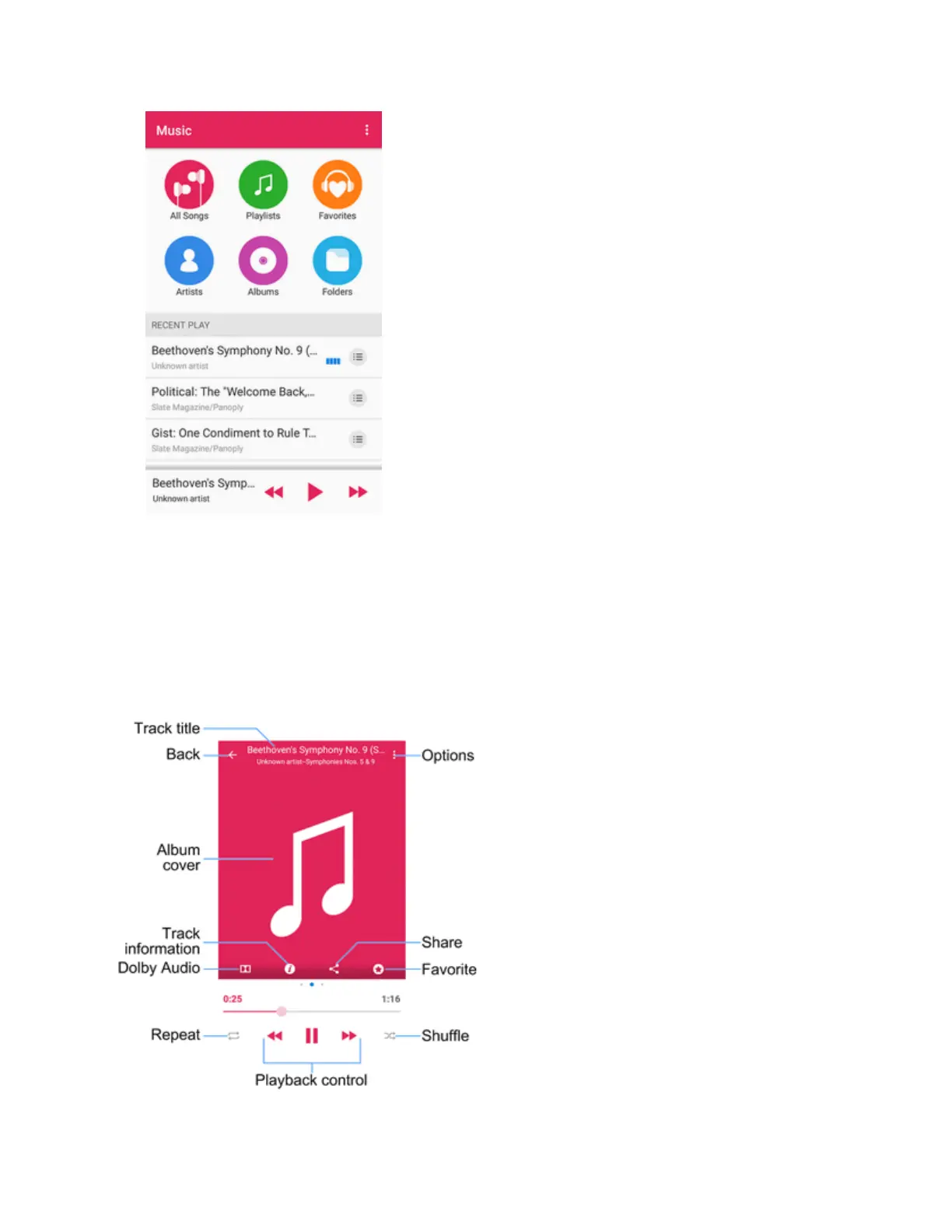
3. Tapasongtostartplayinginthemusicplayer.
Note:AdjustthevolumewiththeVolumeButton.
The Playback Screen
Whenyoutapasonginthemusiclibrary,themusicplayerimmediatelystartstoplayitanditsname
andtheplayercontrolsaredisplayedatthebottomofthescreen.Taptheareatoopentheplayback
screen,whereyoucanhavemorecontrolovertheplayer.



 To Next Page