Basic Operations 30
n
Tap toenterminiatureicons,suchasexpressions,horoscopes,andanimals.
n
Tap touseGooglevoicetyping.
n
Touchandhold tochangetheinputlanguagesorsetuptheGooglekeyboard.
Using Gesture Typing
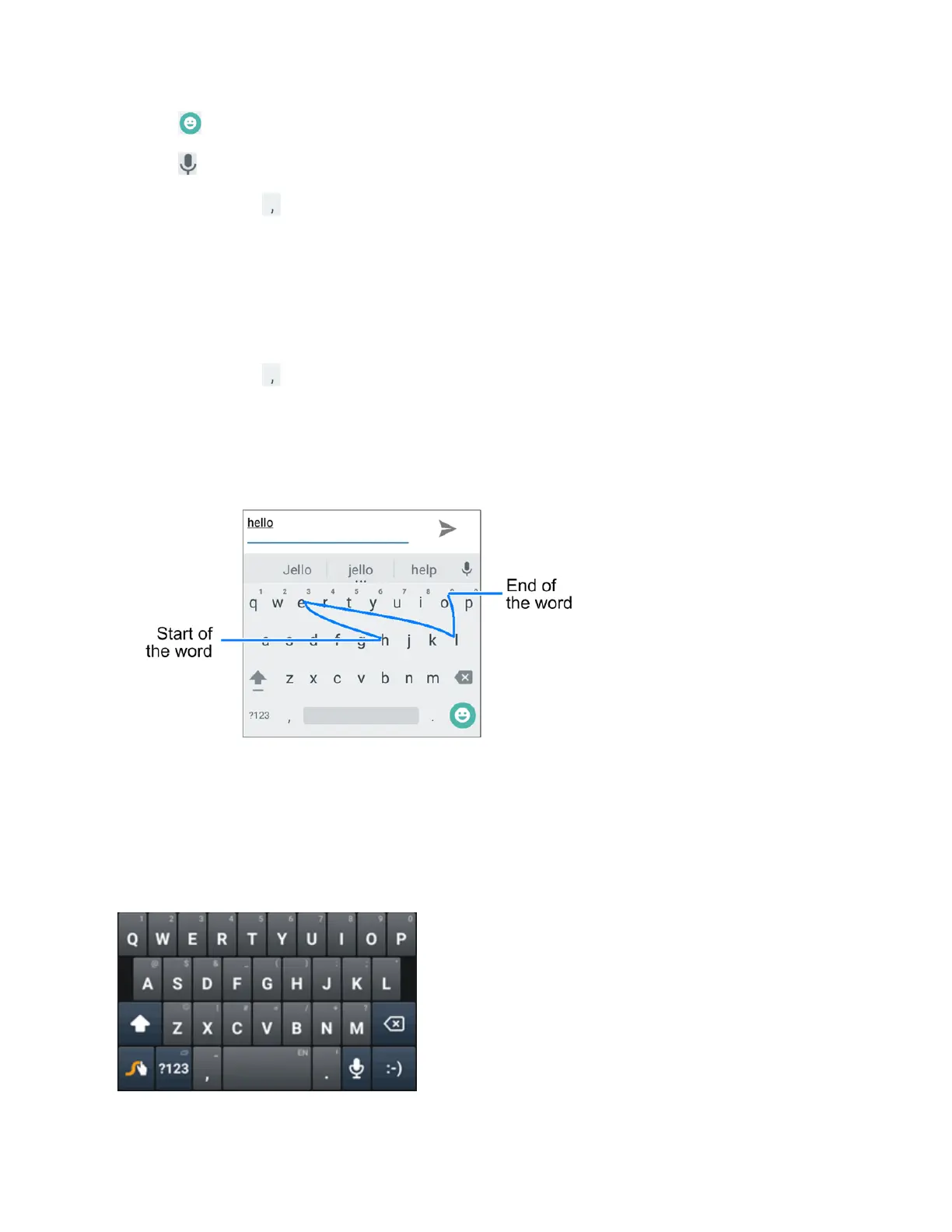
TheGooglekeyboardsupportsthegesturetypingfeature.Youusethisfeaturetoinputawordby
slidingthroughtheletters.
Toenableandusegesturetyping:
1.
Touchandhold ontheGooglekeyboardandthentapGoogle Keyboard Settings.
2. TapGesture TypingandthentapEnable gesture typingifthisfeatureisturnedoff.
3. Moveyourfingerfromlettertoletteronthekeyboardtotraceawordwithoutliftingthefinger
untilyoureachtheendoftheword.
Swype
TheSwype™keyboardletsyouenterwordsbydrawingapathfromlettertoletterinone
continuousmotion.Whenyouliftyourfingerafterthelastletterofaword,aspaceisautomatically
added.
Using Swype



 To Next Page