Camera and Video 165
Record Videos
Recordhigh-qualityvideos(resolutionupto1080p)usingyourphone’scamcorder.
Note:IfyouhaveanSDcardinstalled,picturesandvideosarestoredtotheSDcardbydefault.If
nocardisinstalled,picturesandvideosaresavedtoyourphone’smemory.Tochangethissetting,
youcantap >Apps >Settings >Storage>Savelocation.
1.
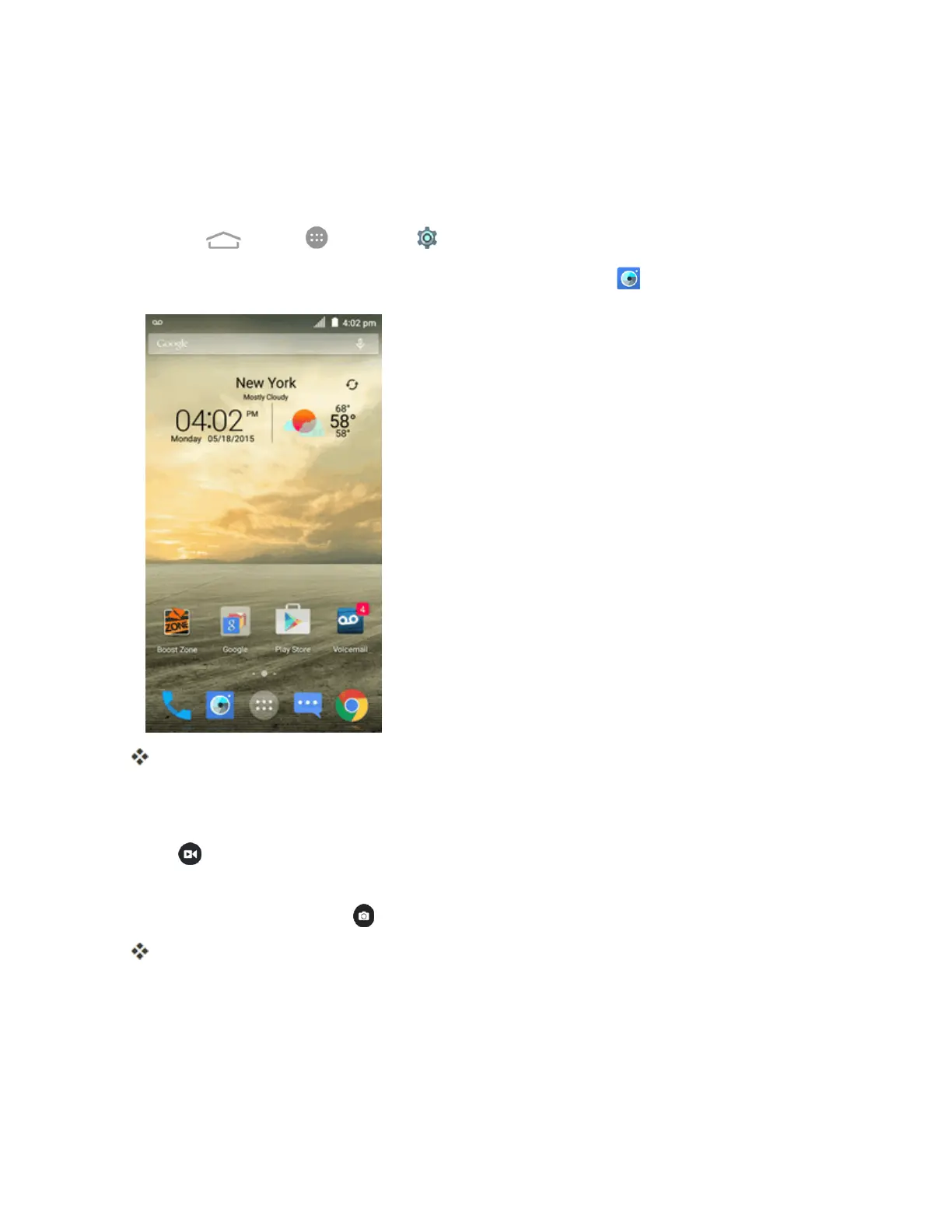
PressandholdtheCamera Button,orfromhome,tapCamera .
Thecameraviewfinderappears.
2. Frameyoursubjectonthescreen.YoucantapanyareaoftheViewfinderscreenthatyouwant
thecameratofocusonbeforeandduringrecording.
3.
Tap tostartrecordingvideo.Therecordingdurationappears.
Tip:Duringrecording,youcanpinchorspreadonthescreenorpresstheVolumeButtonsto
zoominorout.Youcanalsotap totakeapicture.
Videorecordingbegins.



 To Next Page