Camera and Video 166
4.
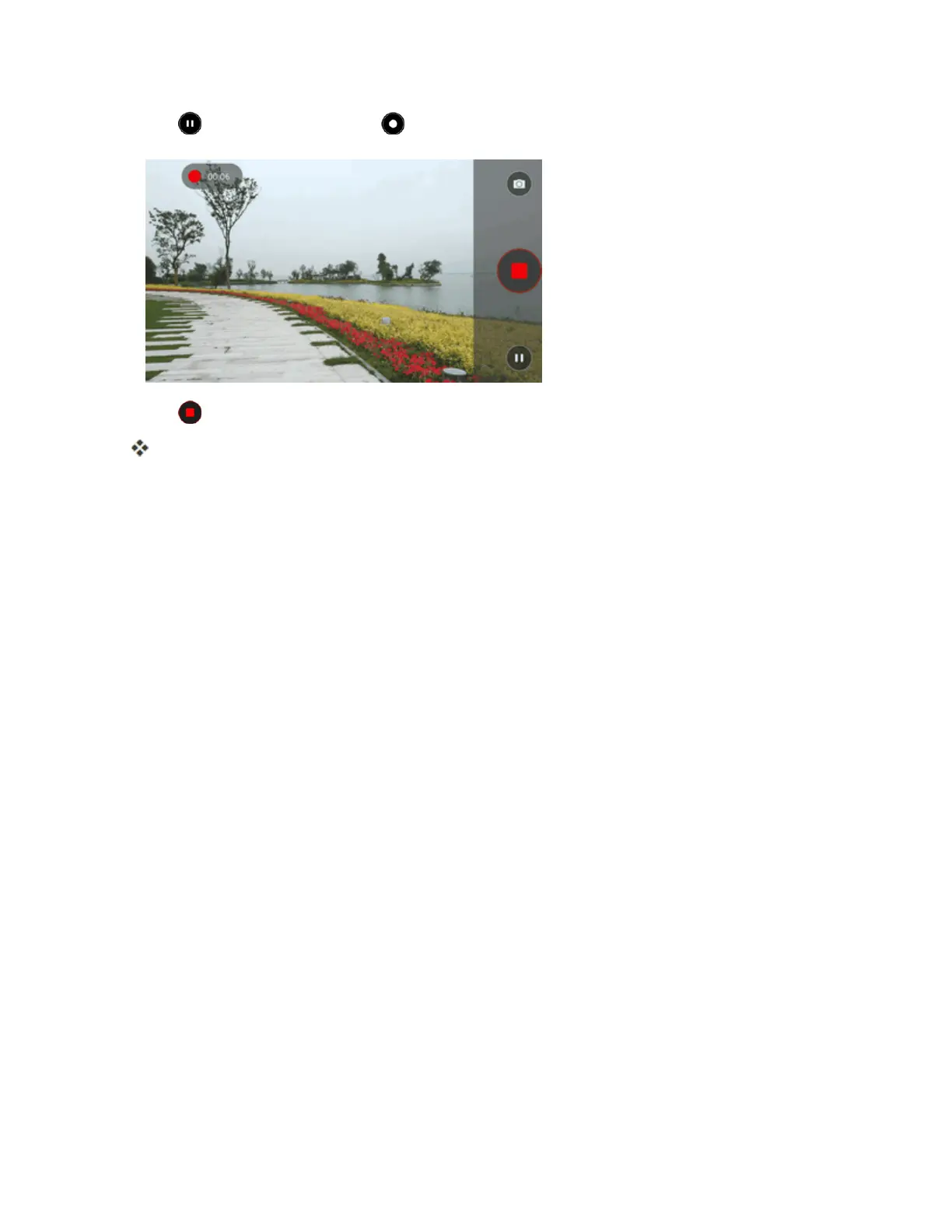
Tap topauserecording.Tap tocontinuerecording.
5.
Tap tostoprecording.
ThecamerastopsrecordingandthevideoiscapturedandsavedtoyourphoneorSDcard.
View Pictures and Videos Using Gallery
UsingtheGalleryapplication,youcanviewpicturesandwatchvideosthatyou’vetakenwithyour
phone’scamera,downloaded,orcopiedontoyourstoragecardorphonememory.
Forpicturesthatareonyourstoragecardorphonememory,youcandobasiceditingsuchas
rotating,croppingandmore.Youcanalsoeasilyassignapictureasyourcontactpictureor
wallpaperandsharepictureswithyourfriends.
View Pictures and Videos
Youcanaccessandviewallyourstoredpicturesandvideosfromyourphone’sGallery.



 To Next Page