Settings 270
n
Enable Service from Paired Device:FromBluetoothsettings,tapSettings nexttoa
paireddevicename,andthentapthelistingunderUse for.
l Ifaconfirmationpromptappears,followtheonscreeninstructions.
l ThissettingisavailablewhenBluetoothisenabled.
l Thissettingisavailablewhenthepaireddeviceisprovidingaservice.
n
Search for Other Devices:FromBluetoothsettings,tapMenu >Refresh.
l ThissettingisavailablewhenBluetoothisenabled.
n
Check Files Received via Bluetooth Transfer:FromBluetoothsettings,tapMenu >
Show received files,andfollowtheonscreeninstructions.
Mobile Networks Settings
TheMobilenetworksoptionsletyouenableyourphone'smobiledataaccessandsetyourpreferred
networkmode.
Enable Data Services
1.
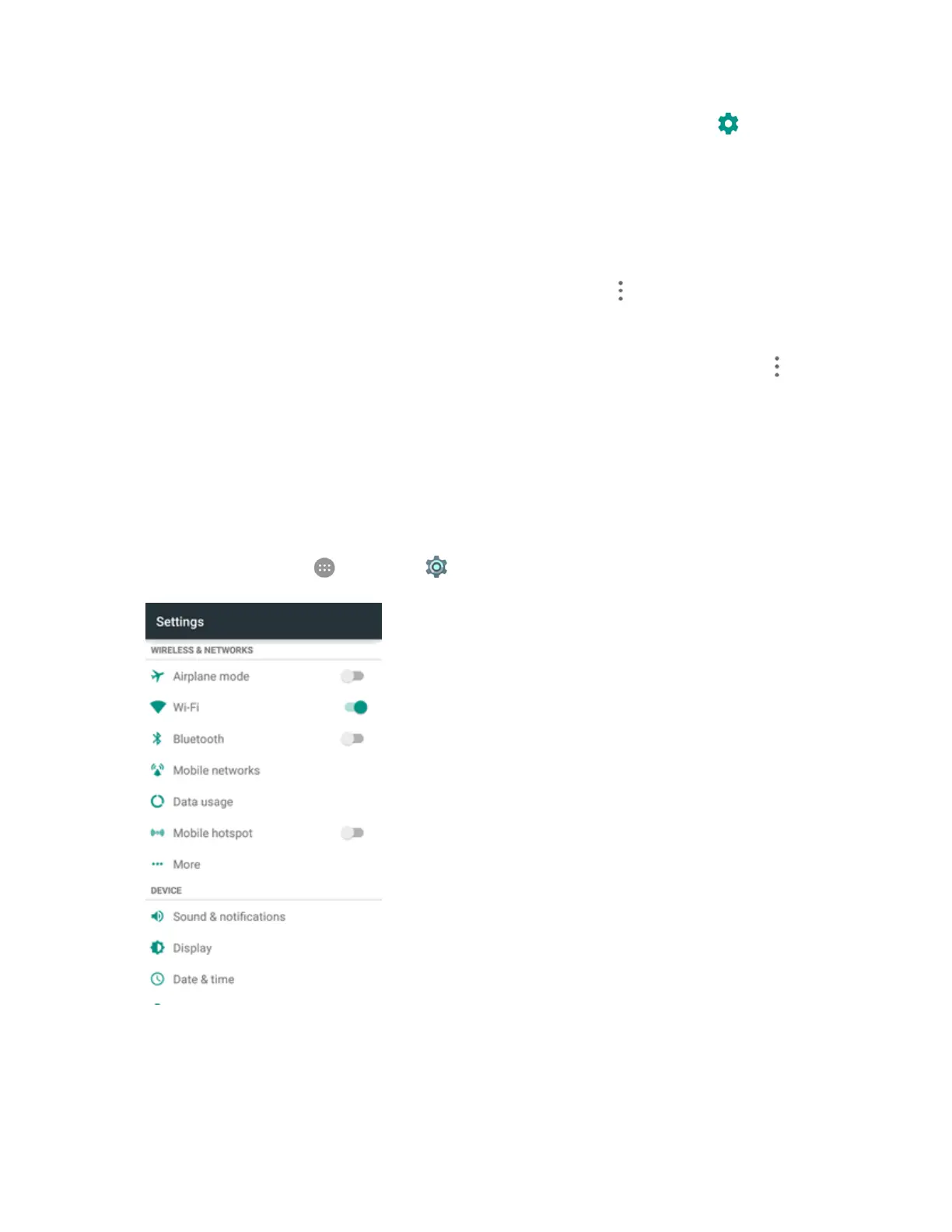
Fromhome,tapApps >Settings >Mobile networks.
2. TapData Enabledtoenableordisabledataservicesoverthemobilenetwork.



 To Next Page