Messaging and Internet 140
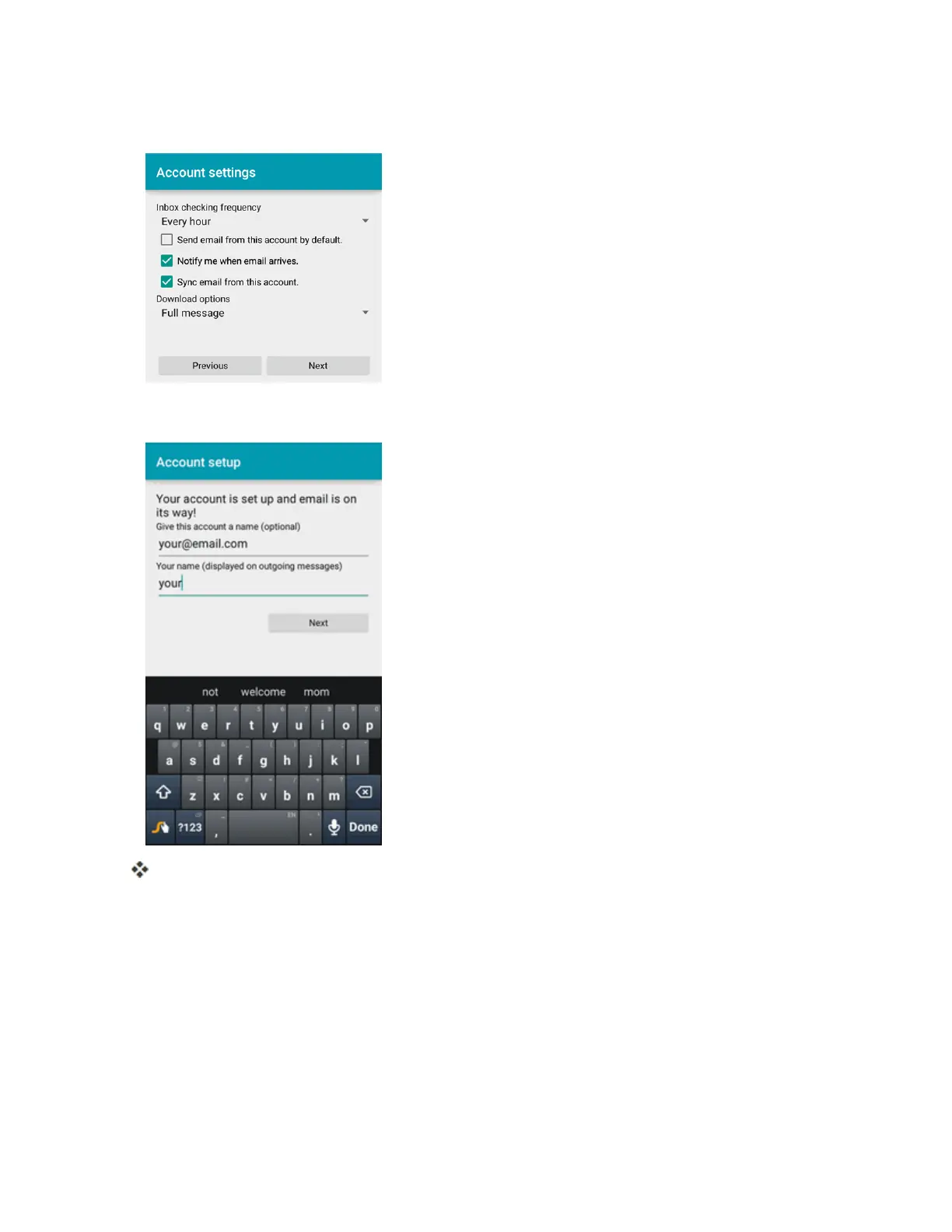
4. SelectyoursyncsettingsandthentapNext.
5. EnteranaccountnameandadisplaynameandtapNexttocompletesetup.
Theemailaccountissetupandyouwillbeginreceivingemailfortheaccount.
Important:Iftheaccounttypeyouwanttosetupisnotinthephonedatabase,youwillbeaskedto
entermoredetails.Youshouldgetallpertinentinformationfortheemailaccount,suchasincoming
andoutgoingserversettings,beforeyouproceed.
Add an Exchange ActiveSync Account
IfyousynchronizeyourphonewithyourExchangeActiveSyncaccount,youcanread,manage,and
sendemailinthesameeasywayaswithaPOP3/IMAPaccount.However,youcanalsoaccess
somepowerfulExchangefeatures.



 To Next Page