Settings 276
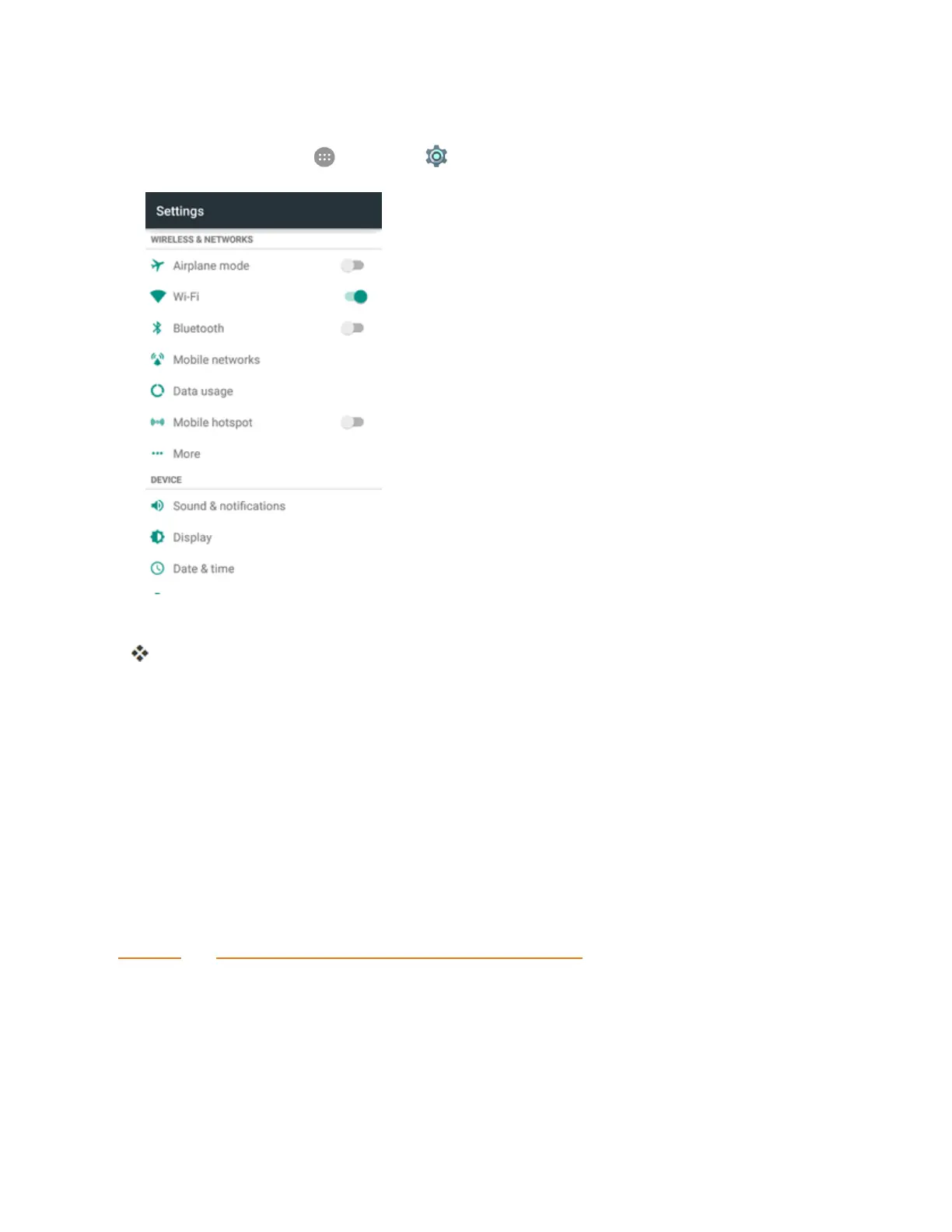
Access More Settings Options
1.
Fromhome,tapApps >Settings > More.
2. Setitems.
Yoursettingsaresavedandimplemented.
Virtual Private Networks (VPN)
Fromyourphone,youcanadd,setup,andmanagevirtualprivatenetworks(VPNs)thatallowyou
toconnectandaccessresourcesinsideasecuredlocalnetwork,suchasyourcorporatenetwork.
Prepare Your Phone for VPN Connection
DependingonthetypeofVPNyouareusingatwork,youmayberequiredtoenteryourlogin
credentialsorinstallsecuritycertificatesbeforeyoucanconnecttoyourcompany’slocalnetwork.
Youcangetthisinformationfromyournetworkadministrator.
BeforeyoucaninitiateaVPNconnection,yourphonemustfirstestablishaWi-Fiordata
connection.Forinformationaboutsettingupandusingtheseconnectionsonyourphone,see
BrowserandTurnWi-FiOnandConnecttoaWirelessNetwork.
Set Up Secure Credential Storage
Ifyournetworkadministratorinstructsyoutodownloadandinstallsecuritycertificates,youmust
firstsetupthephone’ssecurecredentialstorage.



 To Next Page