Get Started 3
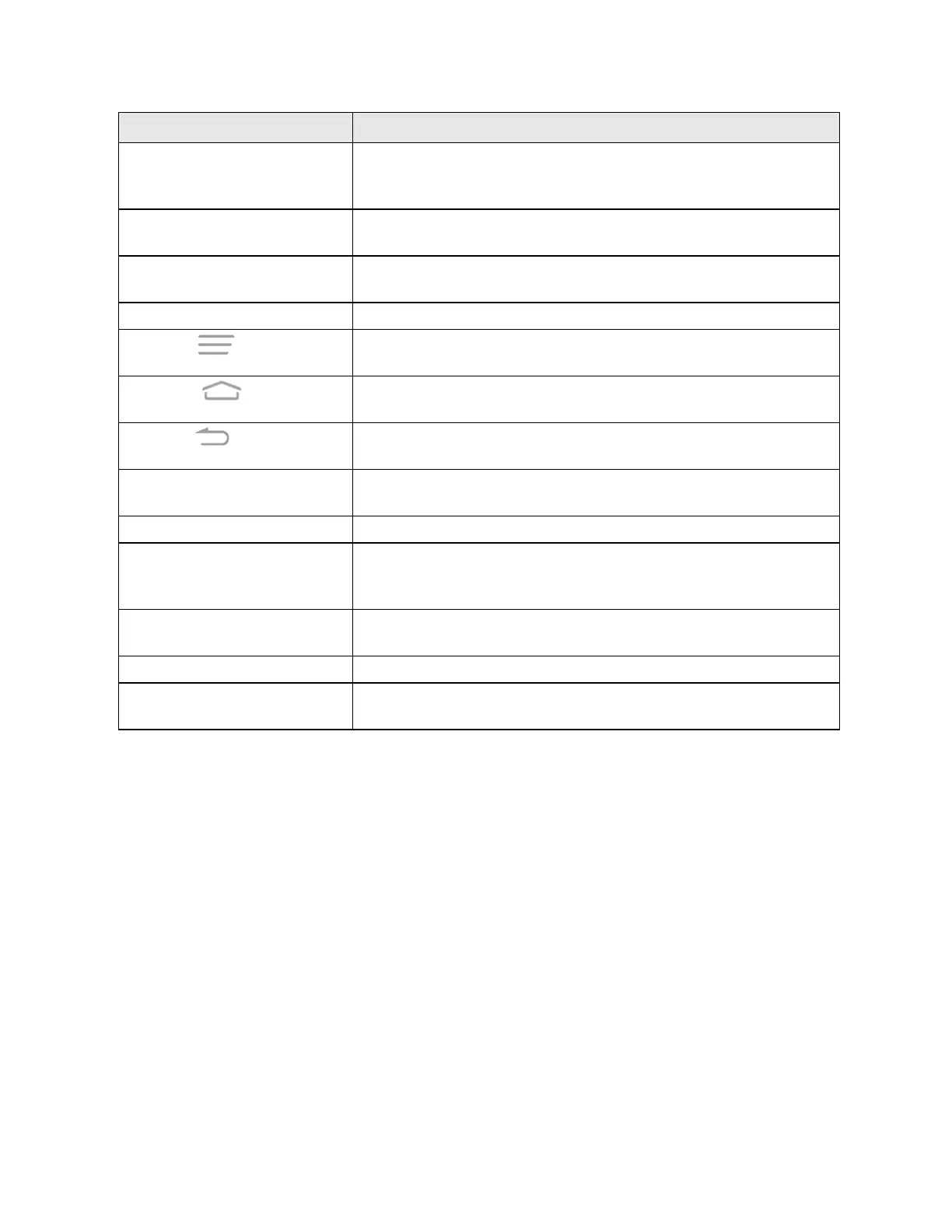
Part Description
Touchscreen Displaysalltheinformationneededtooperateyourphone,suchasthe
callstatus,theContactslist,andthedateandtime.Alsoprovidesone-
tapaccesstoallofyourfeaturesandapplications.
Volume Button Allowsyoutoadjusttheringtoneormediavolumeoradjustthevoice
volumeduringacall.
Power/LockButton Letsyouturnthephoneonoroff,turnairplanemodeonoroff,turnthe
screenonoroff,orrestartthephone.
CameraButton Letsyouactivatethecameraandtakepicturesorvideos.
MenuKey
Allowsyoutoaccessoptionsavailablefromthecurrentscreenwithone
tap.Touchandholdtoopentherecently-usedapplicationsscreen.
Home Key
Returnsyoutothehomescreen.TouchandholdtoopentheGoogle
application.
Back Key
Letsyoureturntothepreviousscreen,orcloseadialogbox,options
menu,theNotificationspanel,oronscreenkeyboard.
Speaker Letsyouhearthedifferentringtonesandsounds.Thespeakeralsolets
youhearthecaller’svoiceinspeakerphonemode.
Charger/micro-USB Jack AllowsyoutoconnectthephonechargerortheUSBcable(included).
Microphone Transmitsyourvoiceforphonecallsorrecordsyourvoiceorambient
soundsforvoicerecordingsandvideos.Themicrophoneonthebackof
thephoneisusefulforcapturingsoundwhenrecordingvideos.
Flash Helpsilluminatesubjectsinlow-lightenvironmentswhenthecamerais
focusingandcapturingapictureorvideo.
Back Camera Lens Letsyoutakepicturesandvideos.
3.5 mm Headset Jack Allowsyoutoplugineitherastereoheadsetoranoptionalheadsetfor
convenient,hands-freeconversations.
CAUTION!Insertinganaccessoryintotheincorrectjackmaydamagethephone.
UICC Card
TheUICCcardisanICcardcontainingphonenumberandothercustomerinformation.
Handling a UICC Card
KeepthefollowinginmindwhenhandlingaUICCcard.
n CustomerisresponsibleforanydamagecausedbyinsertingUICCcardinanother-brandIC
cardreader,etc.Thecompanyisnotresponsibleinsuchcase.
n AlwayskeeptheICchipclean.
n Wipecleanwithadry,softcloth.
n Avoidapplyinglabels.MaydamageUICCcard.
n SeeinstructionsincludedwithUICCcardforhandling.



 To Next Page