Connectivity 254
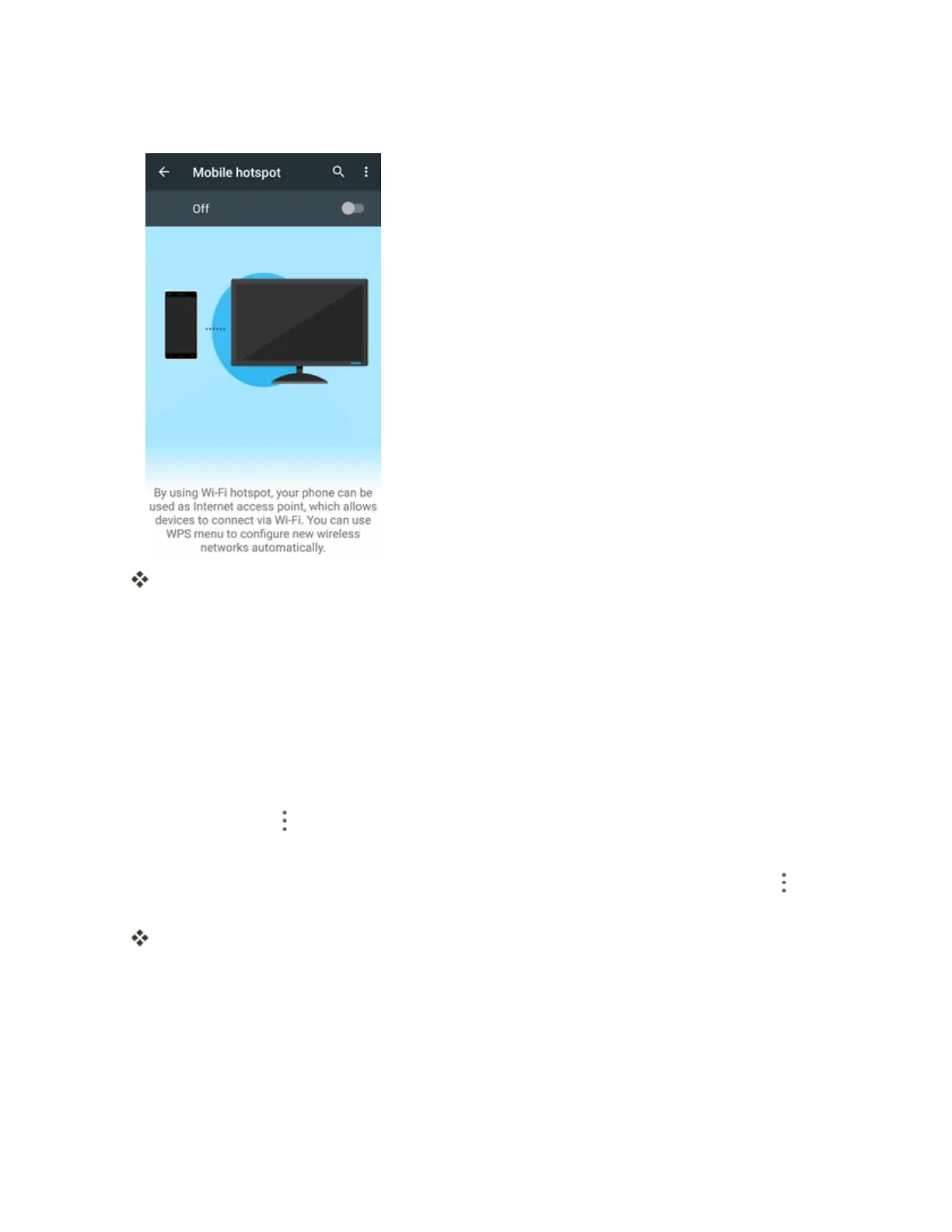
2. TaptheslidertoturnMobileHotspoton.
MobileHotspotisenabled.
l TodisableMobileHotspot,taptheslideragain.
Note:Thebestwaytokeepusingthephoneasahotspotistohaveitconnectedtoapowersupply.
Connect to Mobile Hotspot
1. EnableWi-Fi(wireless)functionalityonyourtargetdevice(laptop,mediadevice,etc.).
2. ScanforWi-Finetworksfromthedeviceandselectyourphonehotspotfromthenetworklist.
l ThedefaultnameforyourphonehotspotisN9521_XXXXXX.Youcanchangethenameby
tappingMenu >Configuration>Network namefromtheMobilehotspotscreen.
3. Selectthisphoneandfollowyouronscreeninstructionstoenterthepassword(providedinthe
Mobilehotspotconfigurationwindow).YoucanchangethepasswordbytappingMenu >
Configuration>PasswordfromtheMobilehotspotscreen.
Thedeviceisconnectedviayourphone’sMobileHotspot.
4. LaunchyourWebbrowsertoconfirmyouhaveanInternetconnection.
Bluetooth Tethering
UseBluetoothtetheringtoshareyourdevice’sInternetconnectionwithacomputerorphonethat
connectstoyourdevicebyBluetooth.



 To Next Page