Settings 300
Note:Insteadofselectingaprinter,youcanalsochoosetosavethefiletoGoogleDriveorasa
PDFfile.
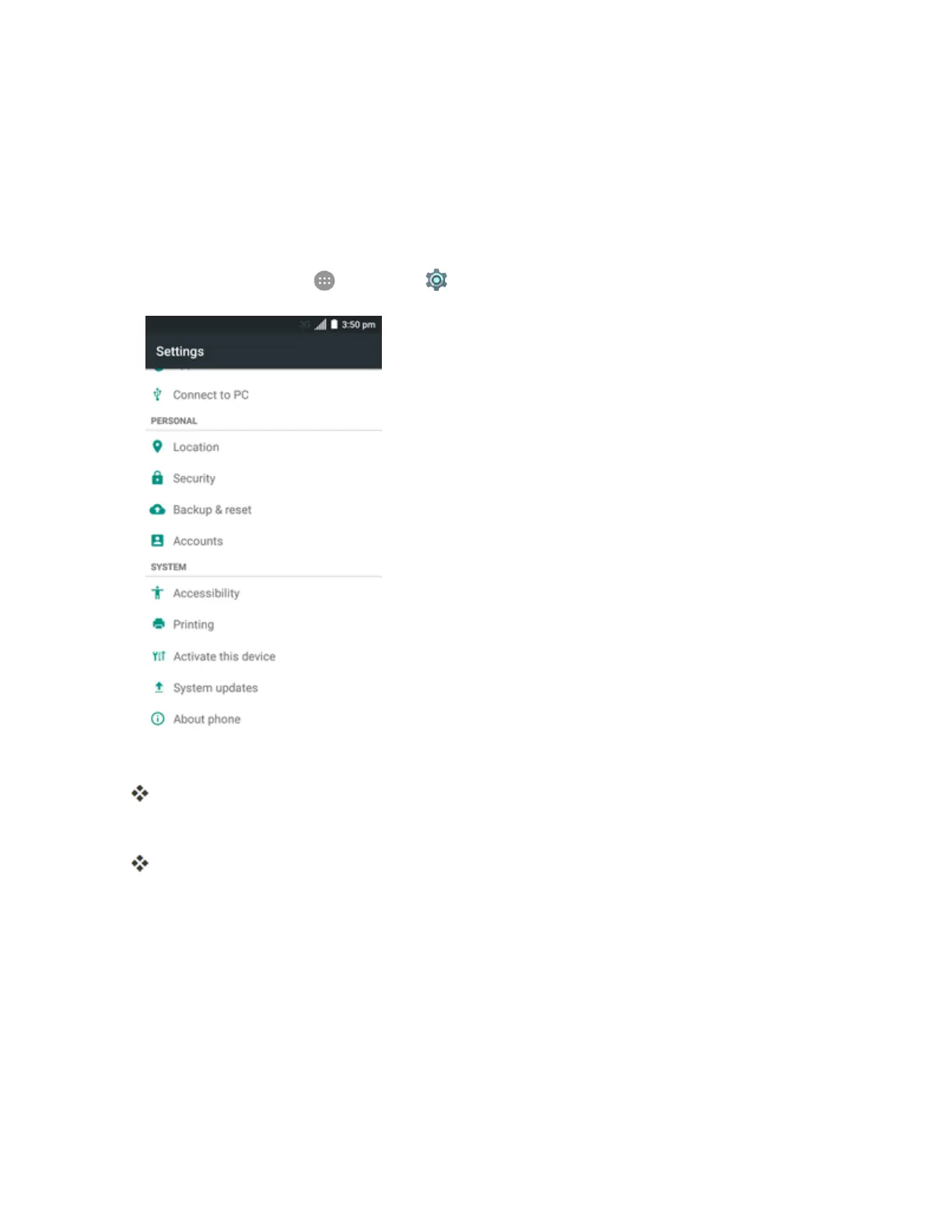
Activate This Device
TheActivatethisdevicemenuletsyouactivateanewphoneoruseadditionalself-serviceoptions
suchascheckingthestatusofanin-servicephone.
1.
Fromhome,tapApps >Settings .
2. TapActivate this device.
TheSelfServicemenuappears.
3. Followtheonscreenpromptstoactivateyourphoneorreviewyoursummary.
Yourphoneactivates.Ifalreadyactivatedonanaccount,youwillseeausageandplan
summary.
System Updates
TheSystemupdatesmenuletsyouupdateyourPRL(preferredroaminglist),youruserprofile,
yourAndroidsoftware,andyourphonefirmware.



 To Next Page