Settings 291
1.
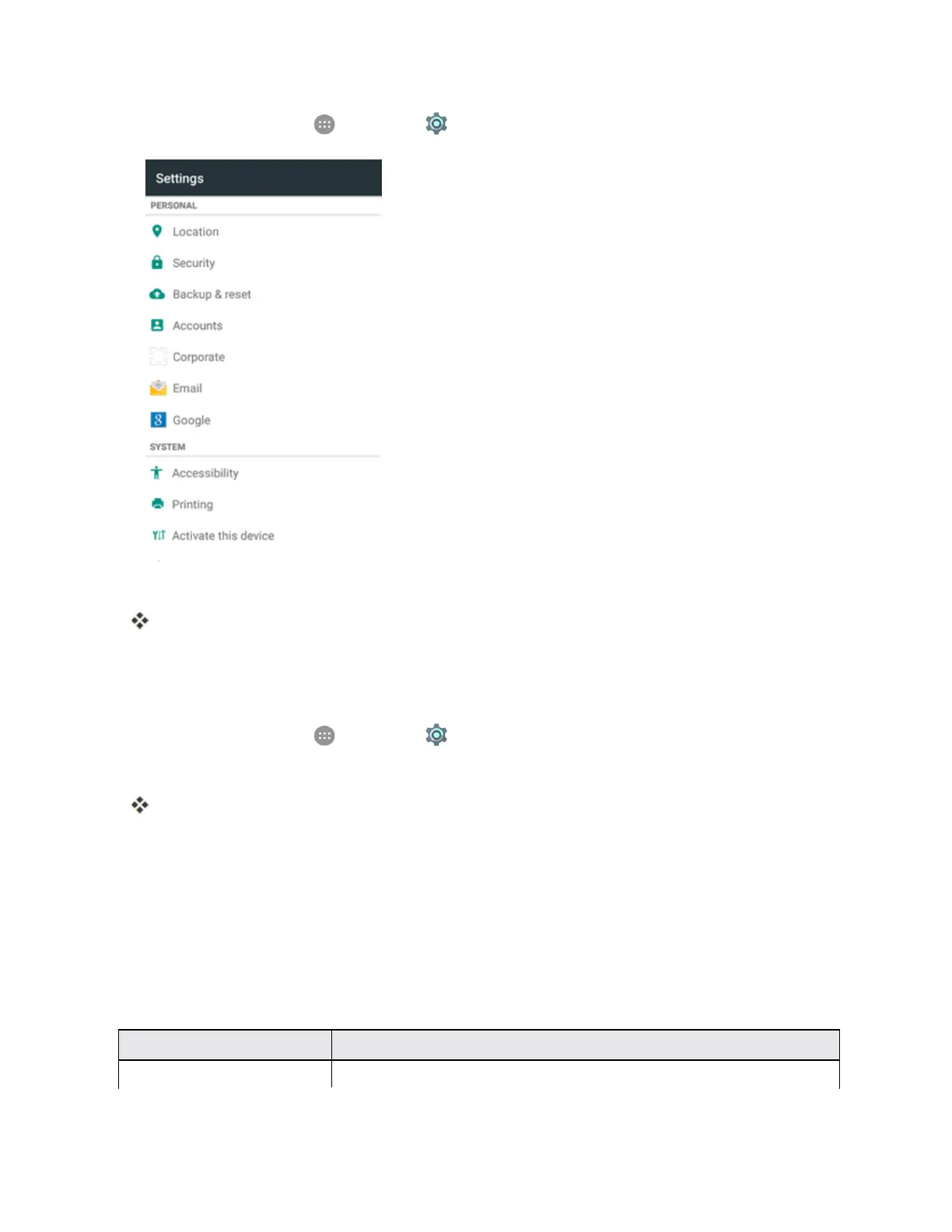
Fromhome,tapApps >Settings >Location.
2. TaptheswitchtotoggleLocationonoroff.
Yourphone’slocationservicesareenabled.
l Ifyouseeaconfirmation,followtheonscreeninstructionstoconnect.
Access Location Settings
1.
Fromhome,tapApps >Settings >Location.
2. Configurethedesiredsettings.
Yourlocationsettingsareappliedandsaved.
Security Settings
TheSecuritysettingsmenusletyouincreasethesecurityofyourphonewithscreenlock,
encryption,deviceadministration,andmore.
Security Settings Overview
ManysecuritysettingsaredependentonScreenlocksettings,SIMlocksettings,etc.Thefollowing
tableoutlinesthesettingsavailablethroughtheSecuritysettingsmenu:
Security Setting Description
Screen lock Protectyourphonewithascreenlockthatyoumustentertousethephone.



 To Next Page