Messaging and Internet 121
2.
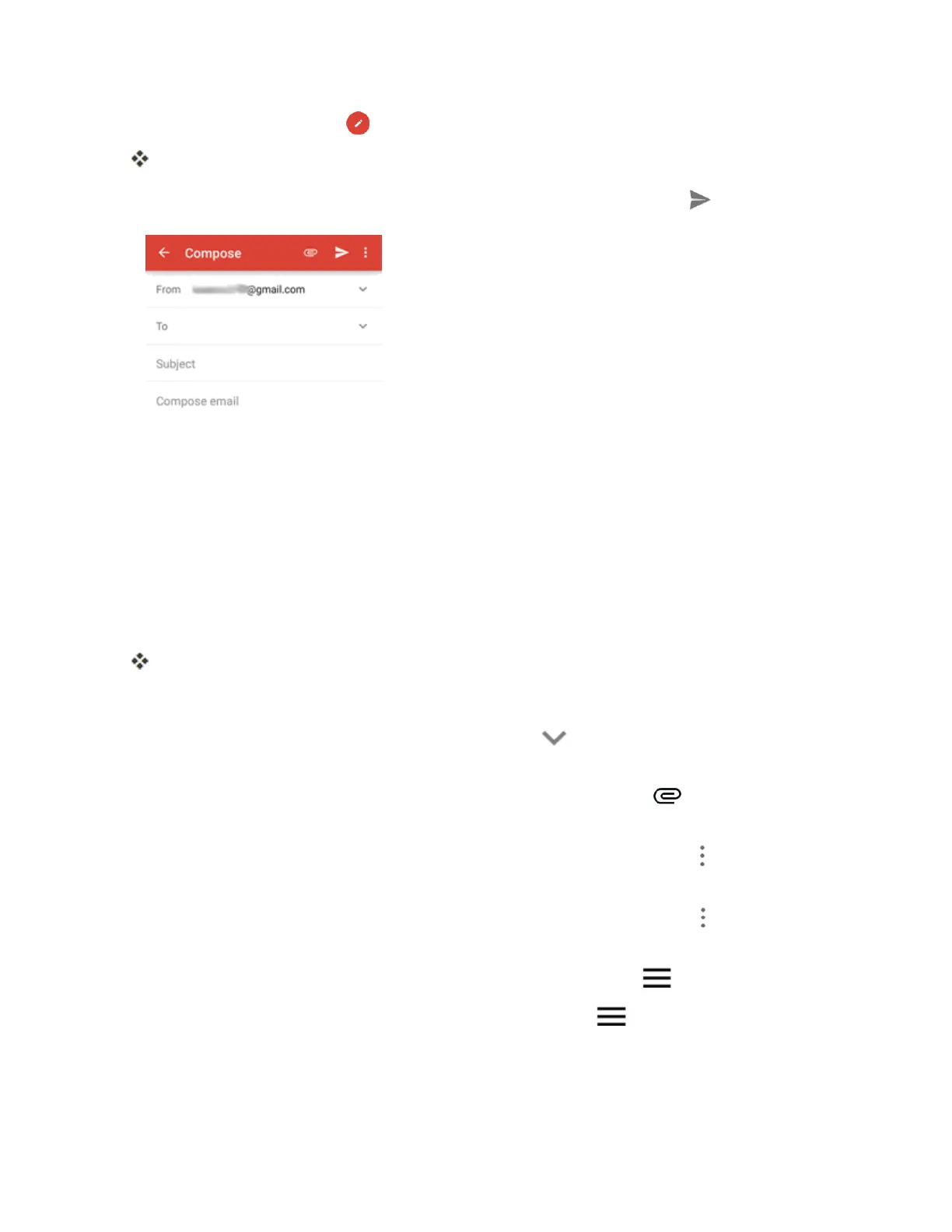
Intheinbox,tapCompose .
TheGmailcompositionwindowopens.
3.
Enterthemessagerecipient(s),subject,andmessage,andthentapSend .
TheGmailmessageissent.
Gmail Composition Options
n
Adding Cc/Bcc:Inthemailcompositionwindow,tap onthe"To"line,andthenadd
recipients.
n
Attaching Pictures or Videos:Inthemailcompositionwindow,tap >Attachfileor
InsertfromDrive.Locateandthentapthepictureorvideoyouwanttoattach.
n
Save as a Draft (Send Later):Whilecomposingyourmessage,tapMenu >Save draft.
Themessageissavedasadraftforlater.
n
Delete Mail Being Composed:Inthemailcompositionwindow,tapMenu >Discard>
DISCARD.
Note:Toviewyourdraftemailmessages,atthetopleftoftheinbox,tap >Drafts.
Note:Toviewyoursentmessages,atthetopleftoftheinbox,tap >Sent.
Check Received Gmail Messages
Yourphoneallowsyoutoaccess,read,andreplytoallyourGmailmessages.



 To Next Page