Your Phone Interface 65
1.
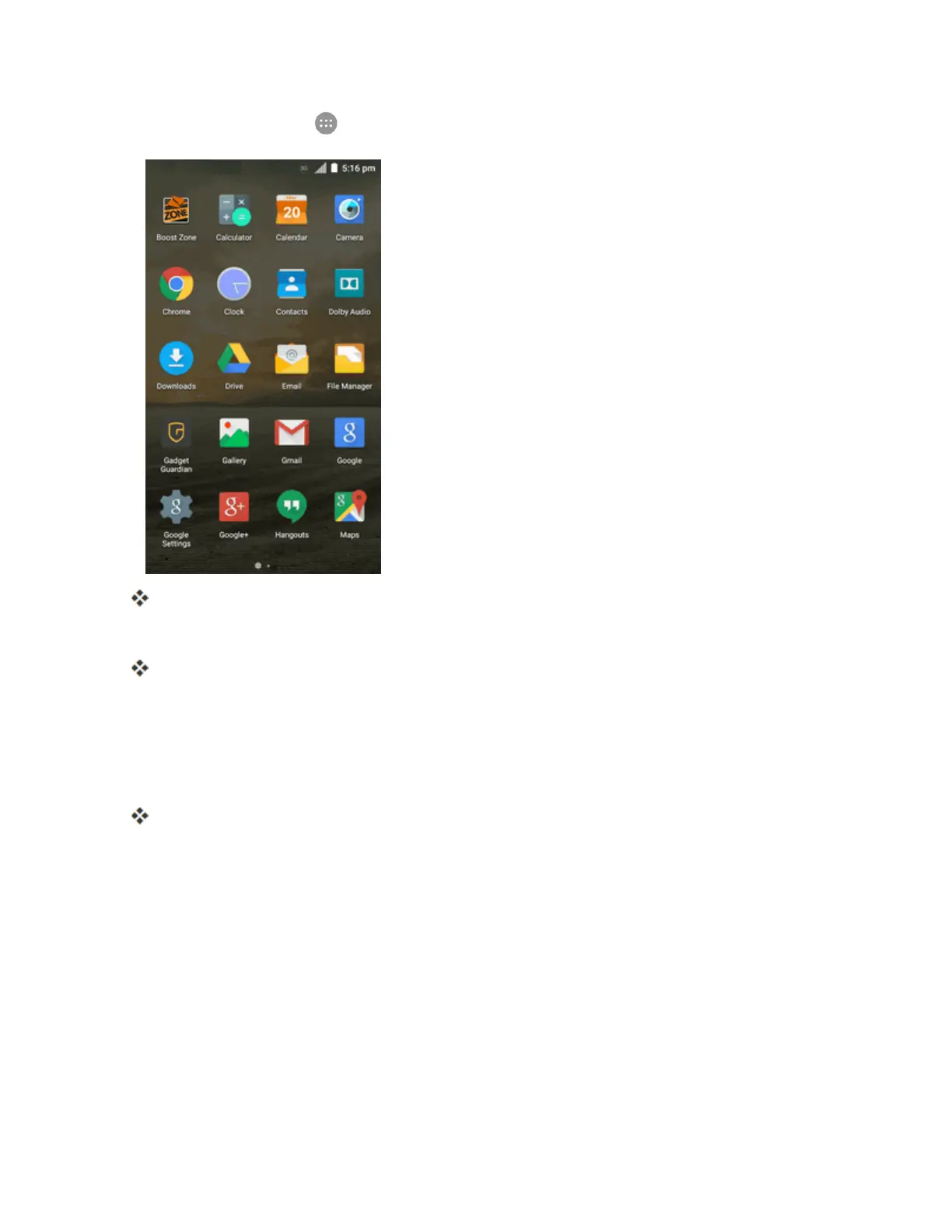
Fromhome,tap Apps .
TheAppslistopens.
2. Touchandholdanappicon.
Theiconwilldisengageandyouwillseethumbnailsofyourhomescreens.
3. Dragtheicontoanemptylocationononeofthehomescreens.
Note:Iftherearelessthaneightextendedhomescreens,youcanaddanewextendedhome
screenwhileyouaddashortcut.Justdragtheappicontotherightedgeofthescreenanddropit
afteryoureachtheright-mostscreen.
Theshortcutisaddedtothehomescreen.
Add Widgets to the Home Screen
Youcanaddwidgetstoyourphone’shomescreen.Widgetsareself-containedappsthatdisplayon
ahomescreen.Unlikeashortcut,awidgetworkslikeasanonscreenapplication.Thereareall
kindsofwidgets,includinglinkstoaspecificcontact,Internetbookmarks,Gmailandemail
accounts,andmanyothers.



 To Next Page