Your Phone Interface 61
Open the Notifications Panel
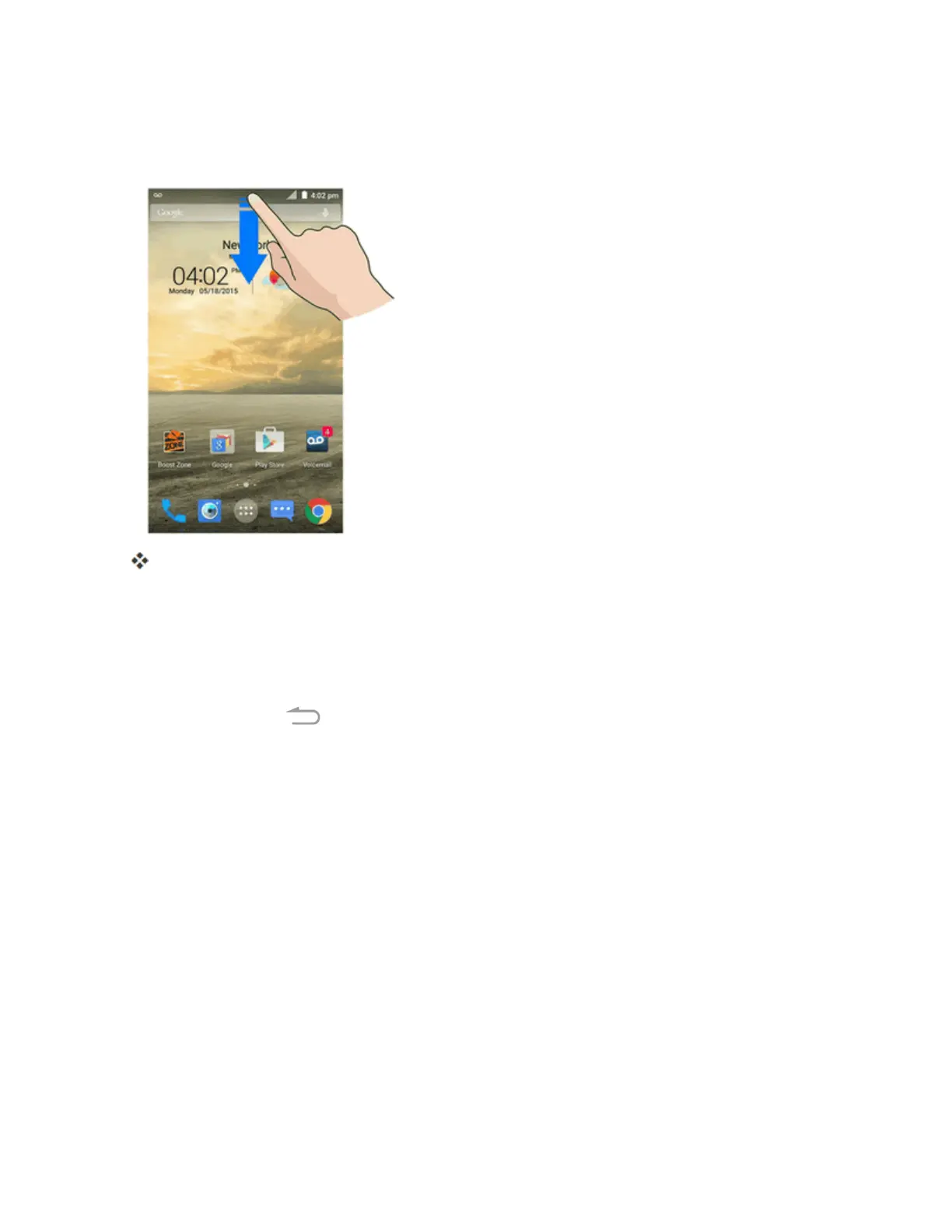
n Dragthestatusbardown.(Slideyourfingerdownfromthetopofthescreen.)
Thenotificationspanelopens.Tochecknotifications,tapaniteminthelist.
Close the Notifications Panel
n Dragthenotificationspanelup.(Slideyourfingerupfromthebottomofthescreen.)
–or–
n
TaptheBack Key toclosethenotificationspanel.



 To Next Page