Camera and Video 184
l Toselectmultipleitems,tapalltheitemsyouwanttoinclude.
4.
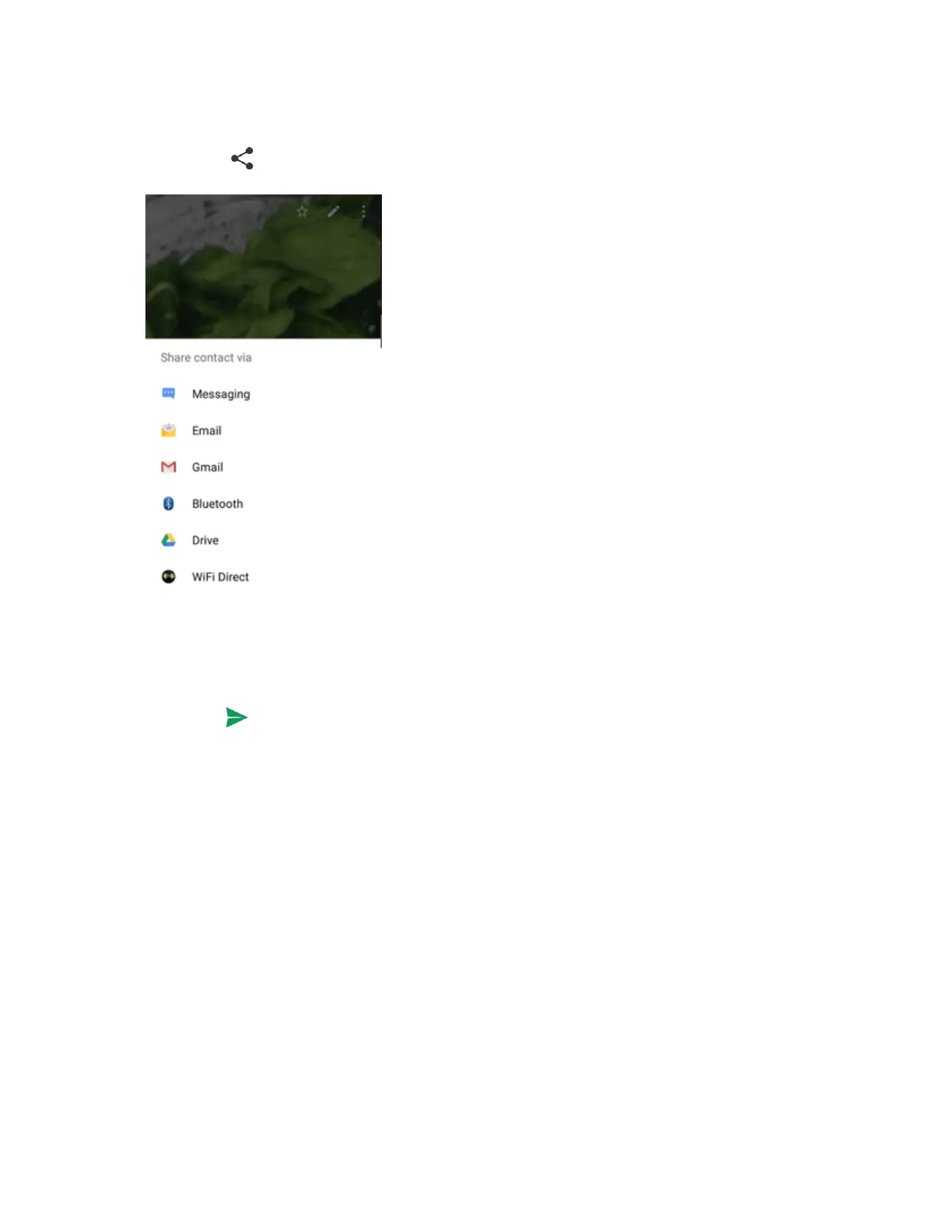
TapShare andthenontheSharemenu,tapGoogle+.
5. Selecttheaccountthatyouwanttosigninwithifprompted.
6. TapChoose people to share withtoaddthecirclesorcontactsyouwanttosharethecontent
with.Addsomecommentinthetextfield.
7.
TapSend .
Send a Picture on Hangouts
YoucansendapicturetoyourHangoutscontacts.YouneedtobesignedintoaGoogleAccountto
useHangouts.



 To Next Page