Camera and Video 174
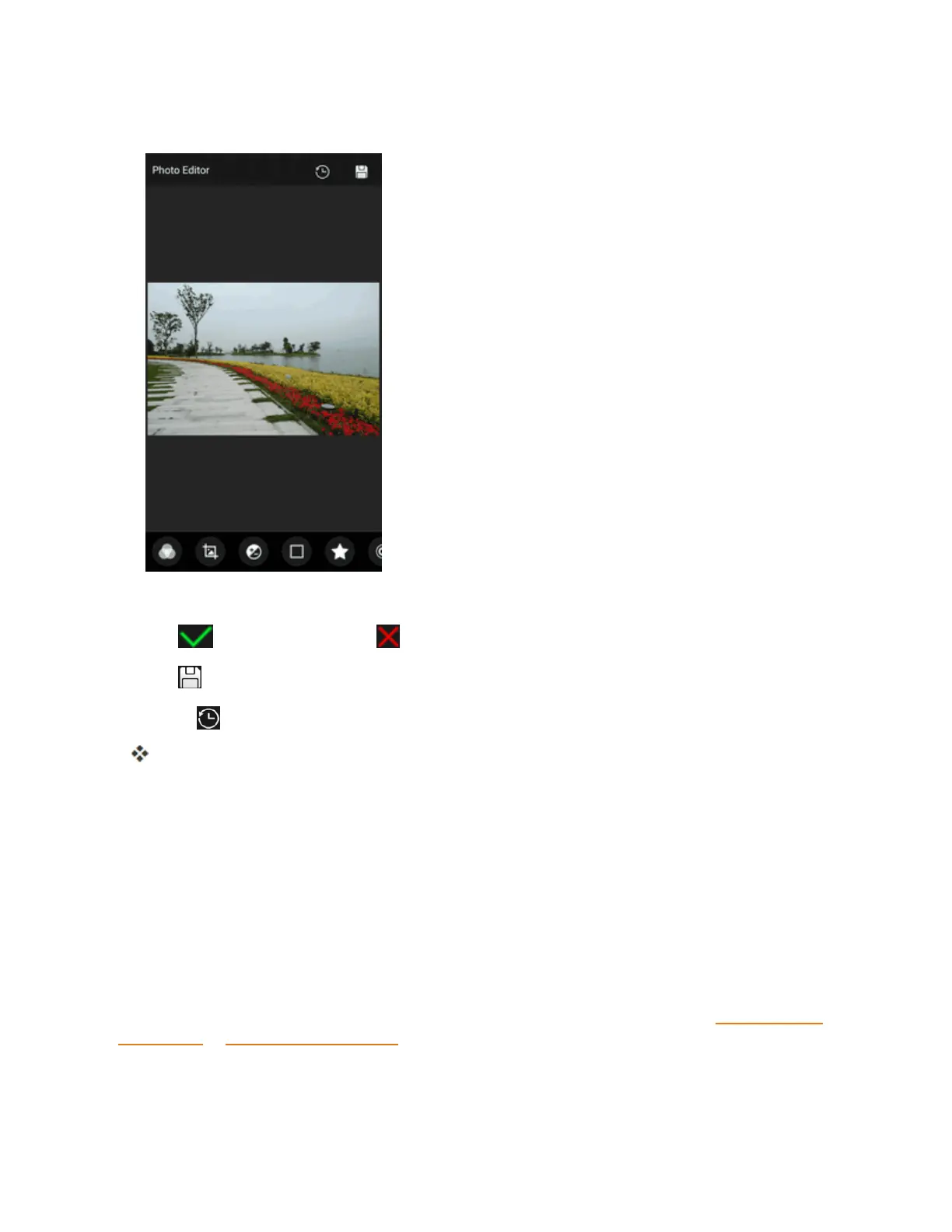
5. Tapaneditoptionalongthebottomofthescreenandeditthepicture.
Tip:Slidethebottomoptionsleftorrighttofindalltheoptions.
6.
Tap tokeepthechangeor tocancelit.
7.
Tap tosavethenewpicture.
Note:Tap inthePhotoEditorscreentoseetheeditsyouhavemadeandundoorredothem.
Thenewpictureissavedasanewfileinthesamealbumastheoriginalpicture.Theoriginal
pictureremainsunedited.
Share Pictures and Videos
TheGalleryapplicationletsyousendpicturesandvideosusingemailormultimediamessages.You
cansharepicturesonyoursocialnetworks(suchasFacebook,Google+,andTwitter)andshare
videosonYouTube.Youcanalsosendthemtoanotherphone,yourcomputer,oryourGoogle
AccountusingBluetooth,Wi-FiDirect,Photos,orDrive.
Send Pictures or Videos by Email
Youcansendseveralpictures,videos,orbothinanemailorGmailmessage.Theyareaddedasfile
attachmentsinyouremail.FormoreinformationaboutusingemailandGmail,seeComposeand
SendEmailorCreateandSendGmail.



 To Next Page