Useful Apps and Features 233
Feature Description
Song and artist Showsthenamesofthesongandtheartist.Taptheareatoclose
theplayerscreenandreturntothemusiclibrary.
Album image Displaysthealbumartwork(ifavailable).Swipeleftorrightto
switchtothenextorprevioussonginthecurrentplaylist.
Play/Pause Taptoresumeorpausetheplayer.
Repeat Taptoswitchrepeatmodes.Youcanrepeatthecurrentsong,the
currentplaylist,orturnoffrepeat.
Previous song Taptorestartthecurrentsong;taptwicetoswitchtotheprevious
songintheplaylist.
Next song Taptoswitchtothenextsongintheplaylist.
Shuffle Taptoturnonoroffshuffle.
Progress bar Showstheprogressofthecurrentsong.Dragortapittojumpto
anypartofsong.
Rate Givethesongathumbs-uporthumbs-down.
Current playlist Taptodisplaythecurrentmusiclist(queue).
Options Taptoaccessmoreplayeroptions.
Create Playlists in Google Play Music
Organizemusicintoplayliststofiteveryoccasion.
1.
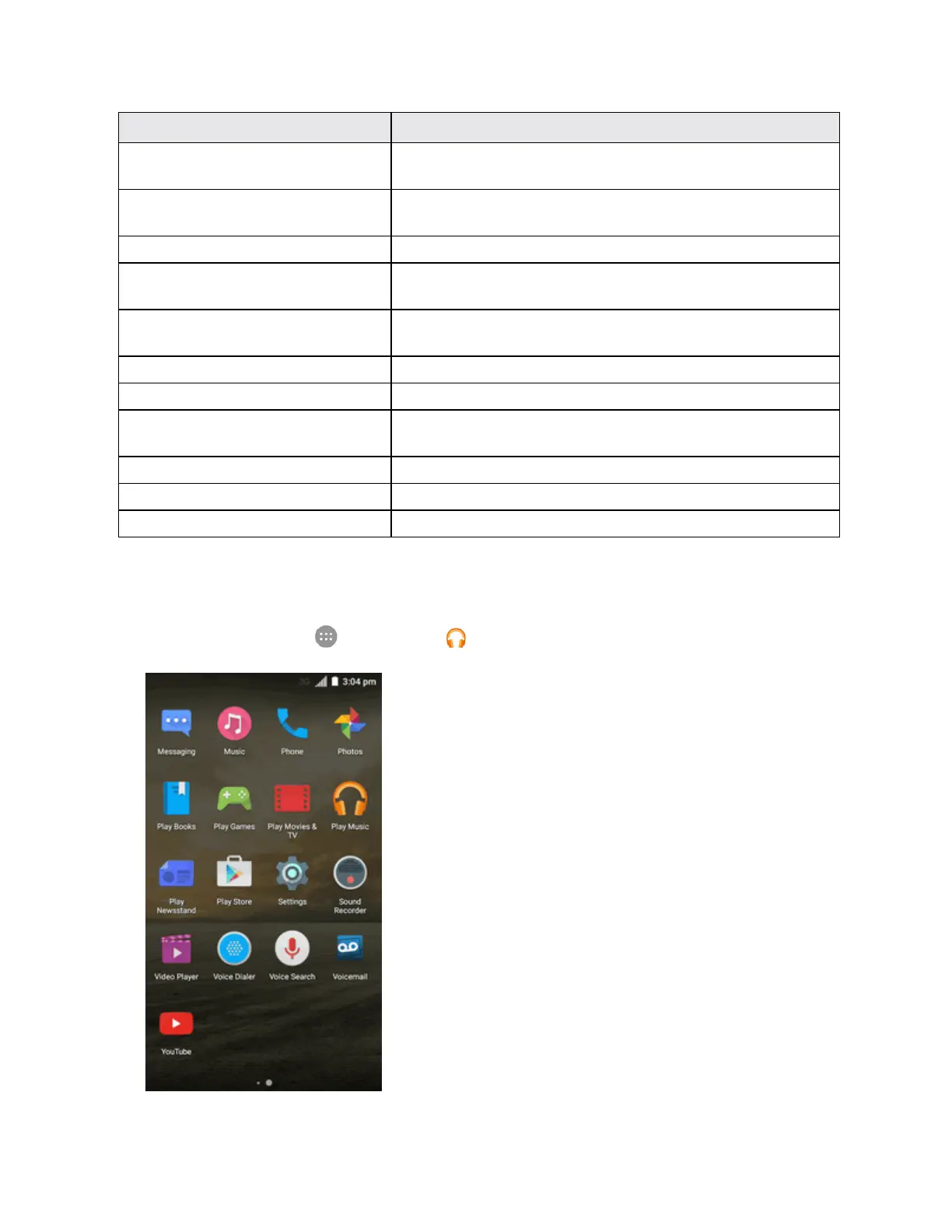
Fromhome,tap Apps >Play Music .



 To Next Page