Your Phone Interface 63
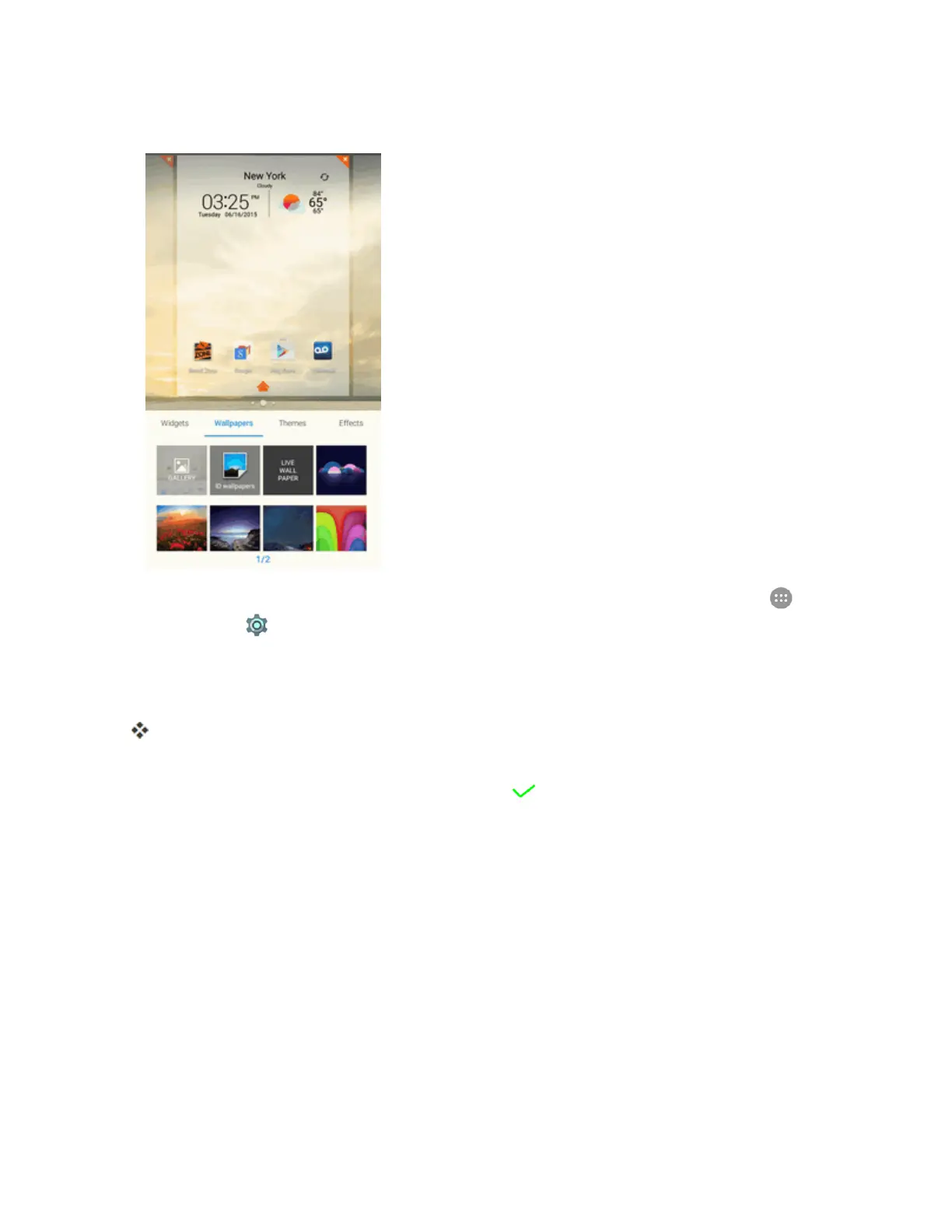
1. Fromhome,touchandholdanemptyspace,andthentapWallpapers.
l
Youcanalsoaccessthewallpapermenuthroughsettings.Fromhome,tapApps >
Settings > Display > Wallpaper.
2. Tapanoptiontoselectthewallpaper.
3. Ifnecessary,tapSet wallpaper.
Thewallpaperisset.
Note:IfyouselectGallery,youwillneedtoselectanalbumandapicture.Onceselected,usethe
croptooltoresizeandpositiontheimageandthentap .
Change the Theme
Eachthemecontainsauniquesetoficons.Youcanchangethethemetotheoneyoulike.



 To Next Page