Connectivity 244
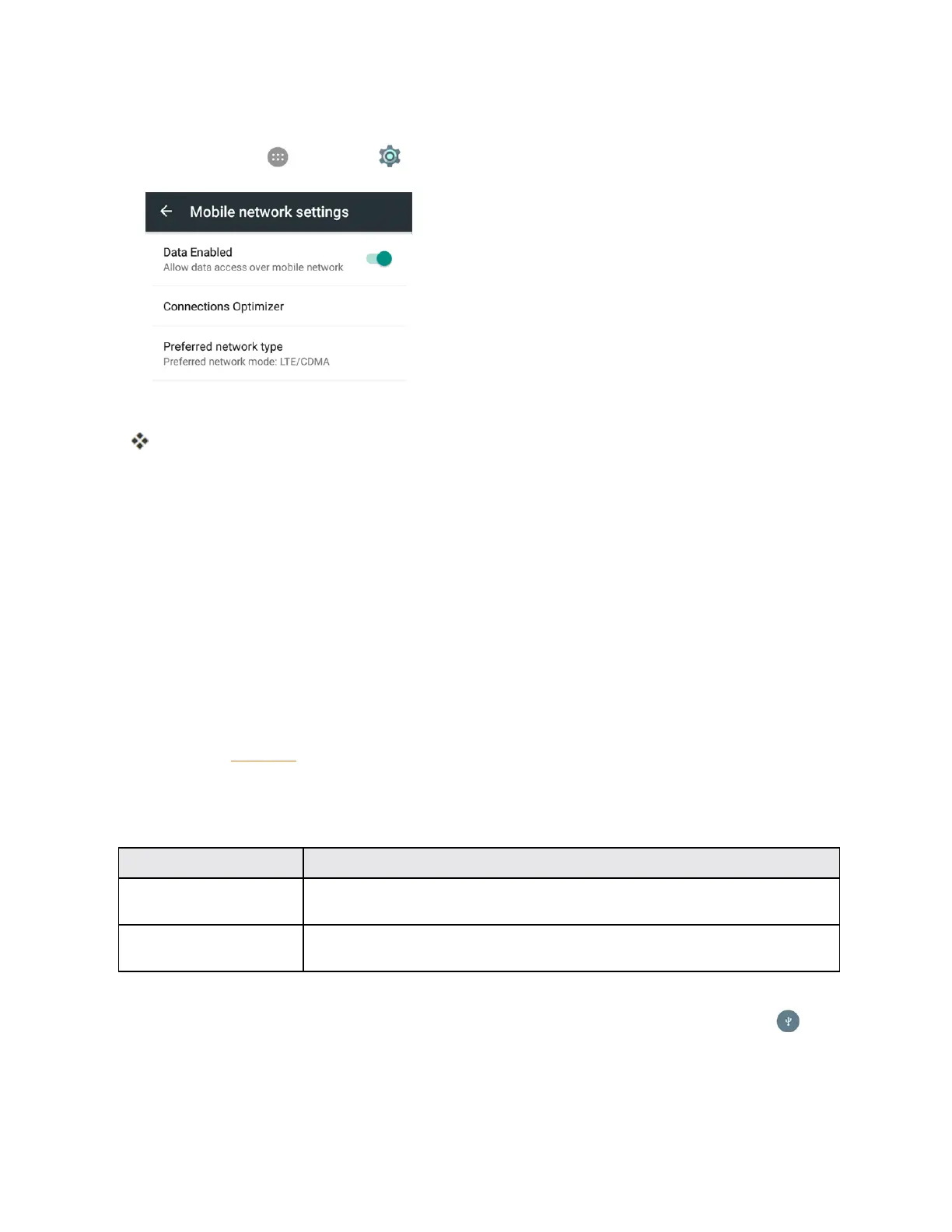
Disable Connections Optimizer
1.
Fromhome,tap >Settings >Mobile networks>Connections Optimizer.
2. UnchecktheConnections OptimizerboxontheConnectionsOptimizerpage.
ConnectionOptimizerwillturnoff.
Transfer Files Between Your Phone and a
Computer
YoucanusethesuppliedUSBconnectortoconnectyourphonedirectlytoyourcomputerand
transfermusic,pictures,andothercontentfiles.
Forexample,ifyouhaveamusicalbumstoredonyourcomputerthatyouwanttolistentoonyour
phonewithanyofthemusicapps,justattachyourphonetothecomputerandcopythefilestothe
musicfolder.
File Transfer Tips
n IfyouwanttosavedatatoanSDcardonyourphone,makesuretheSDcardisinstalledand
active.SeeSDCard.
n AvoidremovingtheSDcardwhiletransferringdata.
n Dataexchangemayusethemethodsoutlinedinthefollowingtable:
Method Description
Media Device (MTP) Connectyourphoneasamediadeviceandtransferbetweenyourphoneand
PCfilessuchaspictures,videos,andmusic.
Camera (PTP) ConnectyourphoneasacameraandusecamerasoftwareonyourPCto
transferpictureandvideofilesfromphonetoPC.
n IfthePCcannotrecognizeyourphone,youmayneedtoinstallthedriverfirst.Connectyour
phonetoyourPCusingthesuppliedUSBcableanddragdownthestatusbartoselect >
Install driver.AnewCD-ROMwillappearonyourPCandyoucanusethefilesinittoinstall
thedrivermanually.



 To Next Page