Your Phone Interface 58
l
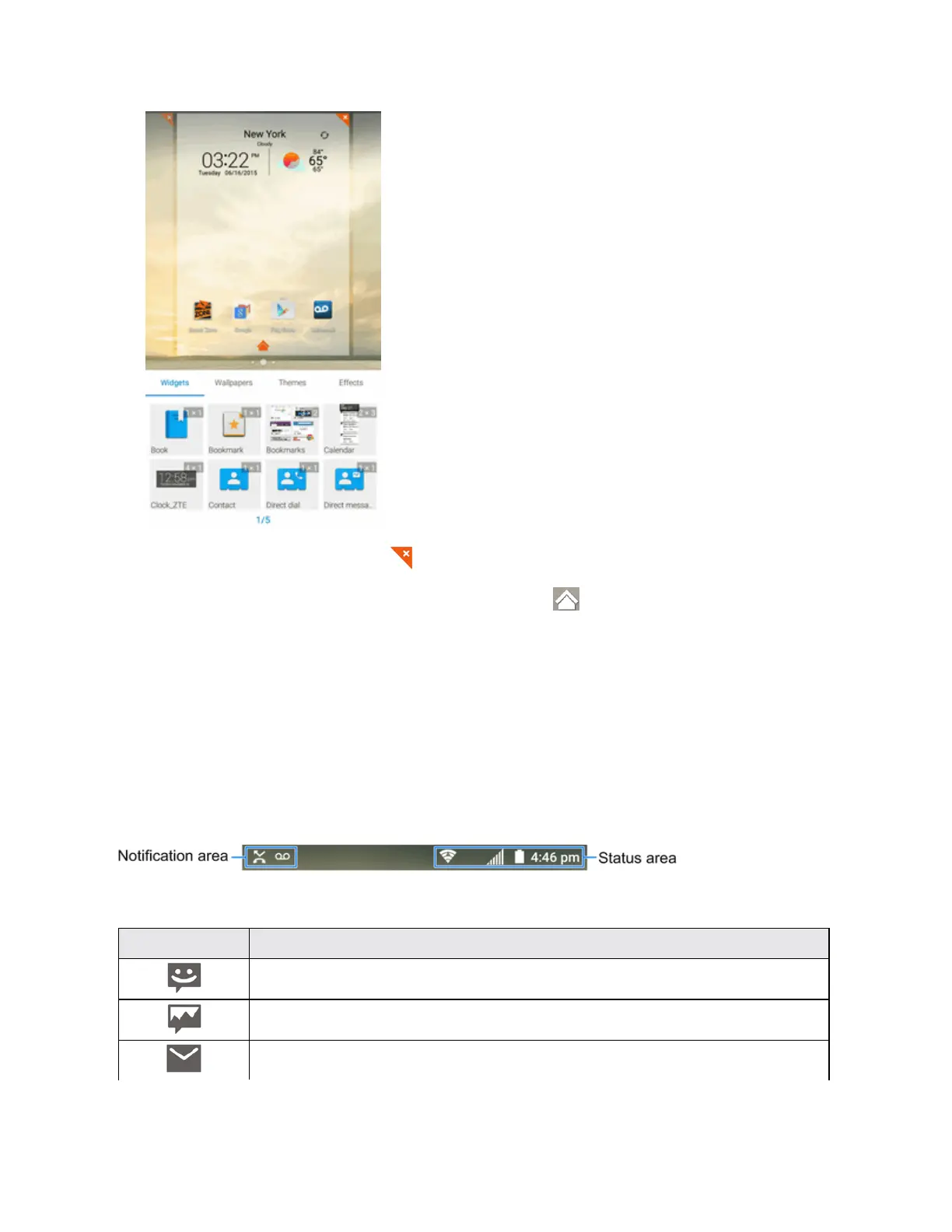
Todeleteahomescreen,tap onthecornerofitsthumbnailandselectOK.
l
Tosetahomescreenasthemainhomescreen,tap atthebottomofitsthumbnail.
l Tochangetheorderofthescreens,touchandholdathumbnailanddragitleftorrighttoa
newposition.
Status Bar
Thestatusbaratthetopofthehomescreenprovidesphoneandservicestatusinformationonthe
rightsideandnotificationalertsontheleft.Toviewthenotificationspaneloraccessthequick
settingsmenu,tapthestatusbaranddragitdown.
Status Bar Layout
Main Notification Icons
Icon Notification
Newtextmessage
Newmultimediamessage
NewmessagesfromtheEmailapp



 To Next Page