Settings 269
n
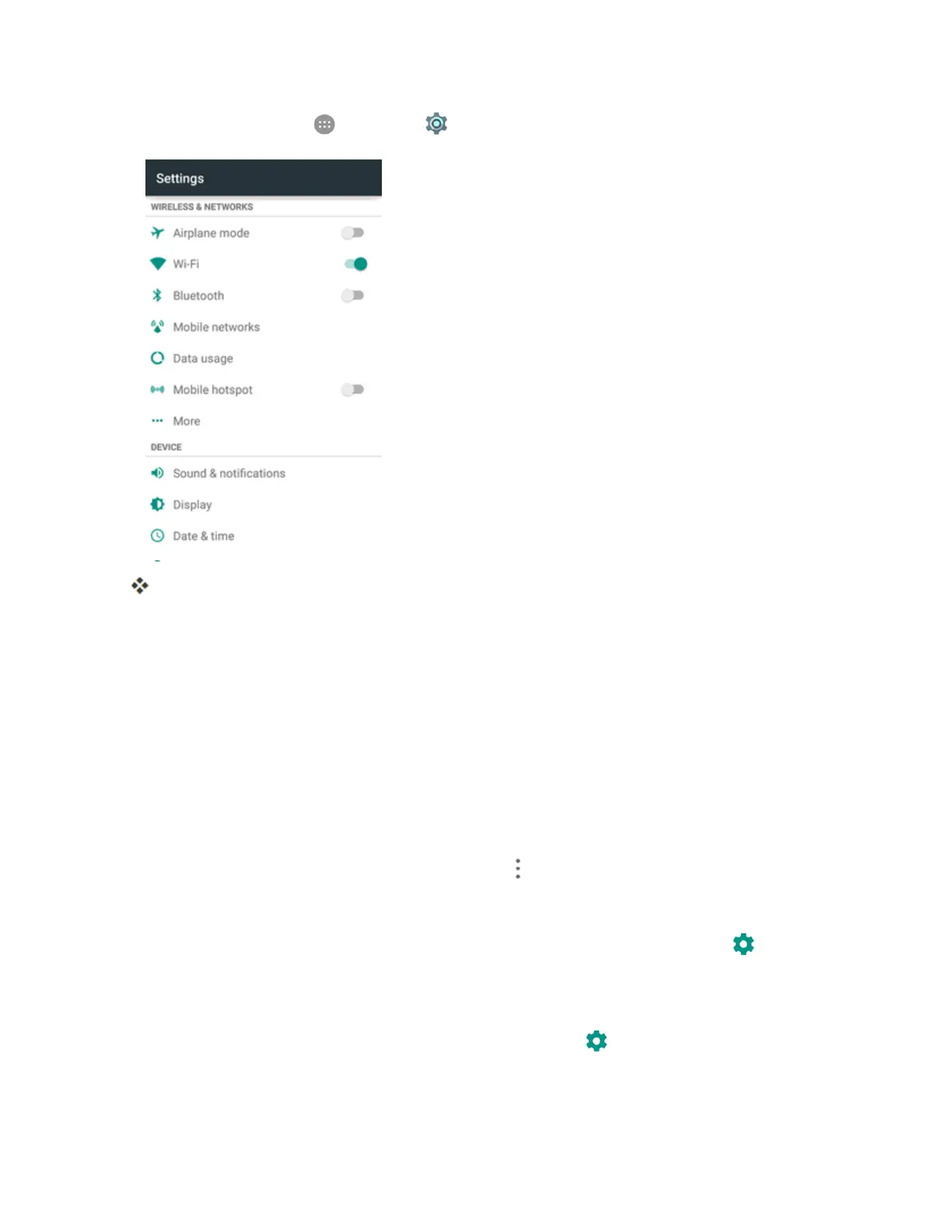
Fromhome,tapApps >Settings >Bluetooth.
TheBluetoothsettingsopen.
Bluetooth Settings Operations
n Enable Bluetooth:InBluetoothsettings,taptheslideratthetopofthemenu.
l Alternately,dragthestatusbardowntodisplaythenotificationspanelandthentap
BluetoothtoturnBluetoothonoroff.
n Pairing Bluetooth Devices:Makesuretheotherdevicesaresettobediscovered.From
Bluetoothsettings,tapthedevicenamein“Availabledevices”andfollowtheonscreen
instructions.
l Dependingonthedevice,youmayberequiredtoenteroracceptapasskey.
l
Ifthetargetdevicedoesnotappear,tapMenu >Refreshtosearchagain.
l ThissettingisavailablewhenBluetoothisenabled.
n
Change the Name of a Paired Device:FromBluetoothsettings,tapSettings nexttoa
paireddevicename,tapthecurrentname,enteranewname,andtapOK.
l ThissettingisavailablewhenBluetoothisenabled.
n
Cancelling Pairing:FromBluetoothsettings,tapSettings nexttoapaireddevicename,
andthentapFORGET.
l ThissettingisavailablewhenBluetoothisenabled.



 To Next Page