Camera and Video 167
1.
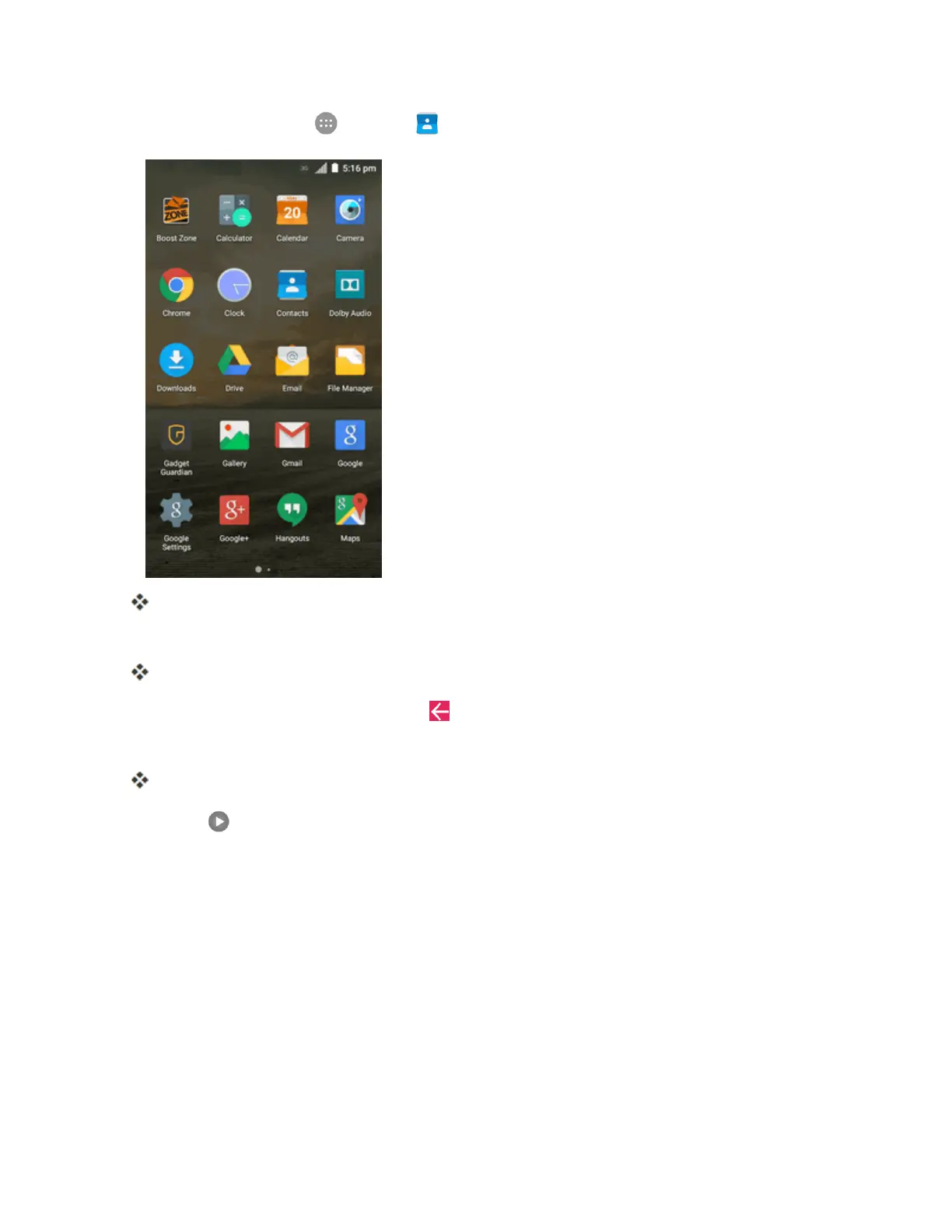
Fromhome,tap Apps >Gallery .
Thealbumlistopens.
2. Tapanalbum(suchasCamera).
Thelistofpicturesandvideosforthealbumopens.
l
Toselectanotheralbum,tapBack toreturntotheAlbumsview.
3. Tapanimagetoviewthepictureorvideo.
Thepictureorvideosnapshotopensanddisplaysinfullscreen.
l
Tap toplaythevideo.
l Whenviewingpicturesorvideosinfullscreen,youcantouchthescreentodisplayaseries
ofoptionsandchoosewhattodowiththepictureorvideo.
Pictures and Videos: Review Screen
Aftercapturingapictureorvideo,fromthecamerascreen,tapthethumbnailimageatacornerof
thescreentoseetheiteminthereviewscreen.Fromthere,youcanaccessoptionssuchasshare,
edit/trim,ordeletethepictureorvideo.



 To Next Page