Get Started 9
1.
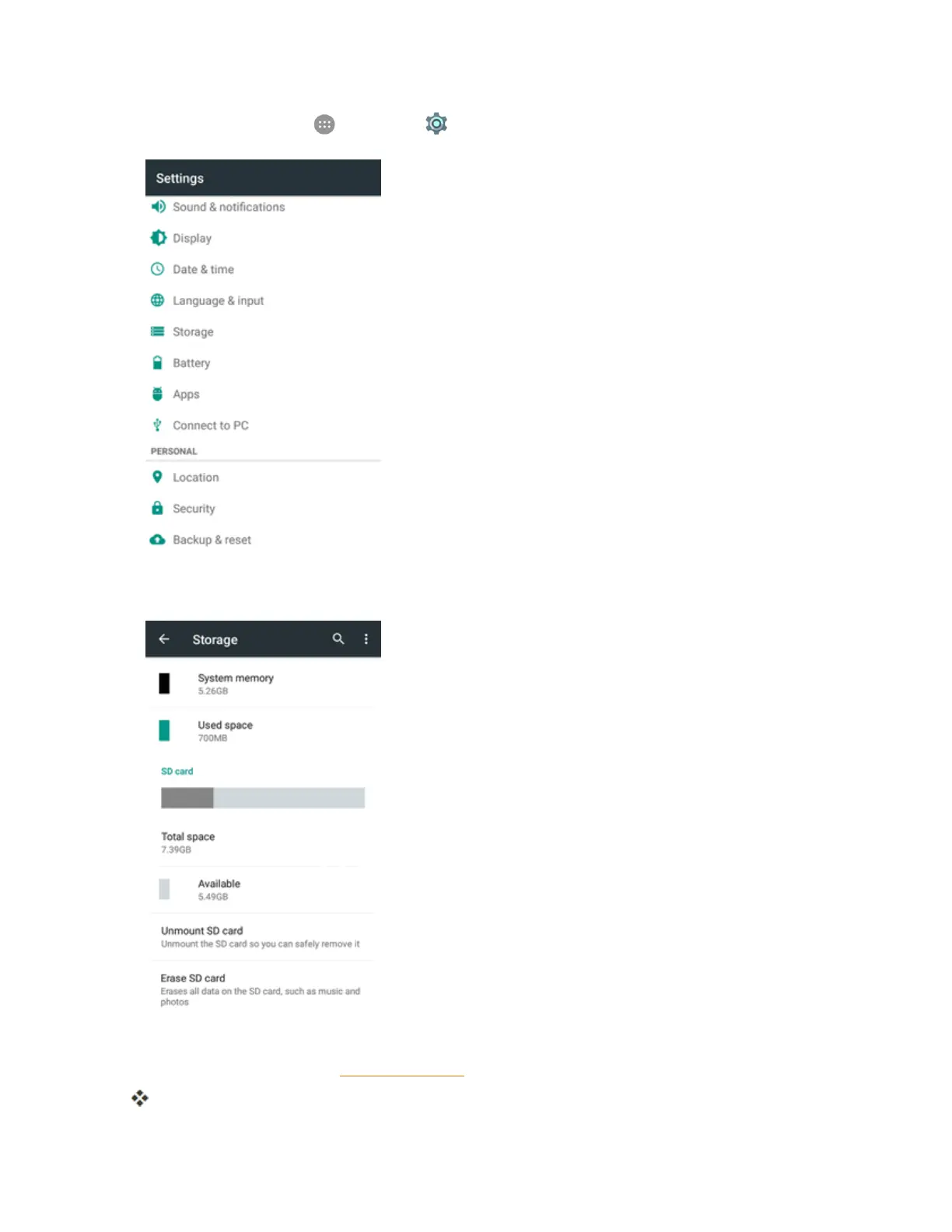
Fromhome,tapApps >Settings >Storage.
2. TapErase SD card>ERASE SD CARD > ERASE EVERYTHING.
l Ifyouhavesetupascreenlock,youwillbepromptedtodrawthepatternorenterthe
passwordorPIN.SeeSecuritySettings.
AlldataontheSDcardiserased,andthecardisformattedforuseonyourphone.



 To Next Page