Messaging and Internet 147
View Your Email Inbox
1.
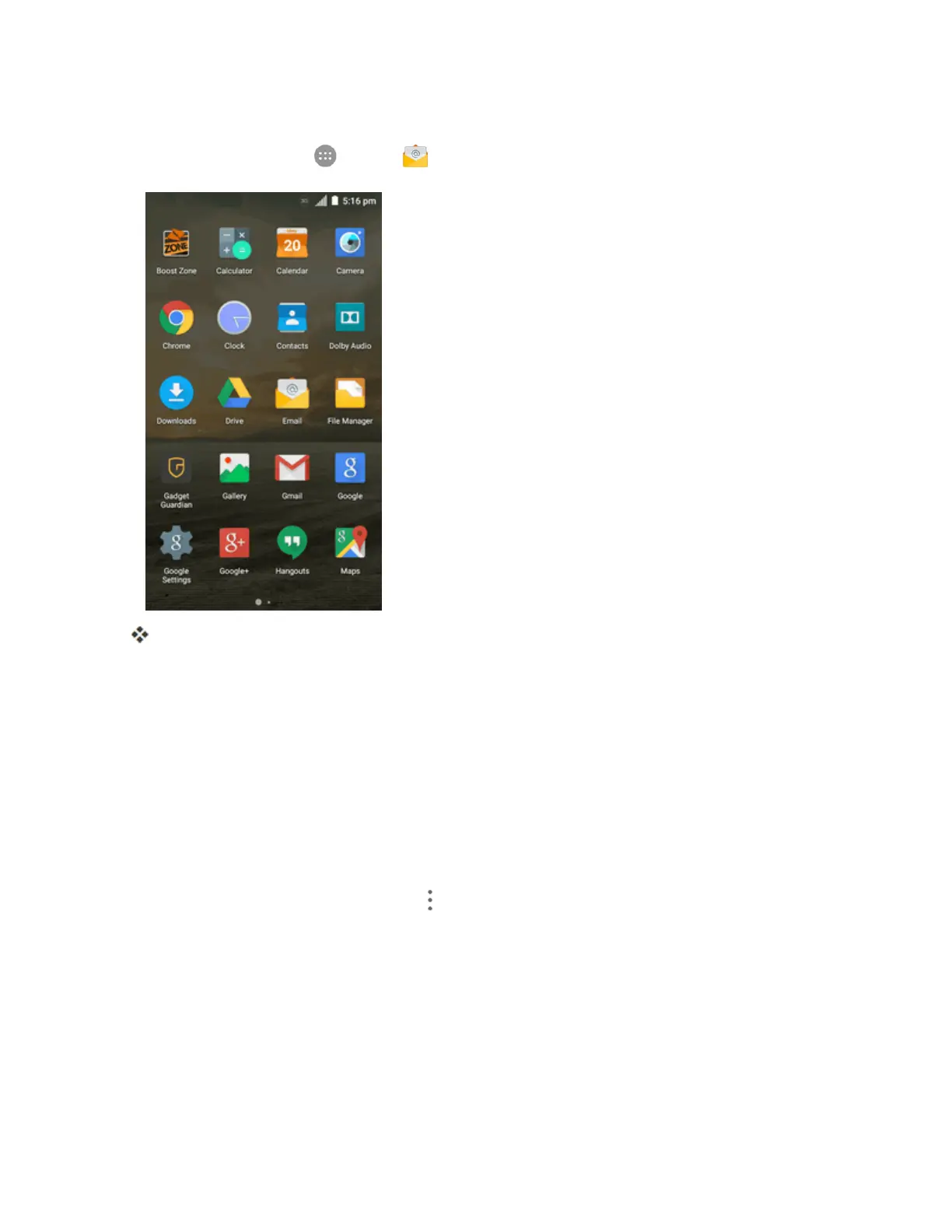
Fromhome,tapApps >Email .
Theemailinboxopens.
2. Taptheemailaccountatthetopleftofthescreentoselectadifferentinbox,ortapCombined
viewtoseeallyouremailinboxesatonce.
Refresh an Email Account
Whateveryourautomaticsynchronizationsettingsare,youcanalsosynchronizeyoursentand
receivedemailmessagesmanuallyatanytime.
n Whileviewingtheaccountyouwanttosynchronize,dragthemessagelistdownwards.
Sort Email Messages
1.
Ontheemailaccountinbox,tapMenu >Display sort & filter.
2. Taptheleftdrop-downmenuatthetopoftheemaillisttosortemailmessagesbydatereceived,
subject,sender,orsize.
–or–
Taptherightdrop-downmenutofiltertheinboxbypriority,attachments,orread/unreadstatus.



 To Next Page