Camera and Video 163
1.
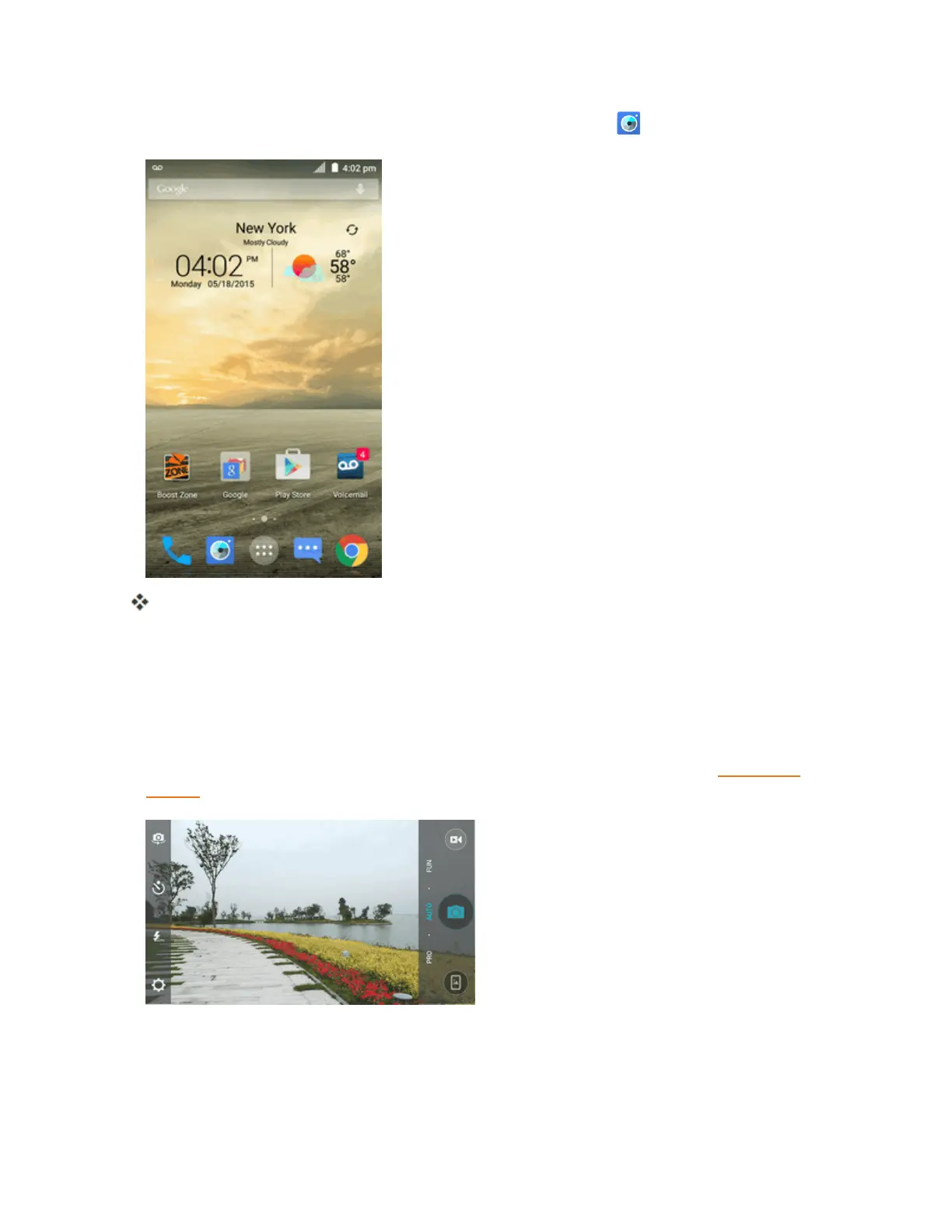
PressandholdtheCamera Button,orfromhome,tapCamera .
Thecameraviewfinderappears.
2. Beforetakingthepicture,youcanzoominonyoursubject.
l Tozoomin,"spread"thescreenwithyourthumbandfingerorpresstheVolume Up
Button.
l Tozoomout,"pinch"thescreenorpresstheVolume Down Button.
3. Frameyoursubjectonthescreenandconfigureothernecessarysettings.SeeViewfinder
Screenfordetails.
Tip:Holdthephoneverticallywhentakingportraitshotsorholdthephonehorizontallywhentaking
landscapeshots.



 To Next Page