Get Started 13
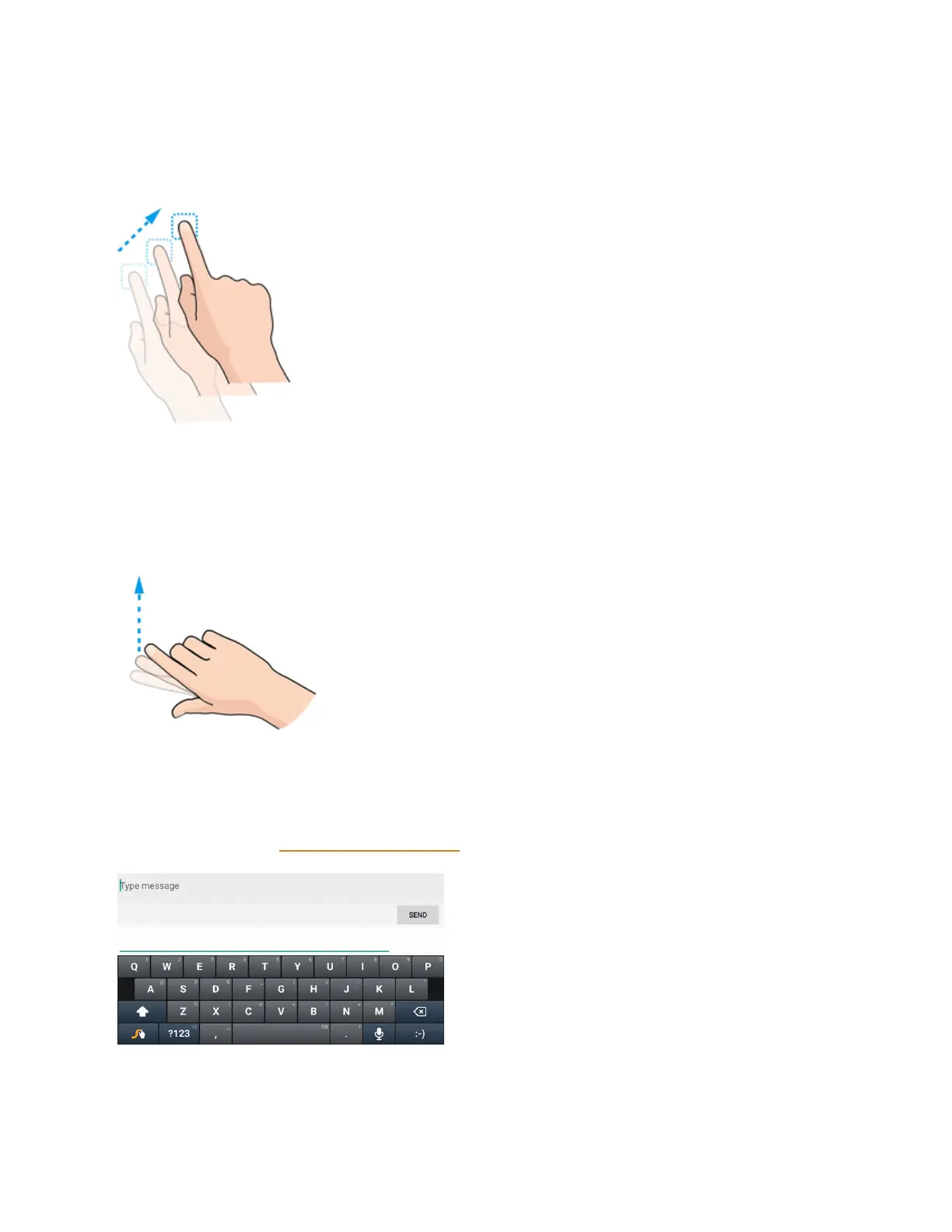
Drag
Todrag,pressandholdyourfingerwithsomepressurebeforeyoustarttomoveyourfinger.While
dragging,donotreleaseyourfingeruntilyouhavereachedthetargetposition.
Flick
Flickingthescreenissimilartoswiping,exceptthatyouneedtoswipeyourfingerinlight,quick
strokes.Thisfingergestureisalwaysinaverticaldirection,suchaswhenflickingthecontactsor
messagelist.
Rotate
Formostscreens,youcanautomaticallychangethescreenorientationfromportraittolandscape
byturningthephonesideways.Whenenteringtext,youcanturnthephonesidewaystobringupa
biggerkeyboard.SeeTouchscreenKeyboardsformoredetails.



 To Next Page