Useful Apps and Features 216
Sign In and Use Google+
1.
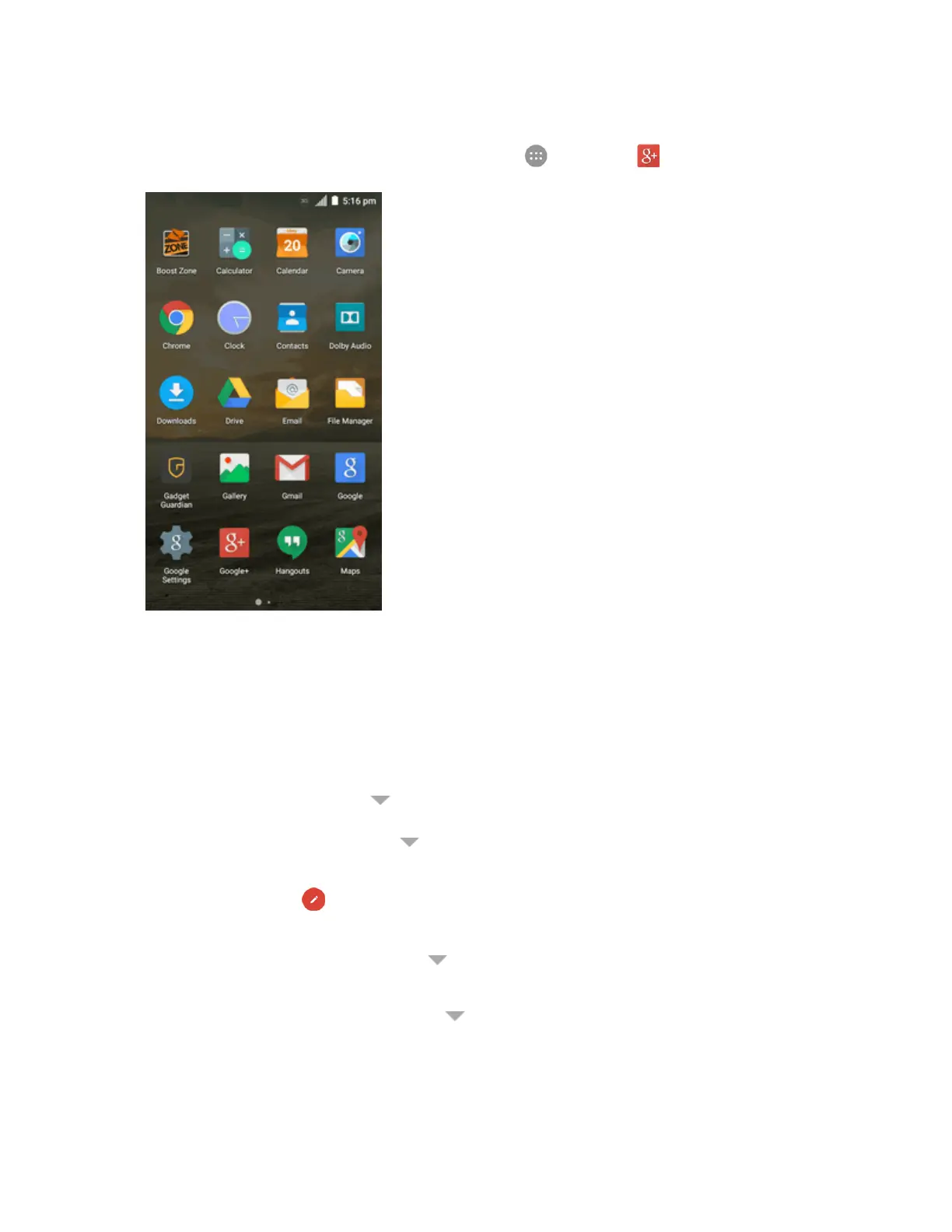
Fromhome,taptheGooglesearchbarortapApps >Google+ .
2. Ifprompted,selectyourGoogleAccount,ortouchAddaccounttosignintoGoogle+with
anotherGoogleAccount.
3. Ifprompted,setupyourpublicGoogleProfileandthenfollowtheonscreenpromptstocontinue.
Note:Youwon'tseethisstepifyou'vealreadysetupyourprofileonanotherdevice.
4. GetstartedwithGoogle+.Youcanusethefollowingfeatures:
l Checkoutnewposts:Tap nearthetoprightcornerandselectHometoseeposts
peoplehavesharedwithyou,acircleorcommunityyouarein,oreveryone.Youcanfilter
thepostsdisplayedbytapping andselectingacircleunderCircles,acommunityunder
Communities,ahottopicbelowExplore,What'sHot,orNearby.
l
Writeapost:Tap towriteapost.Youcanselectthepeopleorcirclesyouwanttoshare
thepostwith,andaddpictures,youlocation,URLs,asurvey,oryourmoodinthepost.
l Manageyoursocialcalendar:Tap andselectEventstoaddevents,invitepeople,and
thensharephotosinrealtimefromtheeventbyenablingPartyMode.
l Seefriends'locationsonamap:Tap andselectLocationsatthebottomofthescreen.
You'llseeamapthatshowseveryonewhosharestheirlocationwithyou.Tapaphotoofa
persontodisplaytheirlocationdetails.



 To Next Page