Useful Apps and Features 221
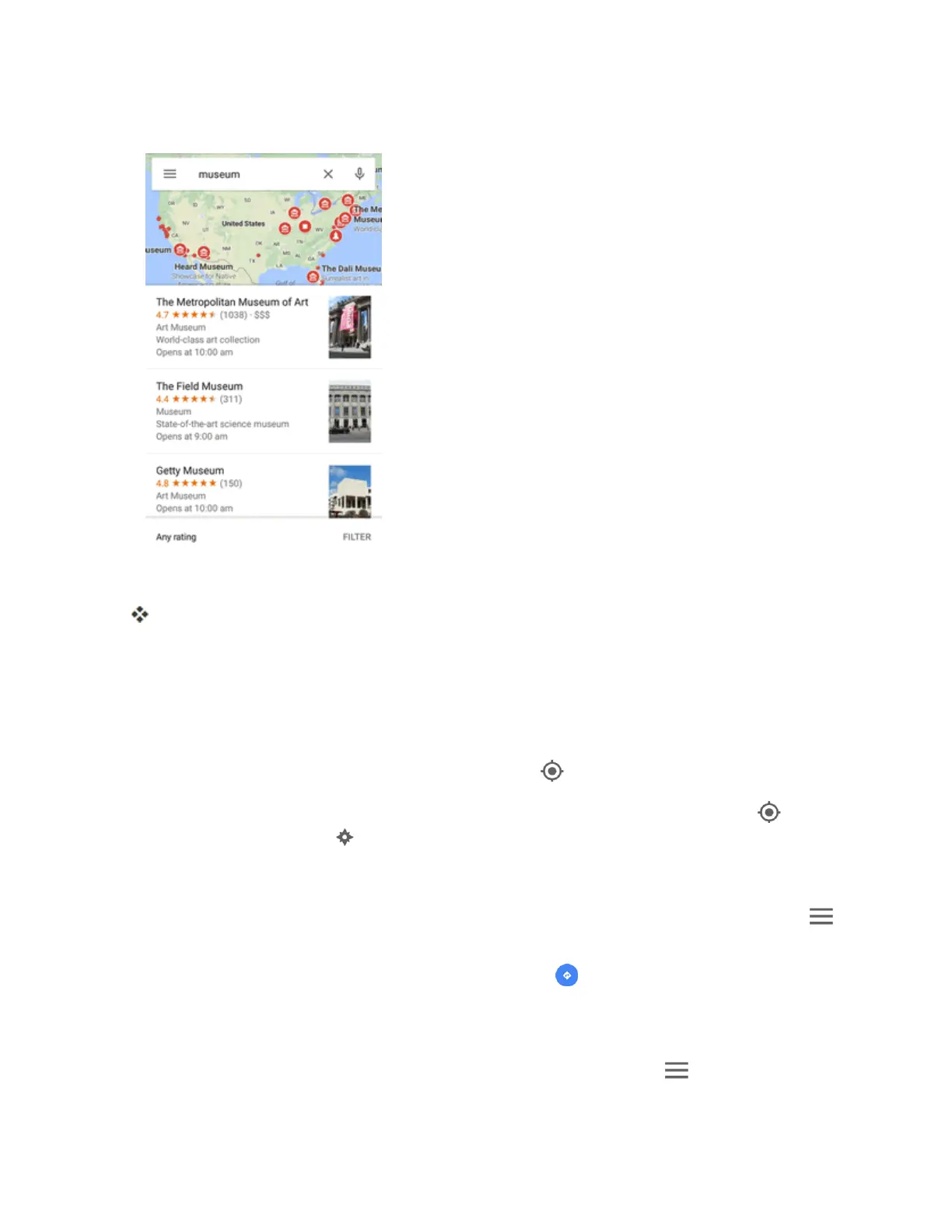
3. Enteranaddress,city,facilityname,etc.,andthentapacandidateintheresultslist.
Note:Ifyoursearchtermisspecificenough,themapwillautomaticallypantothatlocation.
Theinformationcardforthespecificlocationopens.Youcanfindoutitsaddress,openhours,
streetview,people'sreview,howtogetthere,givetheplaceacall,saveittoyourGoogle
Account,andmore.
l Slidethecarddowntoviewtheplaceonthemap.
Google Maps Operations
n
Viewing Current Location:FromtheMapsapp,tap .
n
Obtain Useful Area Information for Current Location:FromtheMapsapp,tap .When
yourlocationisfound,tap atthebottomofthescreenand,inthenewscreen,selectatypeof
businessorattractiontobrowserelatedlocations.Youcanthentapalocationtoviewdetailed
informationandfindouthowtogetthere.
n
View Traffic Information, Aerial Photos, Etc., in Maps:FromtheMapsapp,tapMenu
andthentapTraffic,Satellite,Google Earth,etc.
n
Check Route to Destination:FromtheMapsapp,tap ,selectamethodoftransport(car,
publictransit,oronfoot),andthenenteryourcurrentlocationandyourdestination.
l Routecandidatesappearinalist.Taponetogetmoreinformation.
n
Check Detailed Operation for Maps:FromtheMapsapp,tapMenu >Help.



 To Next Page