Settings 266
1.
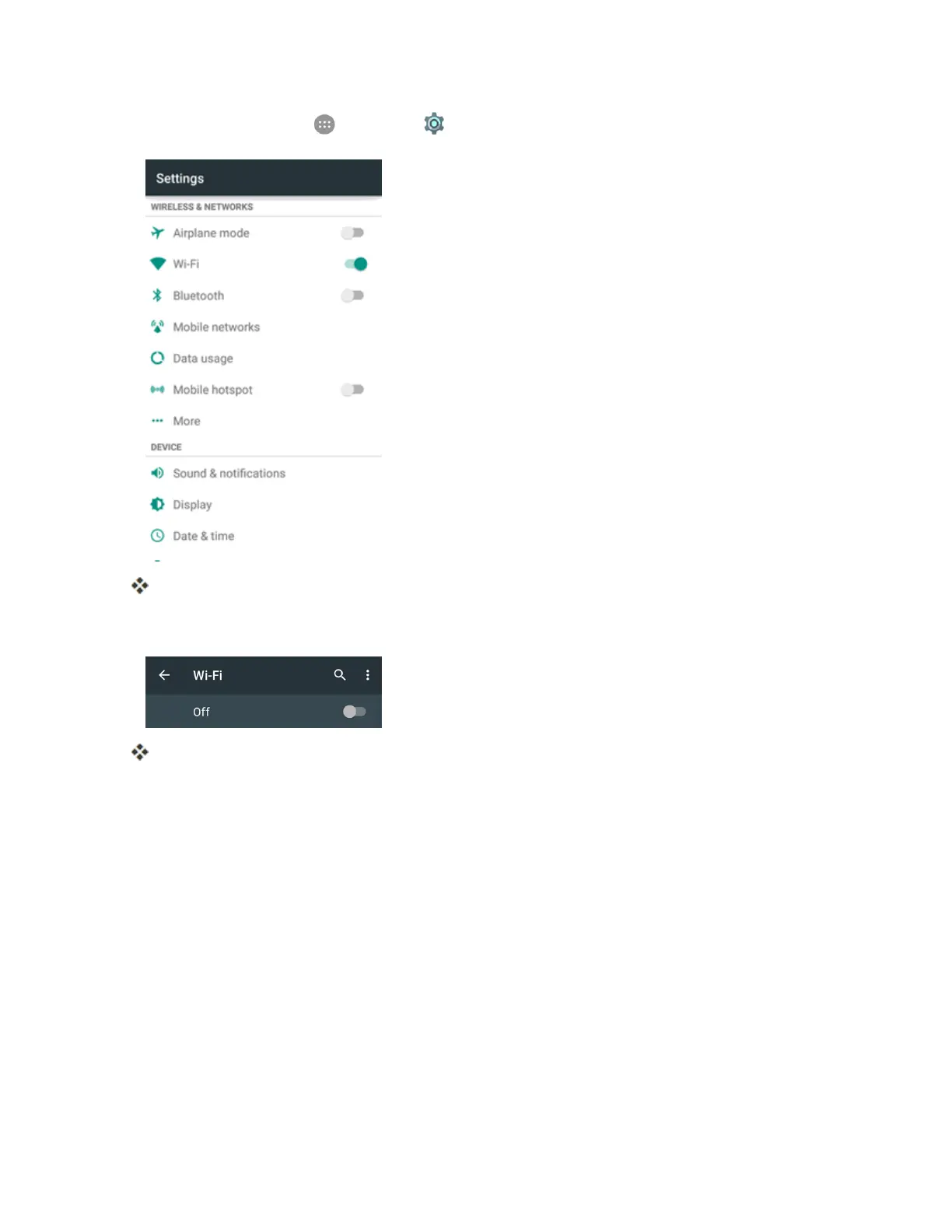
Fromhome,tapApps >Settings > Wi-Fi.
TheWi-Fisettingsmenuappears.
2. TaptheWi-FislidertoturnWi-Fion.
Wi-Fiisenabled.Youwillseethenamesandsecuritysettingsofin-rangeWi-Finetworks.
l TodisableWi-Fi,taptheslideragain.



 To Next Page