Settings 272
n
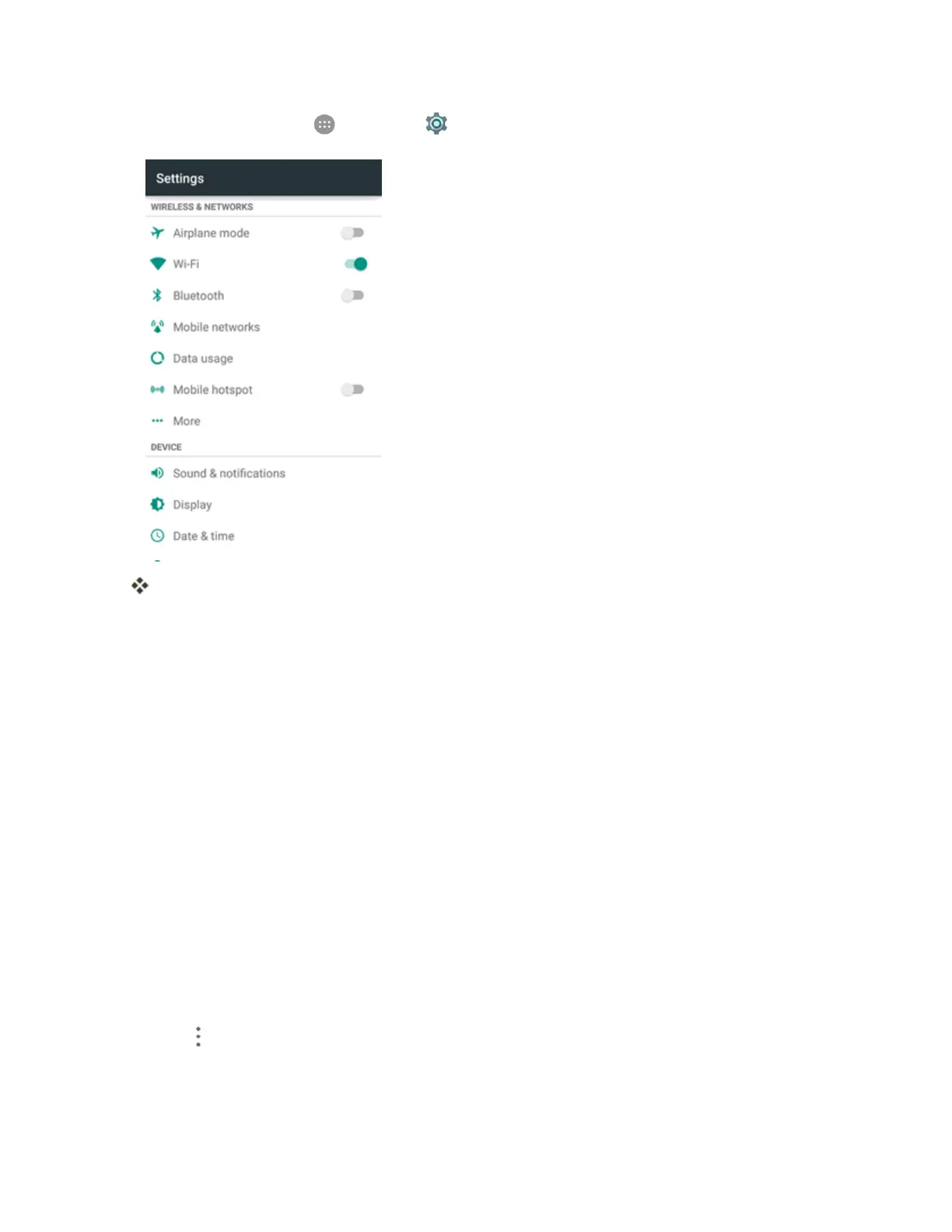
Fromhome,tapApps >Settings >Data usage.
Thedatausagewindowopens.
Data Usage Settings Operations
n Enable Mobile Data:InDatausagewindow,taptheData Enabledslidertoenableordisable
theservice.
l Ifaconfirmationappears,followtheonscreeninstructions.
n Enable Restrictions on Mobile Data Usage:FromtheDatausagewindow,tapSet mobile
data limittoenablerestrictionandtapOKtoconfirm.
l Withrestrictionturnedon,dragthehorizontallimitsliderupordowntosetthedatausage
limitanddatawarningamount.
l ThissettingisavailablewhenMobiledataisenabled.
n Set Date for Resetting Data Usage:Tosetthedatausagemeasuringcycle,fromtheData
usagewindow,taptheboxabovethedatausagegraph,tapChange cycle,setaresetdate,
andtapSET.
l ThissettingisavailablewhenMobiledataisenabled.
n Enable Restriction on Mobile Data in Background:FromtheDatausagewindow,tap
Menu >Restrict background data.



 To Next Page