Settings 274
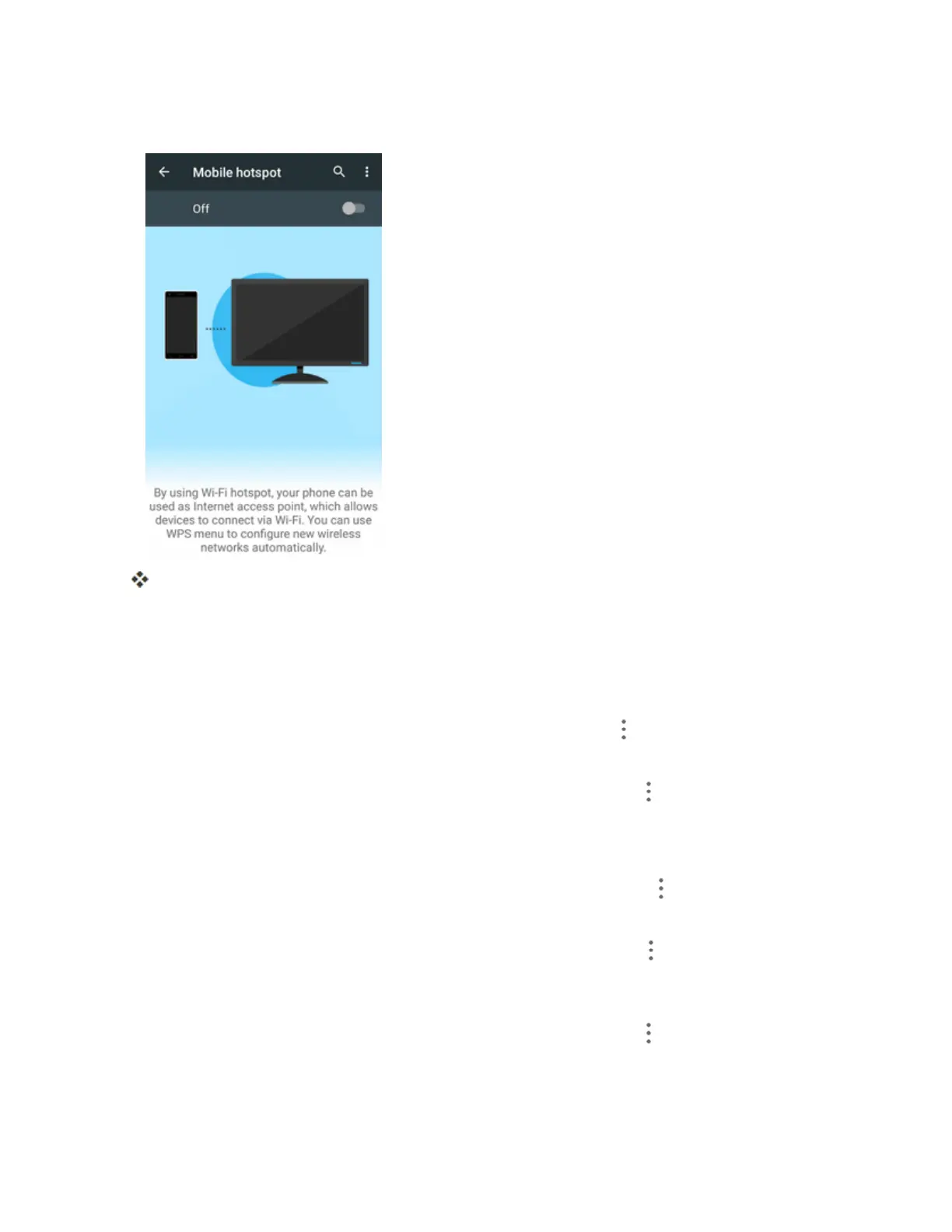
2. TaptheslidertoturnMobilehotspoton.
MobileHotspotisenabled.
l TodisableMobileHotspot,taptheslideragain.
Advanced Mobile Hotspot Settings
TheMobilehotspotsettingsmenuletsyouconfigureadvancedoptions.
n
Set Network SSID:FromtheMobilehotspotwindow,tapMenu >Configuration,tapthe
Network namefieldtoeditthenameforyourhotspot,andthentapSAVE.
n
Set Hotspot Security:FromtheMobilehotspotwindow,tapMenu >Configuration,tapthe
Securitylineandselectasecuritysettingsoption,andthentapSAVE.
l IfyouselectWPA2PSK,tapthePasswordfieldtoeditthepassword.
n
Set Hotspot Password:FromtheMobilehotspotwindow,tapMenu >Configuration,tap
thePasswordfieldandenterapassword,andthentapSAVE.
n
Set Hotspot Visibility:FromtheMobilehotspotwindow,tapMenu >Configuration,tap
theBroadcast SSIDline.SelectEnableifyouwantthehotspottobesearchable,orselect
Disableifyouwanttohotspottobeundetectable.ThentapSAVE.
n
Set Hotspot Channel:FromtheMobilehotspotwindow,tapMenu >Configuration,tapthe
Channelline,selectachannel,andthentapSAVE.
l UseadifferentchannelmayhelpyouavoidinterferencewithotherWi-Finetworks.



 To Next Page