Settings 281
Sound Setting Description
Volume Setvolumeformedia,alarm,ringtone,andnotification.
Dolby digital plus SettheDolbyAudiosoundeffect.
Interruptions Setinterruptionmodeforcallsandnotifications.
Phone ringtone Setyourphone’sdefaultringtone.
Default notification ringtone Setthedefaulttoneforphonenotifications.
Vibrate pattern Setthepatternofvibrationwhenvibrationisenabledfornotifications.
Other sounds Managesystemsoundsincludingdialpadtones,screenlocksounds,
touchsounds,vibrationontouch,andemergencytone.
Notification mode Selectthesoundmodeofnotification.
When device is locked Settheappearanceofnotificationcontentonthelockscreen.
App notifications Setthepriorityandsensitivityofyourapps.Notificationsfrompriorityapps
areallowedinpriorityinterruptionsmode;whileyoucanhidenotifications
fromsensitiveappsonthelockscreen.Someappsalsoallowyoutoblock
alloftheirnotifications.
Notification access Managetheauthorityofindividualappstoaccessnotifications.
Access Sound Settings
1.
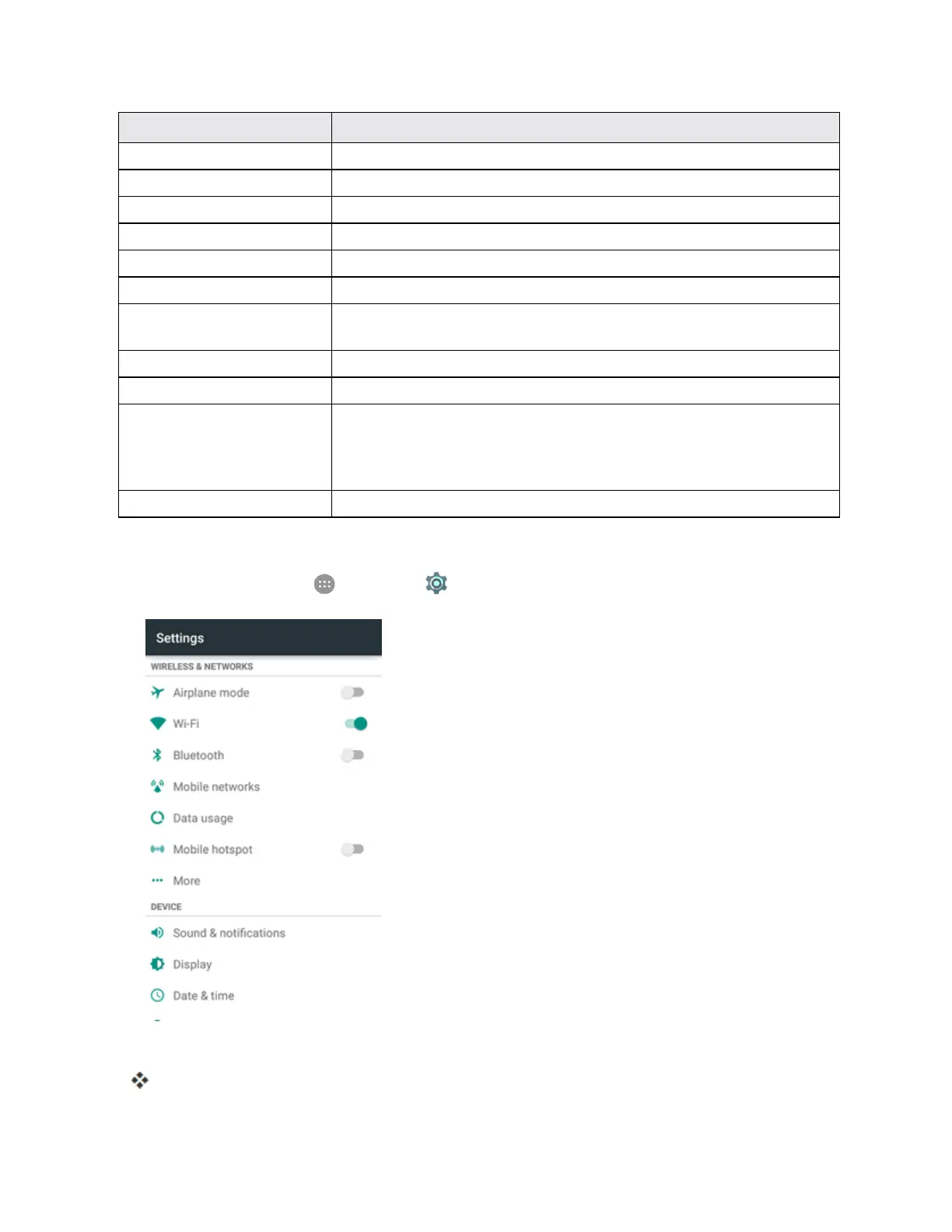
Fromhome,tapApps >Settings >Sound & notifications.
2. Setyoursound¬ificationsoptions.
Yoursettingsaresavedandapplied.



 To Next Page