Your Phone Interface 67
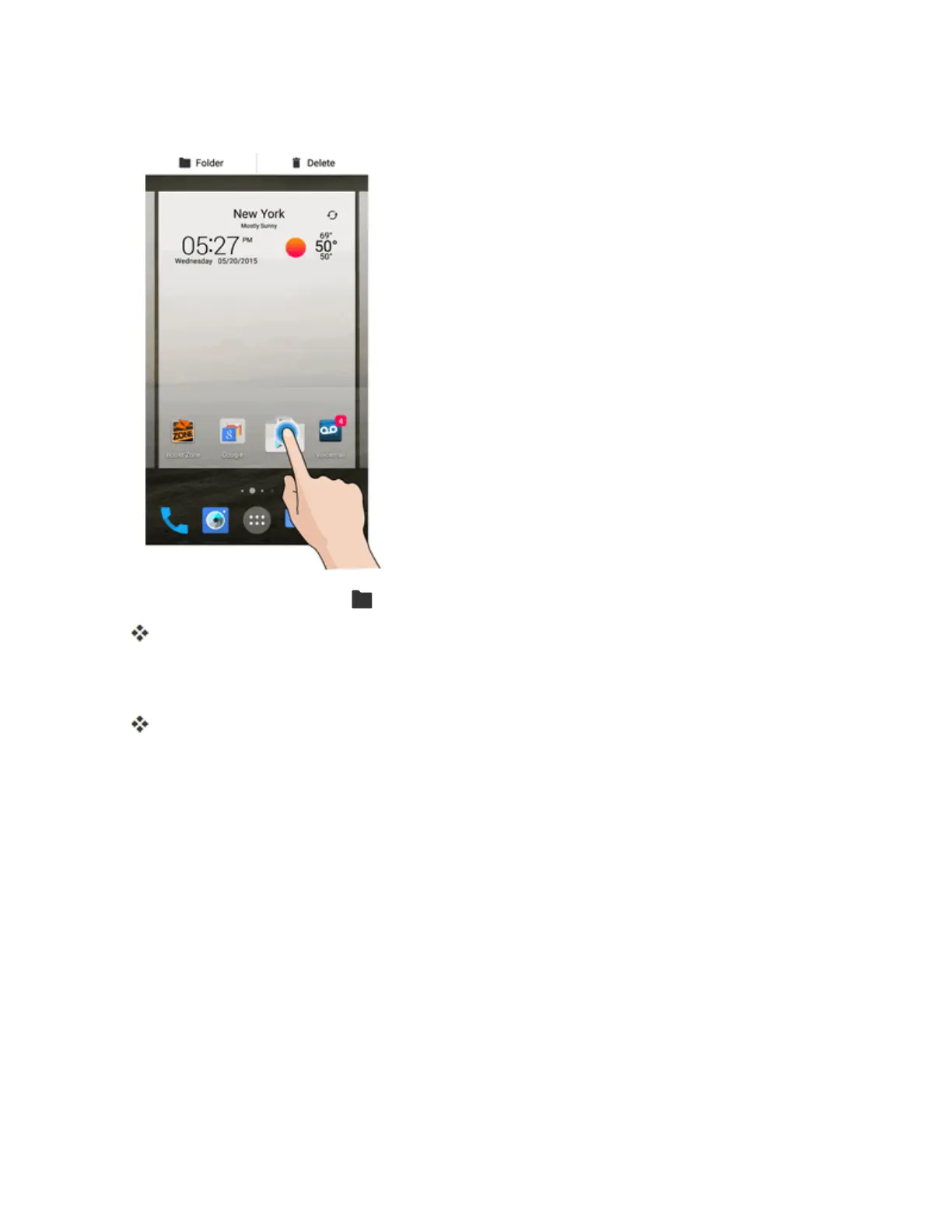
1. Fromhome,touchandholdashortcutyouwanttoplaceinafolder.
2.
DragtheshortcuttoFolder atthetopleftandreleaseit.
Anewfolderiscreated.
3. Toaddmoreappshortcutstothefolder,touchandholdashortcutanddragitontopofthenew
folder.
Thenewshortcutisaddedtothefolder.
Change Folder Names
Onceyouhaveaddedfolders,youcanchangethenameeasilyfromthefolderdisplay.
1. Fromhome,tapthefoldertoopenit,andthentapthefoldername.
2. TypeanewnameandthentapDone.



 To Next Page