BradyPrinter S3100 Sign & Label Printer User’s Manual
111
Pipe Markers
Create Pipe Marker Labels
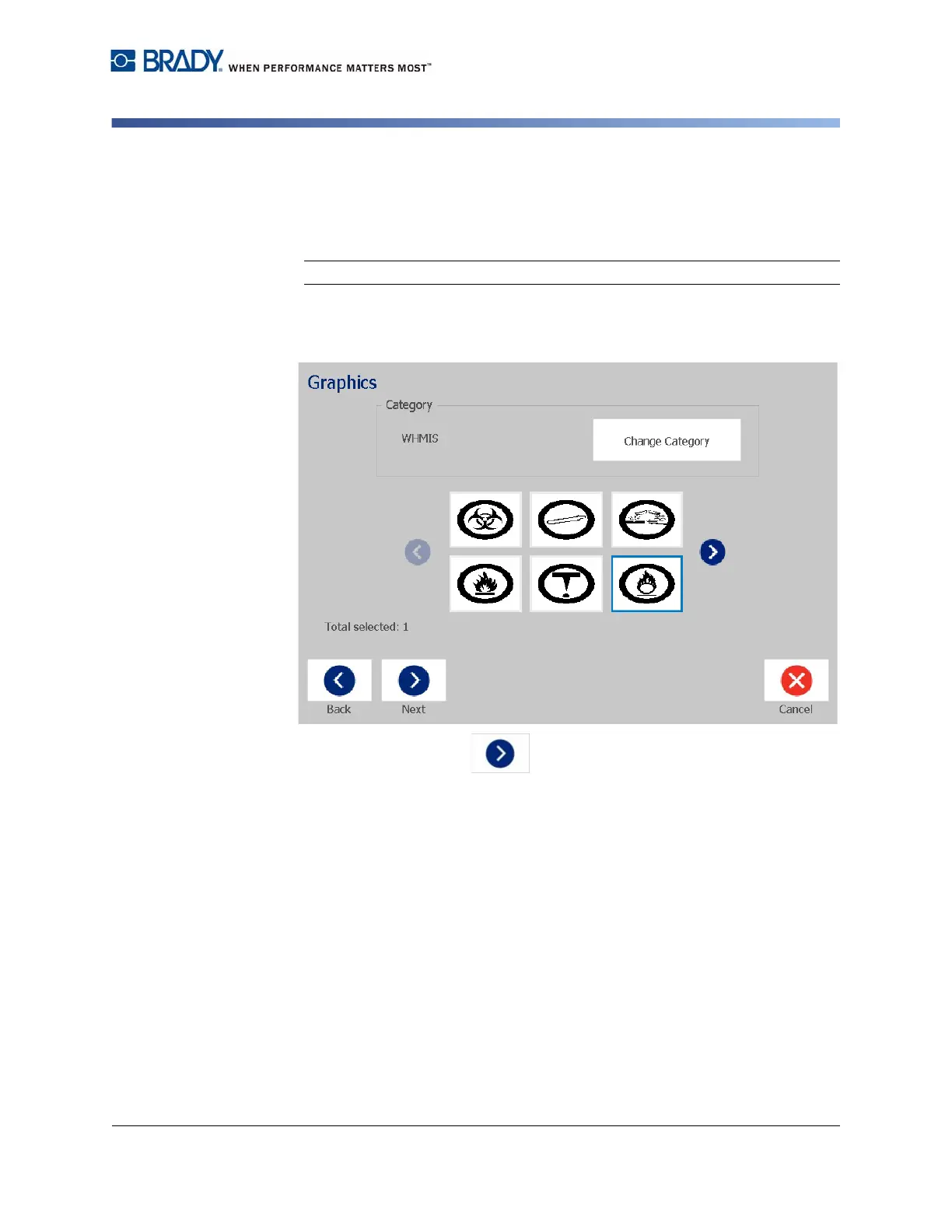
5. In the Graphics dialog:
a. Touch the graphic(s) you want to include on the label. A white line
appears around the selected graphic(s) and the total number of selected
graphics immediately updates. A maximum of 4 graphics are allowed.
Note: To deselect a graphic, touch the graphic again.
b. If necessary, touch the Change Category button to choose from a
different set of graphics. You can select graphics from more than one
category.
6. Touch the Next button.














 To Next Page