BradyPrinter S3100 Sign & Label Printer User’s Manual
112
Pipe Markers
Create Pipe Marker Labels
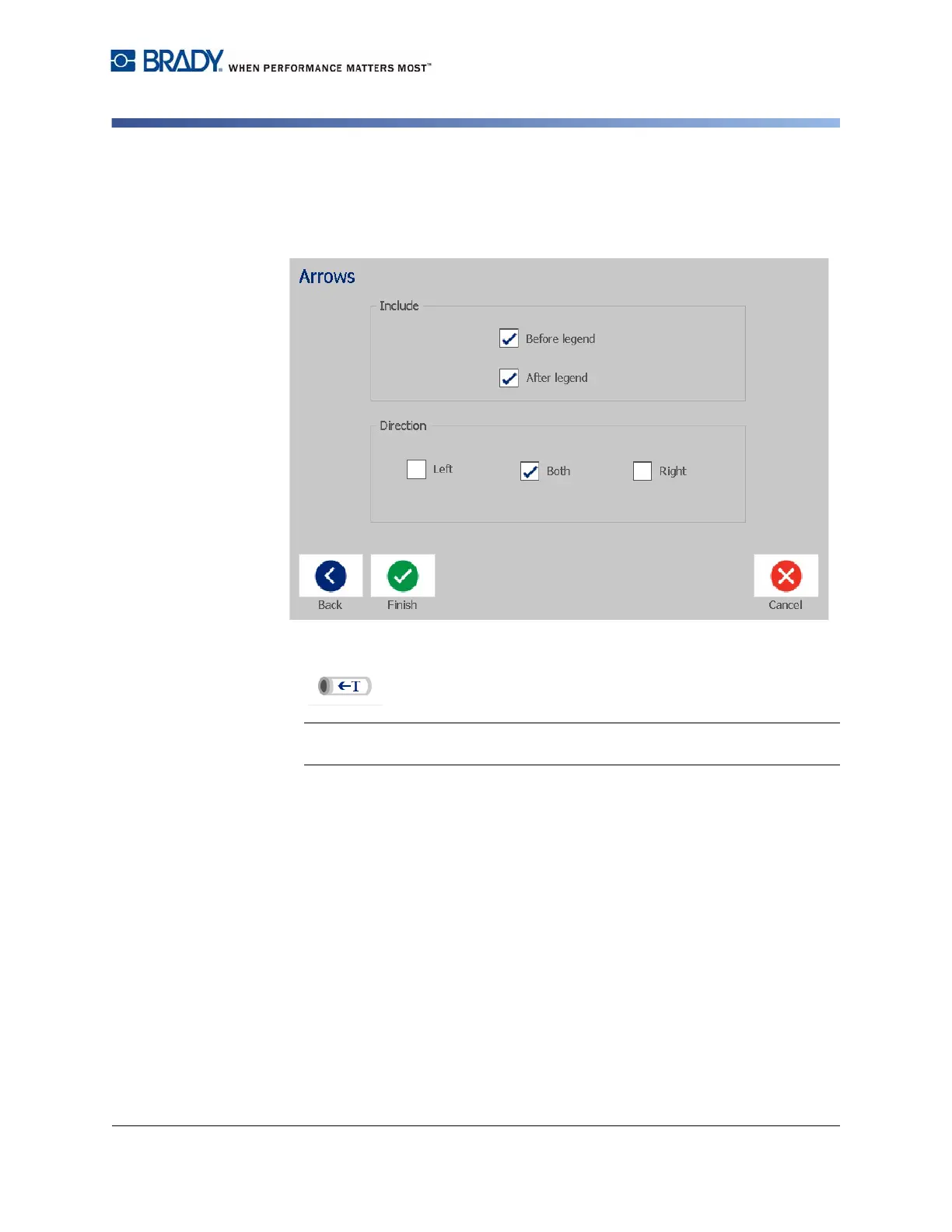
7. In the Arrows dialog, choose from the following options:
•
Include
:
Before legend
,
After legend
(selecting both will include arrows
both before and after the legend).
•
Direction
:
Left
,
Right
,
Both
8. Touch Finish. The completed label will display in the Editor.
9. If desired, edit the data by touching the Edit Pipe Marker Data button
in the Pipe Marker control panel. Not all fields are editable.
Note: If the length of all elements together exceeds the recommended length,
you will be prompted to edit the data or lengthen the pipe marker.
10. Install the correct ribbon and tape as necessary, and print the label.














 To Next Page