- 102 -
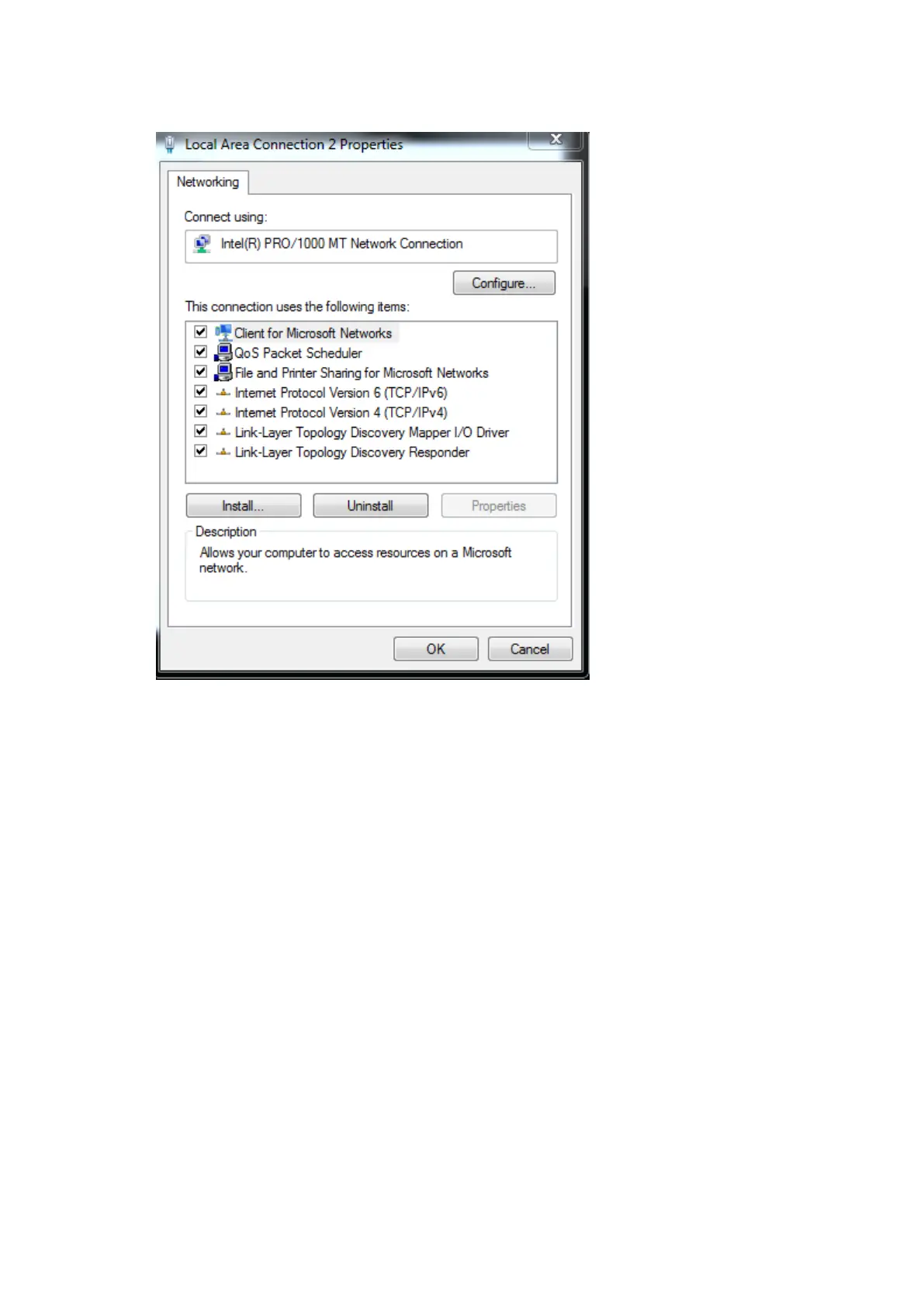
2. Select Properties. This will open the network adapter properties.
3. Double click on Internet Protocol Version 4 (TCP/IPv4). This will allow you do set an IP
address.
4. Click on Use the following IP address to manually enter an IP address. Given that the
default IP address of a Tessera processor is 192.168.0.50/ 255.255.255.0, choose an IP
address that isn’t already taken with in the 192.168.0.x range, where x is a number



 To Next Page