- 43 -
It is worth noting the system will limit the number of sub-devices according the maximum
supported capacity of the Root Node.
Please see the manufacturers documentation for further details on configuring specific Sub-
devices.
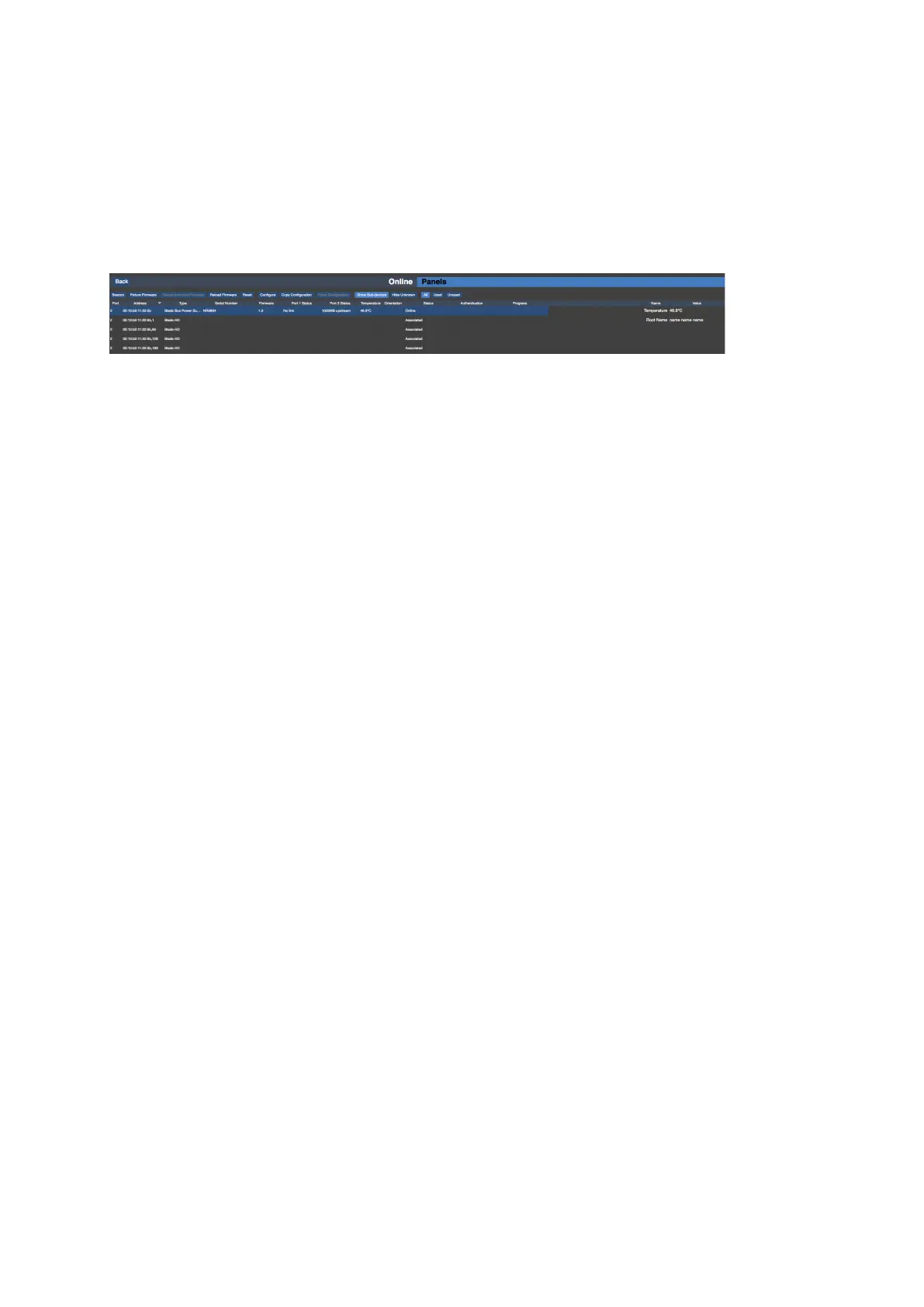
Figure 5-10. Associated Sub-devices
More About Topology and Associaton
The Tessera system uses the unique MAC address of each fixture to identify the order of the
fixtures. When the fixtures are associated the system assigns MAC addresses of real world
connected fixtures to the relevant fixture icons on the canvas. The order of the fixtures in
sequence is also set at this time and it is this order which defines the topology.
The system will recognise the order of the MAC addresses of connected fixtures. This can be
particularly useful where the topology of a string has been designed offline. In these
instances it is only necessary to associate the first fixture in a string by clicking on it using the
discovered fixtures tools and the whole string will then automatically associate.
Swapping Fixtures and Correcting Association
Each fixture connected to an M2 is recognized as a unique fixture. Each unique fixture is
associated with a position on the canvas. If a tile goes offline or is removed the icon of that
fixture remains in the canvas but there is now no fixture associated with it. The green dot
(showing that the panel is online) will now go white. In instances where a fixture is swapped
out from the middle of a string the processor can see that a fixture has disappeared and a
new fixture has appeared in the same position. It draws the conclusion that a swap-out has
taken place and will offer the user the option to correct association.
To perform the swap-out of one fixture:



 To Next Page