- 96 -
The beacon button can be found towards the bottom of the Properties tab. It will highlight
the panel in solid blue with a white border around the edge. If the panel is equipped with
status LEDs these will flash yellow allowing easy recognition from the rear also.
S4 Settings
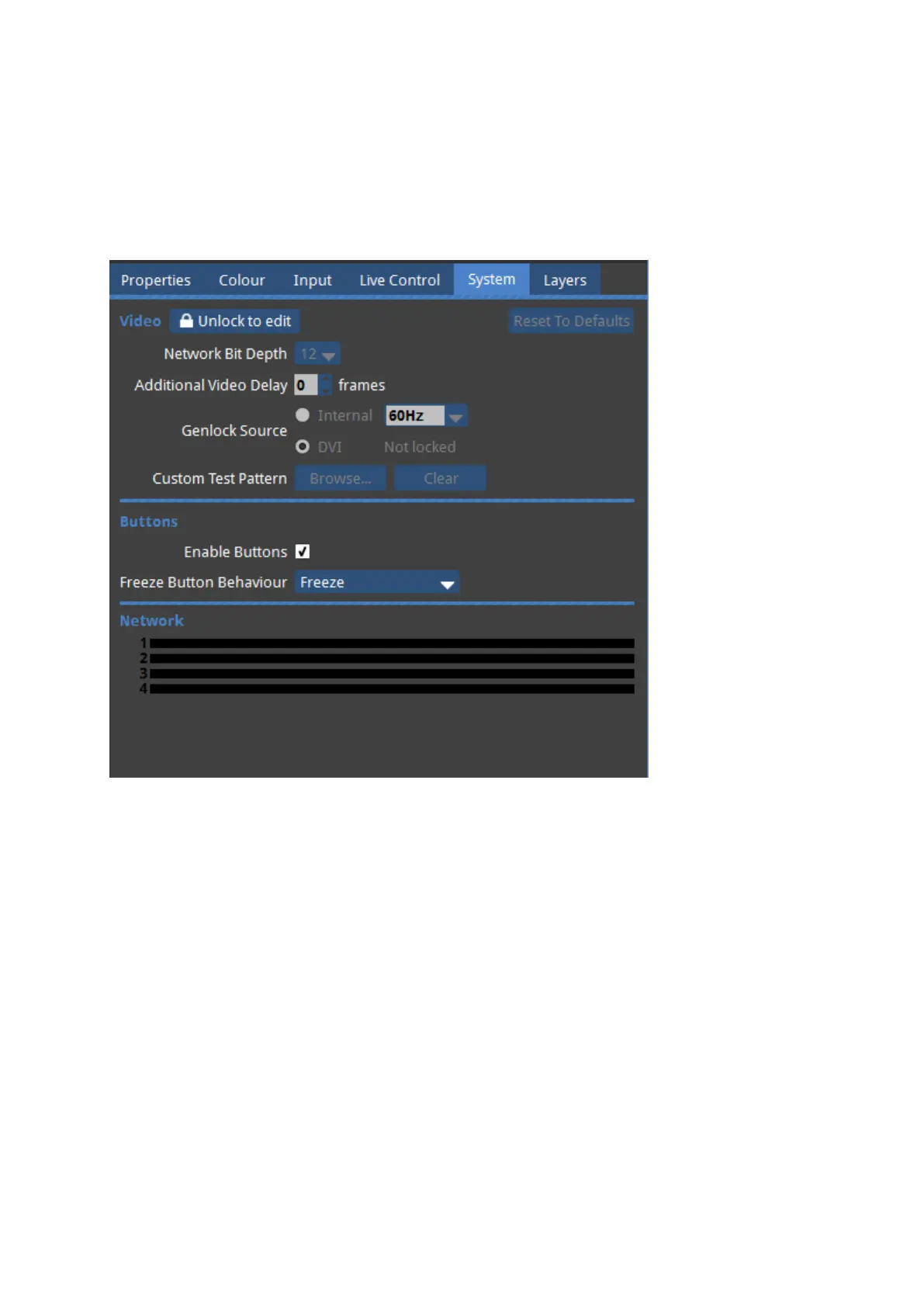
Figure 10-7. S4 Settings Tab
The S4 processor's Settings Tab looks slightly different to that of the M2 or T1.
Buttons
The S4 features 2 buttons on the front panel.



 To Next Page