- 97 -
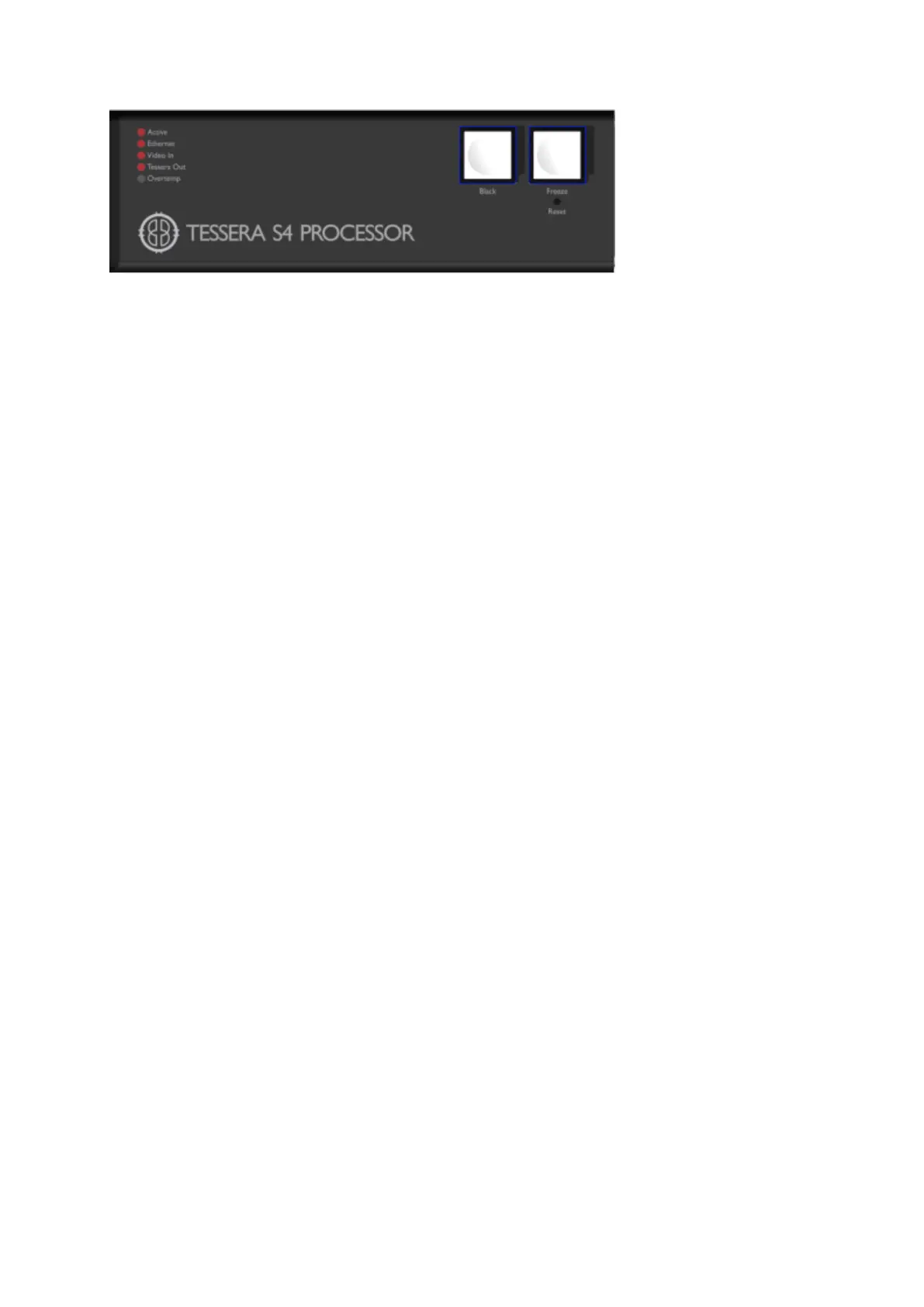
Figure 10-8. S4 buttons on the front panel
The buttons illuminate red when they are activated. The Black button causes the connected
fixtures to be blacked out. The Freeze button causes the video signal being displayed on the
fixtures to be frozen.
The Freeze button can also be customised to show a custom test pattern/ bitmap instead of
it's Freeze function. To do this, select Test Pattern from the Freeze Button Behaviour drop-
down menu. See the "Test Patterns" on page94 for more information.
The front panel buttons can be disabled by unchecking the Enable Buttons checkbox.



 To Next Page