- 87 -
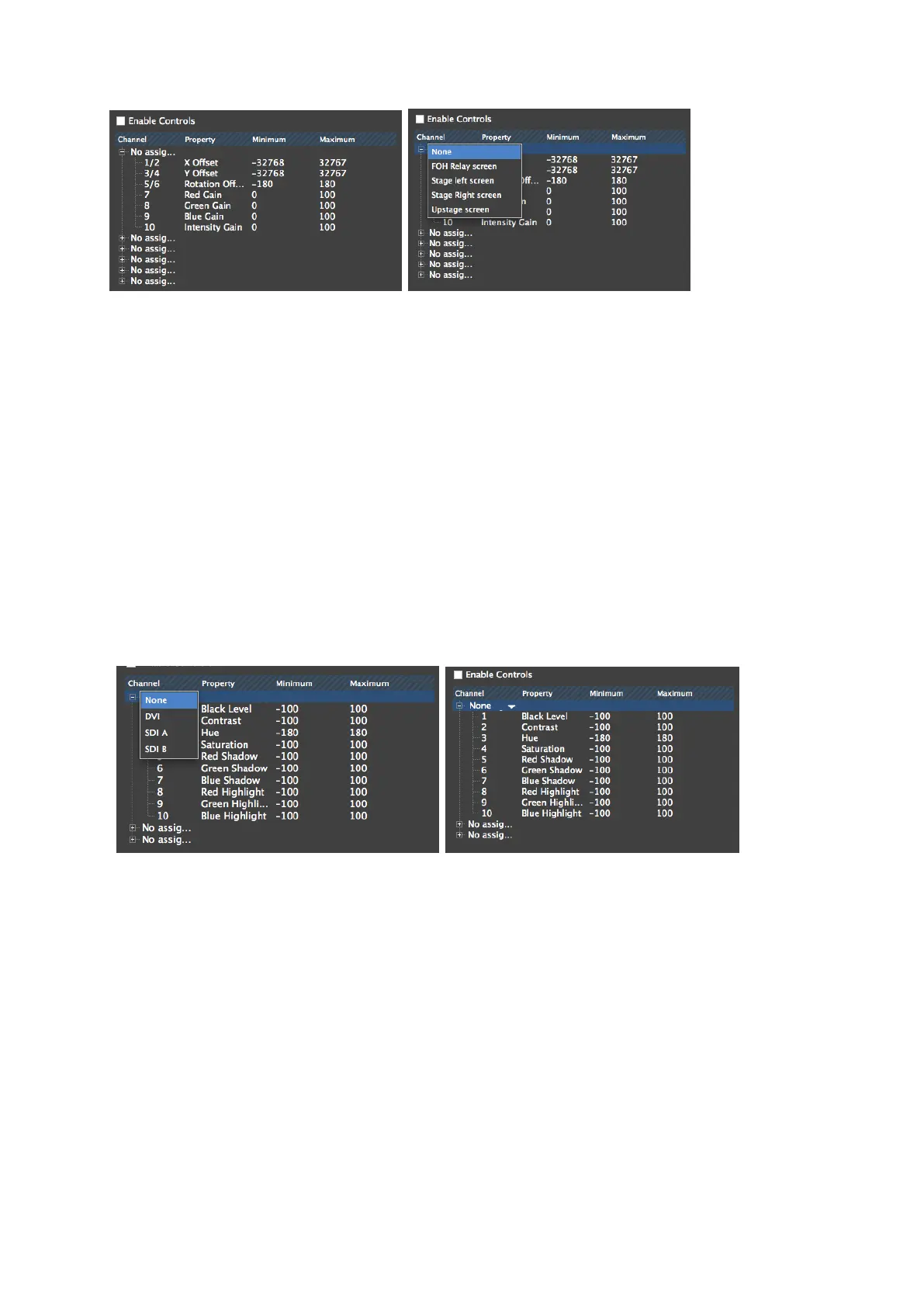
Figure 9-12. Configuring Fixtures
Figure 9-13. Configuring Fixture Groups
In the illustration above the example project includes 4 fixture groups that have been
renamed to describe the screens they control. The user can then assign each screen to set of
DMX channels and parameters that are controllable their DMX or Art Net control device.
For Input Control
On M2 processors clicking on the legend will reveal a drop down menu consisting of None
and the three inputs: DVI SDA-A and SDI-B. Using these controls any one input can be
assigned to any particular bank of 10 channels.
Figure 9-14. Configuring selected input parameters
The illustrations above show the drop down menu that will appear when you click on the
unassigned parameters. The + symbol will expand the selection to show all the parameters
being controlled by that bank of channels.



 To Next Page