- 113 -
OSCAworks in one of two modes:Seam Adjustment, which allows the luminance adjustment
of fixtures and fixture modules, or Colour Adjustment which allows colour adjustment of
fixtures or fixture modules.
Seam Adjustment
Seam adjustments allow the correction of luminance at the seams at the edges of fixtures or
between adjacent modules within fixtures.
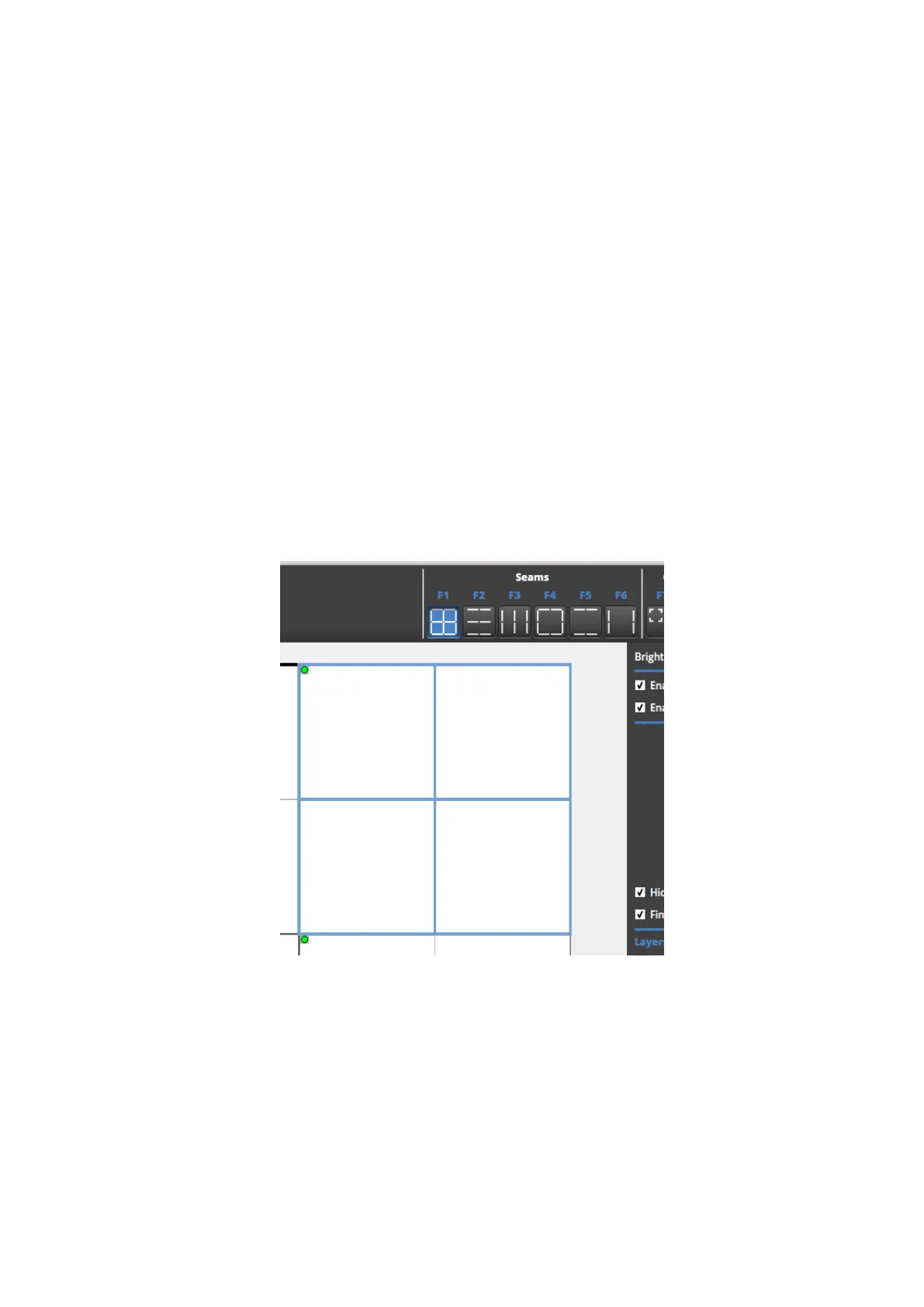
OSCAallows to select fixture or module seams in several different methods. The different
seam selection methods can either be selected by clicking on the relevant seam selection
method in the Seams selection of the OSCA toolbar, or by hitting F1 to F6.
Multiple seams can be selected according to the different selection methods by marquee
selecting the different fixtures or modules or Ctrl-click.
Figure 11-11. Different seam selection methods
When seams are selected on the OSCAcanvas view, the relevant seams are highlighted on
the fixtures themselves, together with a cursor, relating to the position of the cursor on the
OSCAcanvas.



 To Next Page