- 114 -
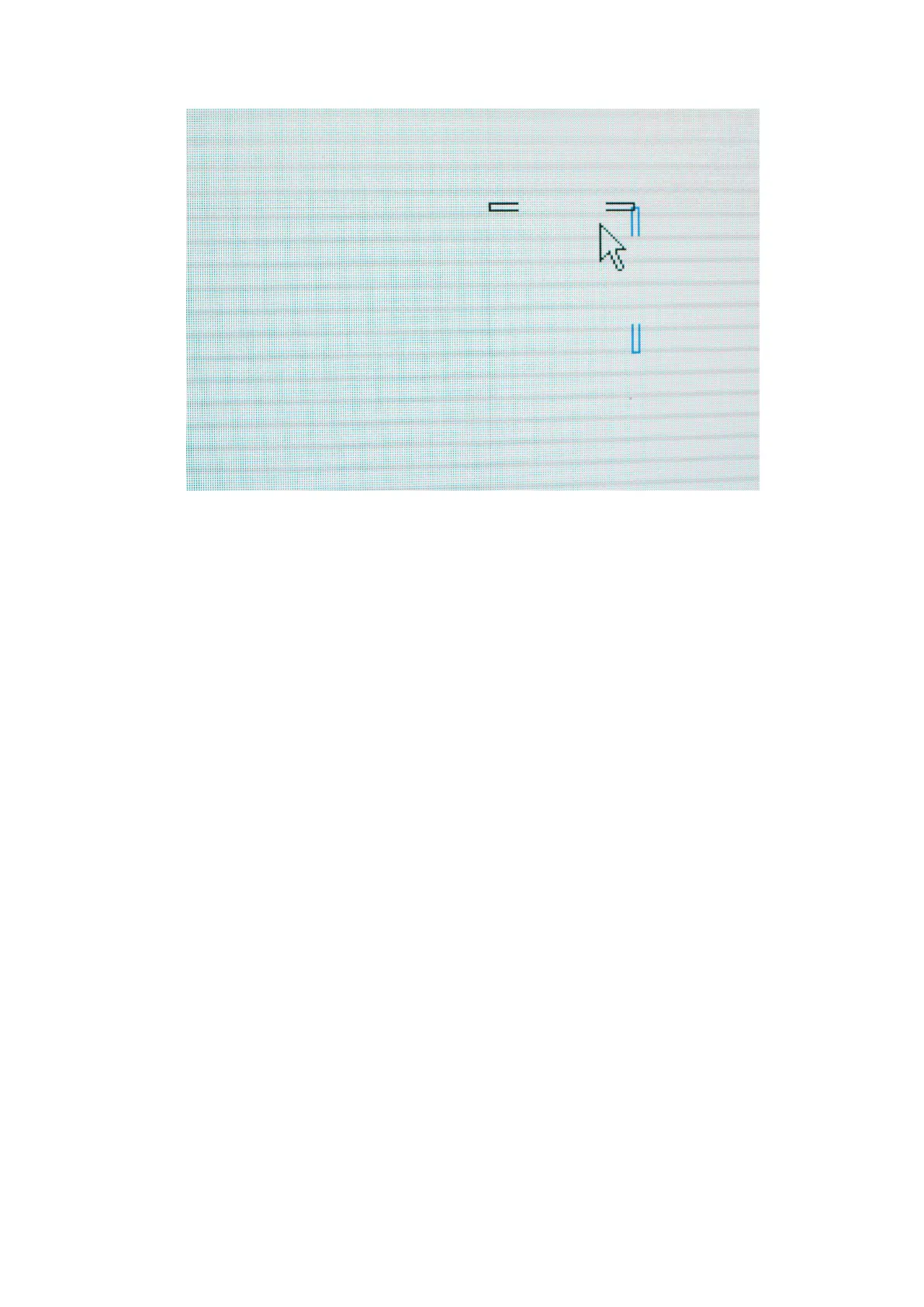
Figure 11-12. OSCAon fixtures showing selected seams and cursor
Once the desired seams have been selected then the luminance can be adjusted by clicking
and dragging up or down on the Seam Adjustment Luminance thumbwheel. You can also
hover the mouse pointer over the Luminance thumbwheel and use the scroll wheel on your
mouse.
You can also use the keyboard to control luminance by holding down 1 and using + or - to
increase or decrease the luminance. Holding down Ctrl-1 gives fine control of luminance.



 To Next Page