- 19 -
T1
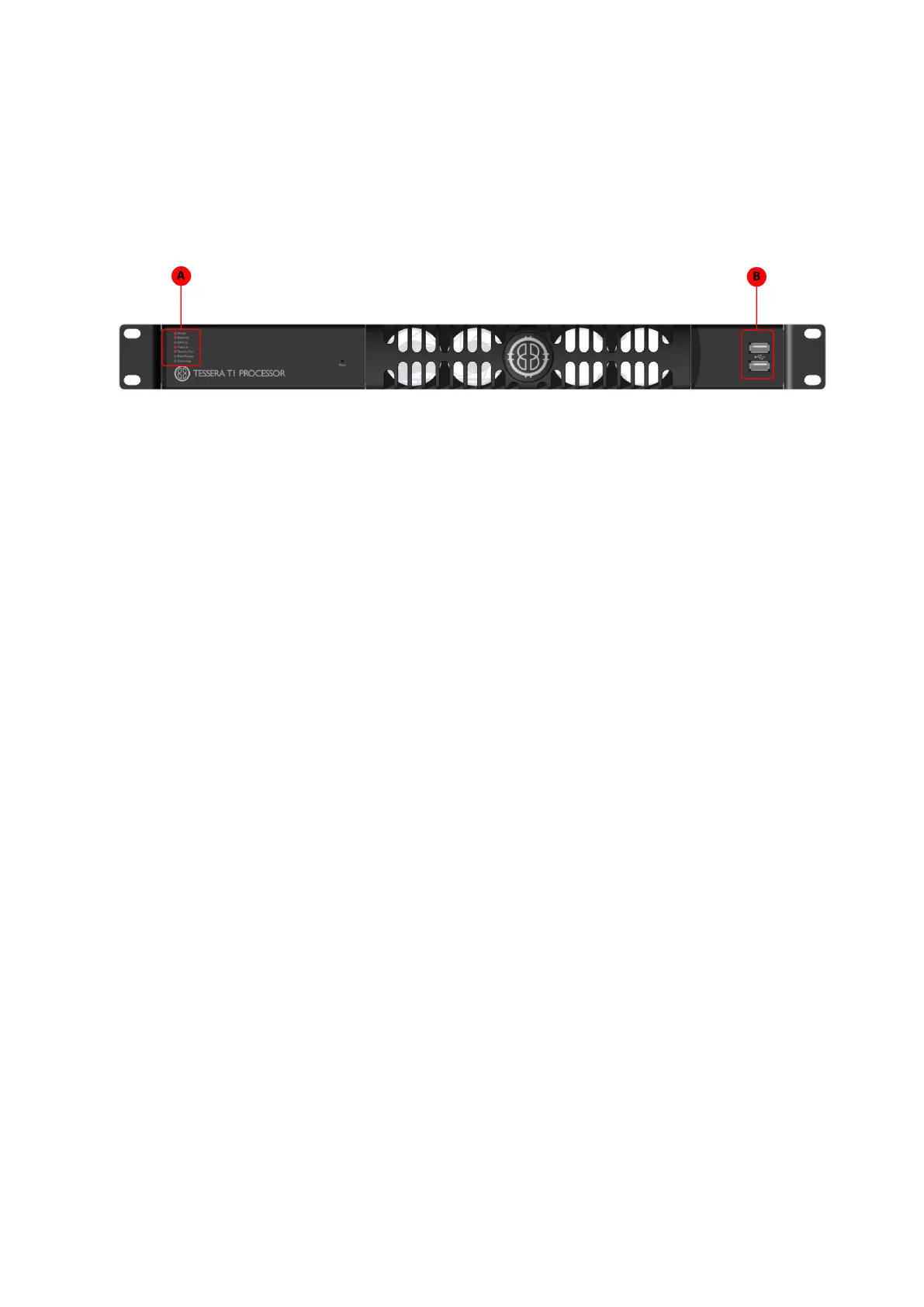
Front Panel
A Front panel status LEDs
B
2 x USB2.0 type Aports, for the connection of USBmemory storage devices, peri-
pherals such as a keyboard board or a mouse or other USBperipherals
Front Panel Status LEDs
LEDName Indication
Active Blinks whilst Local User Interface or Remote Control in use
Ethernet
Processor is connected to Tessera Remote. When blinking
indicates that the processor is detecting a network con-
nection.
DMX In A DMX source is connected to the processor.
Video In The processor is connected to a valid video input source.
Tessera Out The processor is connected to panels.
Black/Freeze Either the blackout or freeze button has been enabled.
Overtemp
Off: temperature normal
Blinking: processor overheating but operational
On: processor overheated and shutdown
Tessera Remote
You can access the processor’s user interface remotely using a Mac or Windows PC
connected directly to or on the same network as the processor by installing and running the
Tessera Remote application. You may also use this application's Offline Editor mode to
design your configuration without being connected to a network. The project can then be



 To Next Page