- 55 -
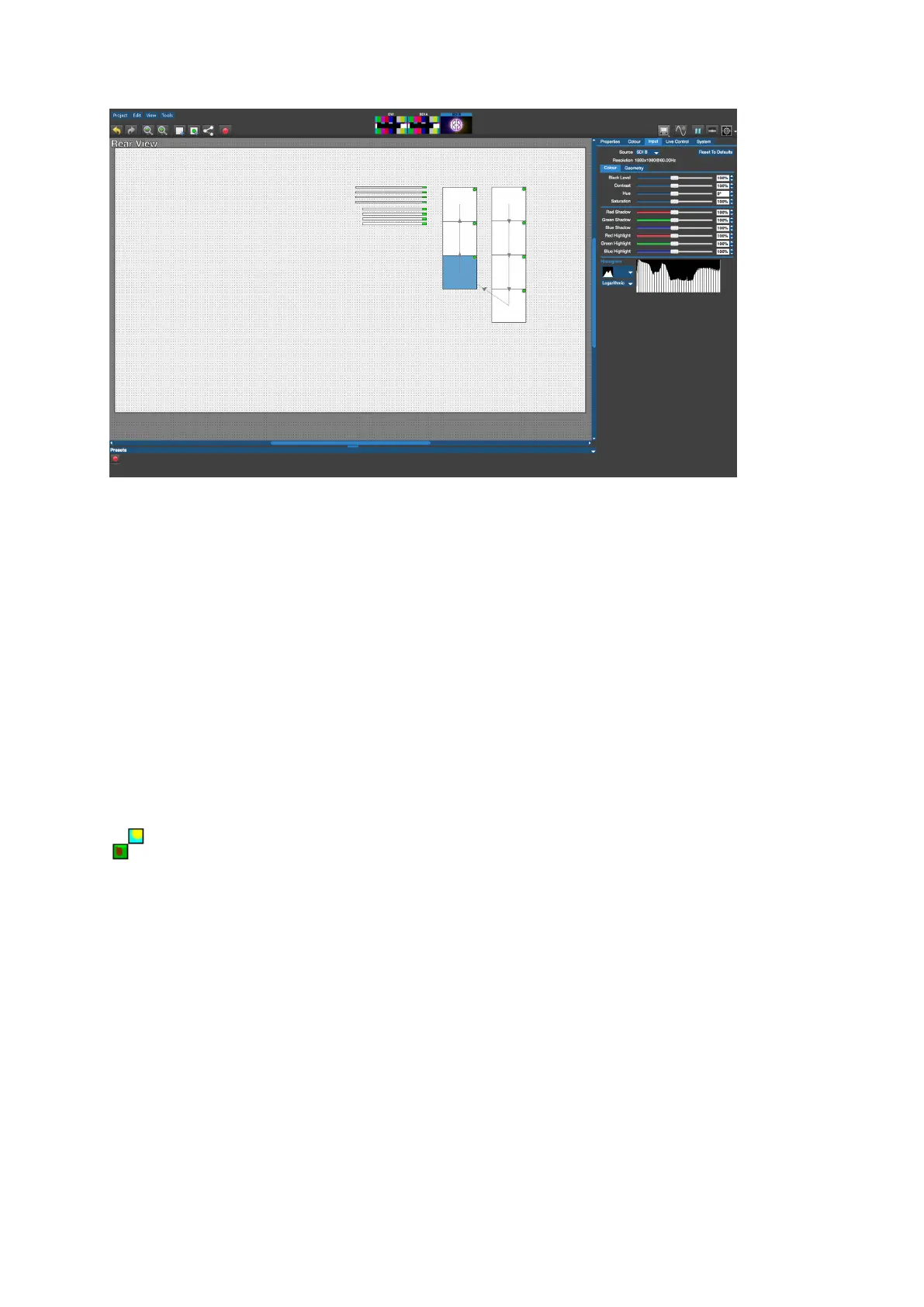
Figure 5-24. Rear Edit Mode
Video On Canvas Modes
Video on Canvas modes allows the display of the currently selected video input, taking into
account Viewport and Active Area settings. Video on Canvas Modes are not available on
Tessera Remote. Fixtures cannot be moved on the canvas whilst in Video on Canvas Modes.
Fixture Only Mode:
(keyboard shortcut F3)
Fixture only mode displays the currently selected video input as it is being displayed on the
fixtures.



 To Next Page