- 36 -
Figure 5-2. Selecting a canvas size from the Advanced View
2. In the advanced mode, you do not have the option of automatically generating an
array of fixtures - the fixture types you have selected will be available in the library once
the project has been created. Click Create to complete the wizard and open the new
project.
Note: Once a project file has been created it is not possible to include additional fixture types
or change the method of pixel mapping. Making changes to the included fixture types and pixel
mapping will require the creation of a new project file.
Project Management
Opening and Importing Projects
To open a project that is stored on the processor, you simply click Open... from the Start
Screen menu or File drop-down menu in the Main Project Screen and select the project from
the list. If the project you wish to open is not already stored on the processor you will have to
import it.
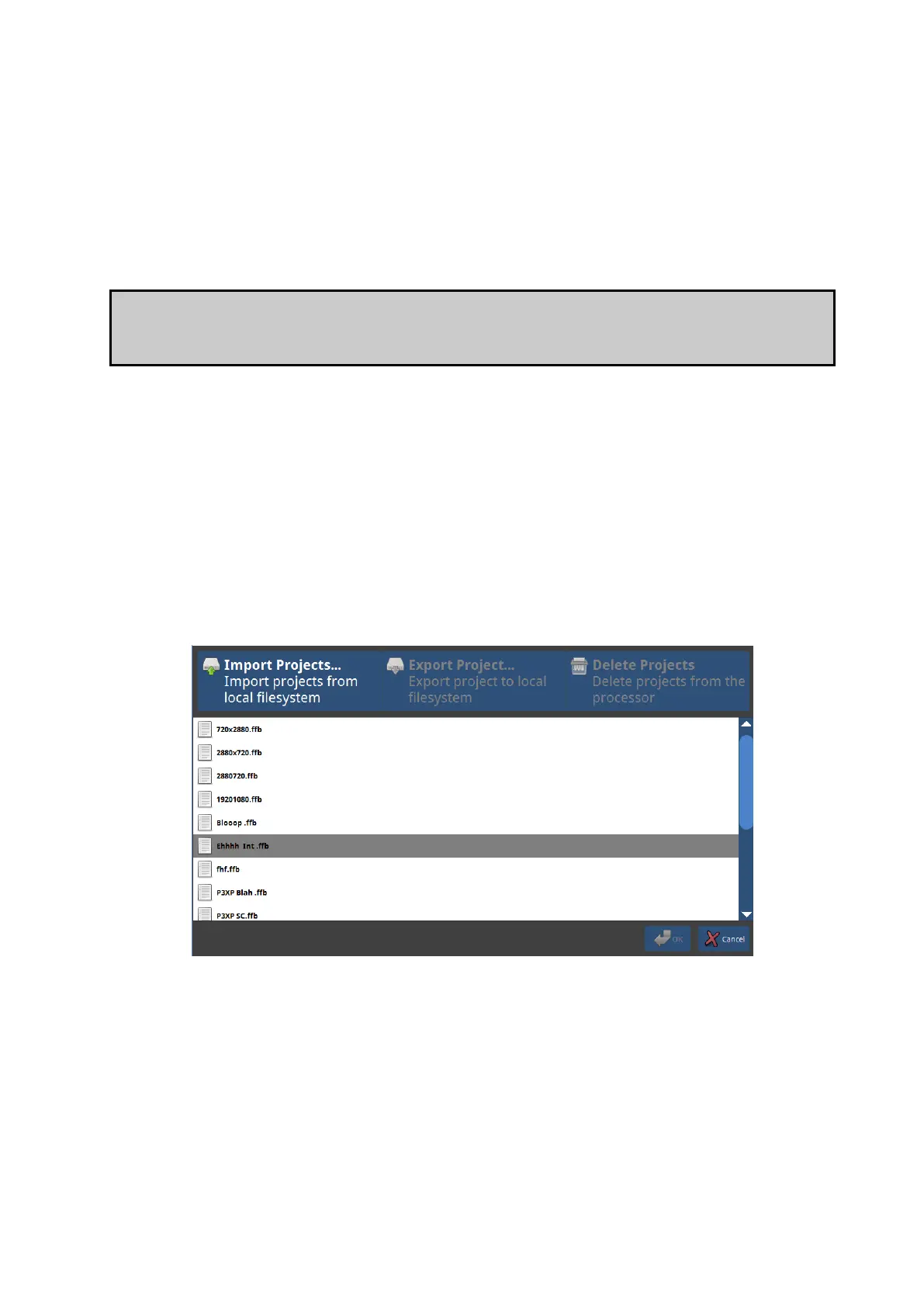
Figure 5-3. Importing projects in the project management window.
To import a project if you are using the processor with a locally connected keyboard, mouse
and monitor:



 To Next Page