- 27 -
Security
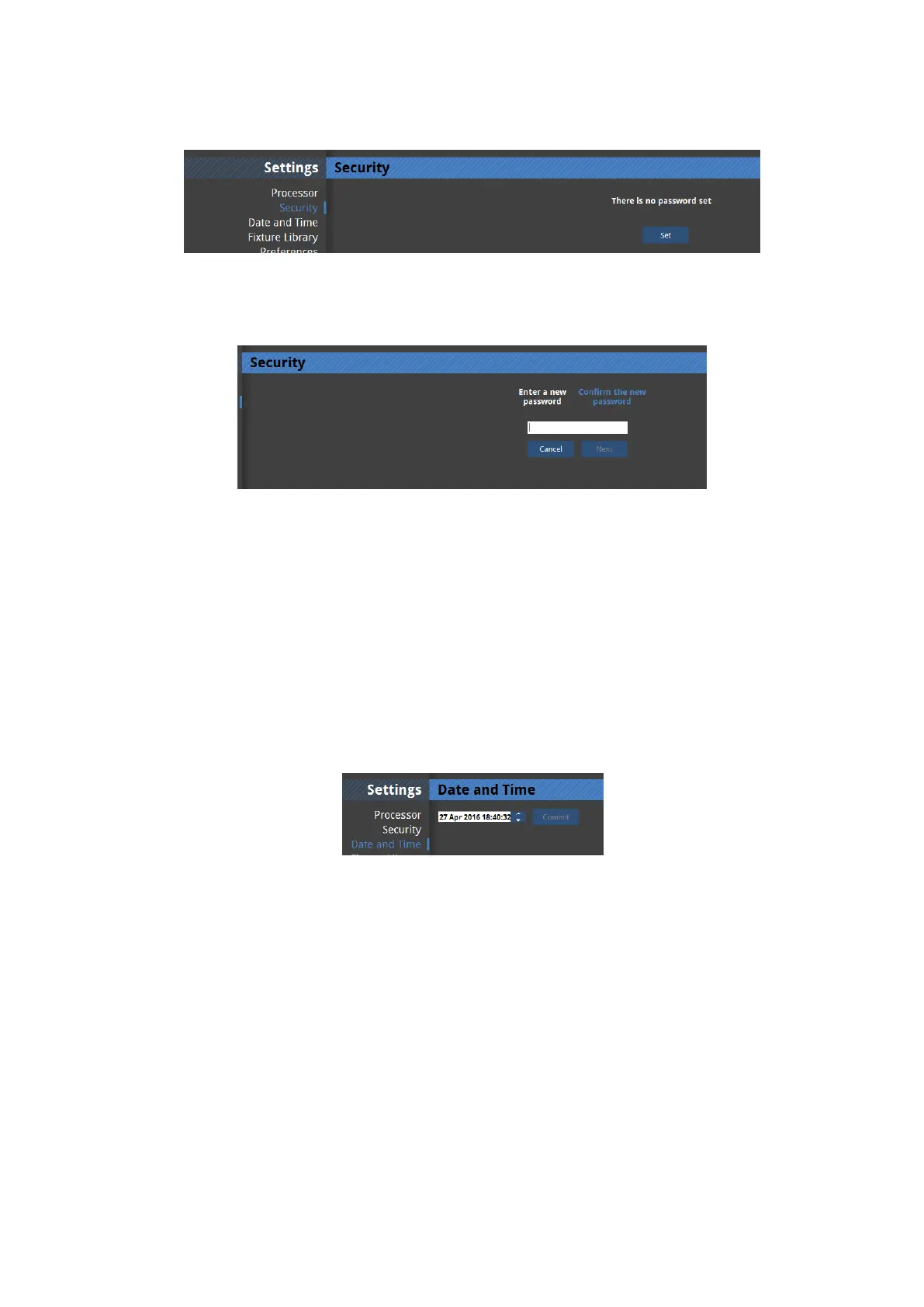
Figure 4-3. Security settings with no password set- the default setting.
Figure 4-4. Setting a password
It is possible to set a password for the processor. This password will then be requested from
users connecting to the processor from the Tessera Remote application. The password is
reset if factory settings are restored or it can be removed by re-entering the password in this
window.
Date and Time
Figure 4-5.
It is possible to set the date and time of the processor. To do this click separately on the day,
month and year of the processor so that it becomes highlighted. You may then type in a new
value or use the up and down arrows to change the values. This information is used in log
files and crash reports.



 To Next Page