- 34 -
Chapter 5 - Project Setup
Creating A New Project
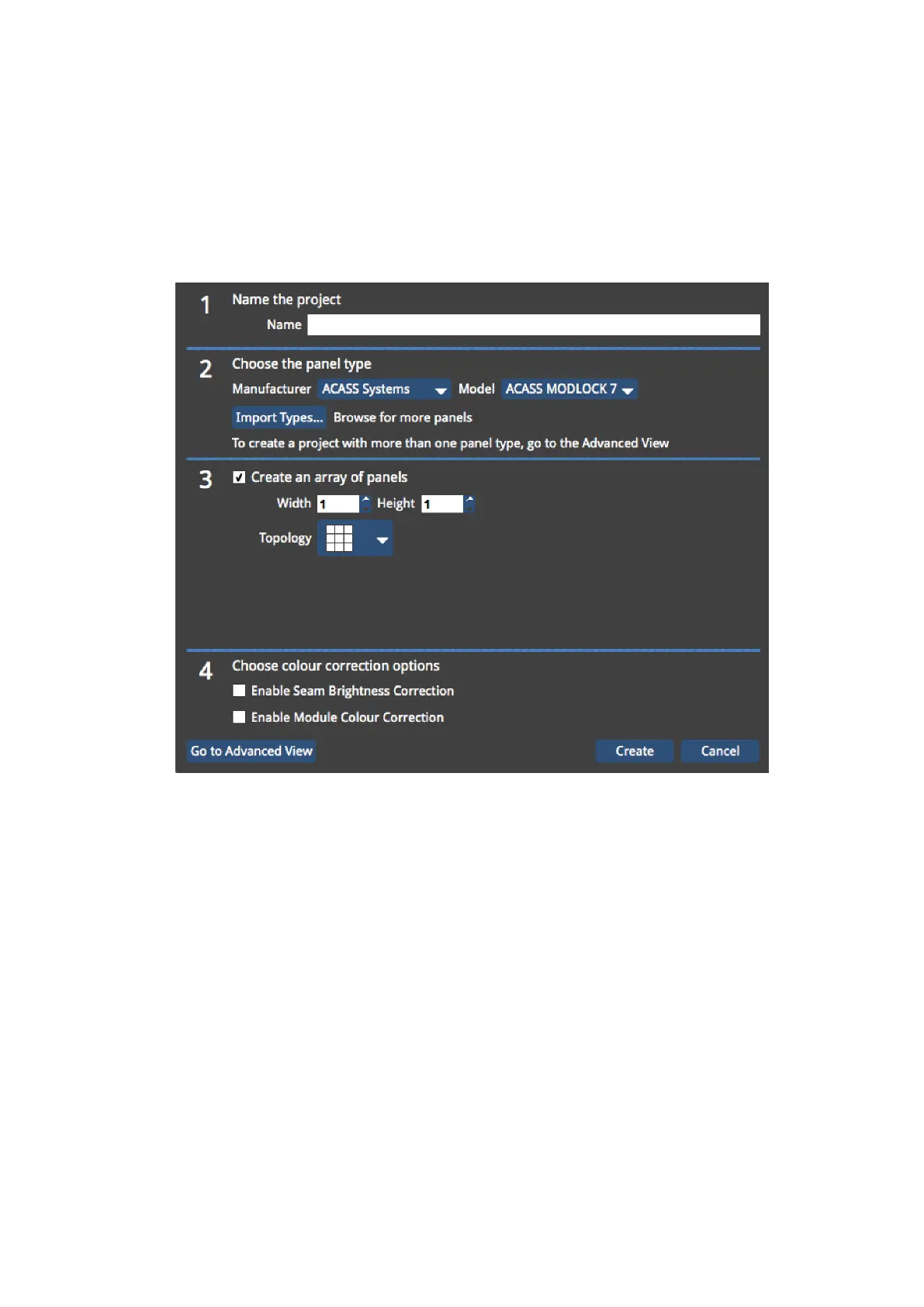
Figure 5-1. The New Project Window
The New Project Wizard is launched each time you start a new project on the processor,
Tessera Remote or the Offline Editor.
1. To start a new project, click New… in the Start Screen or in the Project menu in the
Main Project Screen. This will launch the New Project Wizard.
2. Using the wizard, enter a name for your project.
3. If you are using the Offline Editor in Tessera Remote, you can change the location of
where the project is saved. If you are using the processor locally or remotely, the pro-
ject will be saved to the processor’s internal storage. To save the project on to a



 To Next Page