- 84 -
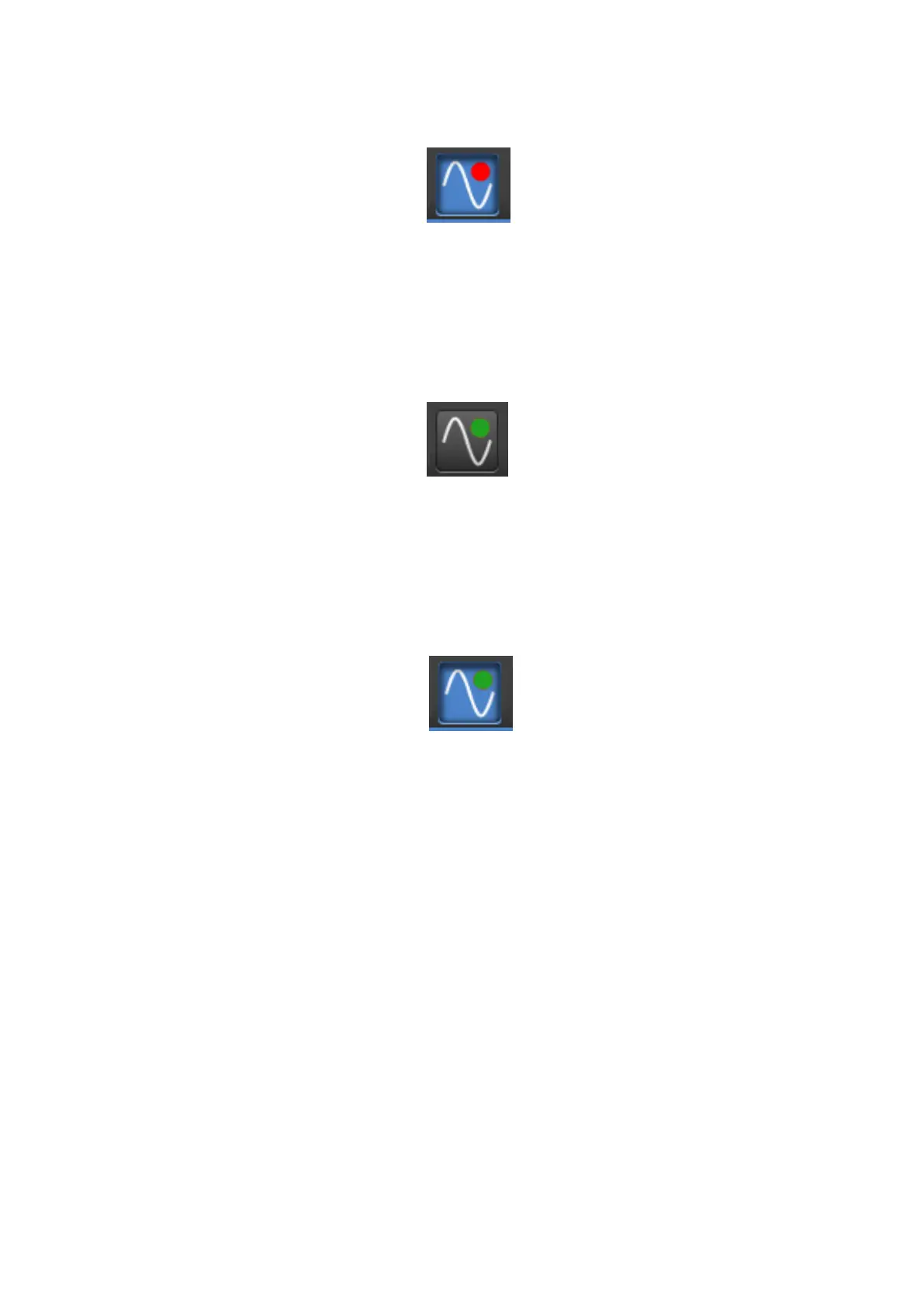
Figure 9-7. Configured and enabled but not receiving Signal
A control profile has been chosen and Live control is now enabled. No valid control protocol
signal is being received at this point so the faders will default to either the last valid signal
received or the GUI values before Live control was enabled.
Figure 9-8. Configured but disabled and receiving DMX
The system is configured and a valid DMX or Art-Net signal is being received but the
parameters will be responding to the GUI (and not the incoming signal) as Live Control is not
enabled.
Figure 9-9. Configured, enabled and receiving DMX
Live control is configured and enabled and a valid control signal is being received. The
processor parameters included in the selected Live Control Profile will be responding to
DMX.
Parameter Indicators
When Live Control is controlling a parameter it will display a red icon next to its GUI control.
When Live Control is enabled, controlled parameters will display their current value but
cannot be adjusted manually until Live Control is disabled. When a control profile has been
configured but Live Control has not been enabled the circle appears transparent.



 To Next Page